Diagnostics and repair
Experienced technicians look the appliance over before they suggest any work. OEM parts can be ordered, and the correct part is matched to your model.
The care journal
Care routines, fixes and code explanations based on Kenmore’s own manuals and matched to the models they apply to.
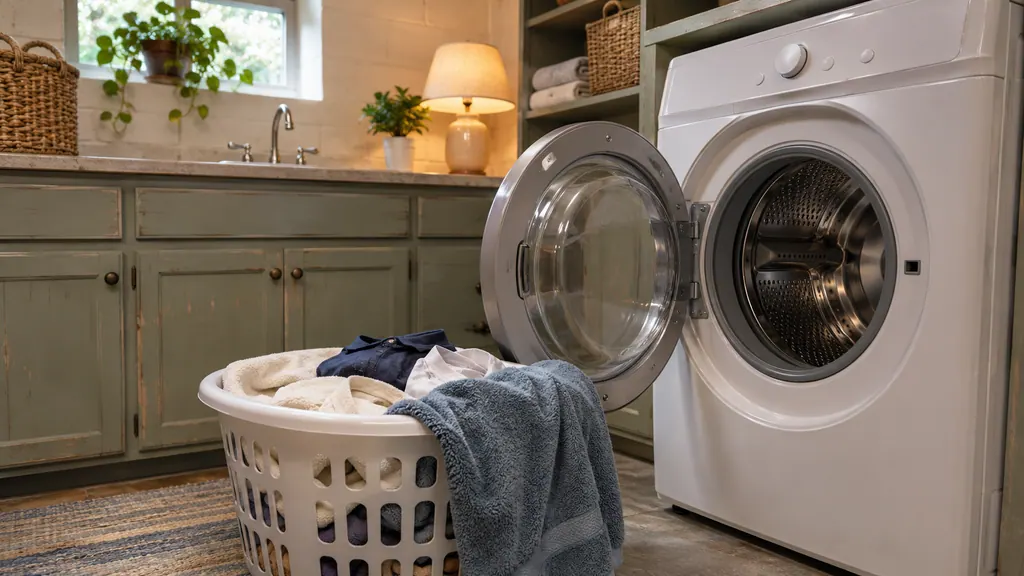
A Kenmore washer stops its spin when the load sits unevenly. Load loosely, mix large and small items, never wash one heavy item alone, and keep the drum from being packed tight. If the washer pauses with an imbalance message, redistribute the load and restart.
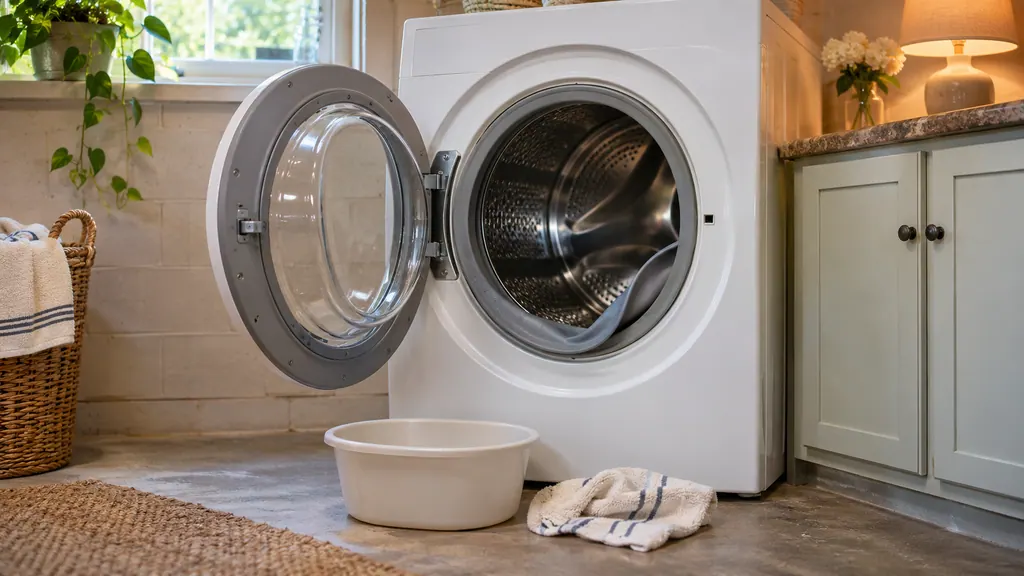
Each month, wipe the door seal with the diluted bleach mix, empty the drain pump filter, and leave the door ajar between loads. Check the two inlet filters when the washer fills slowly. All three tasks are in the 796 front-load guide, and each takes only a few minutes.
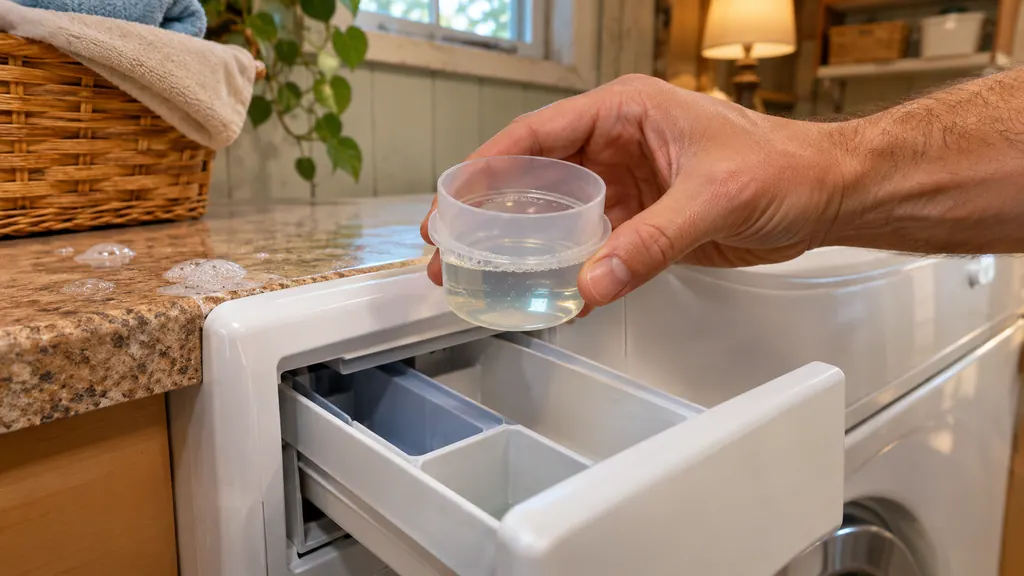
Use only HE detergent and measure it. The 796 guides call for less than half the maker's maximum for an average load, and a quarter to a half cap for most loads. Too much detergent is what triggers the suds messages on a Kenmore washer, so the cure is a smaller dose, not a different cycle.
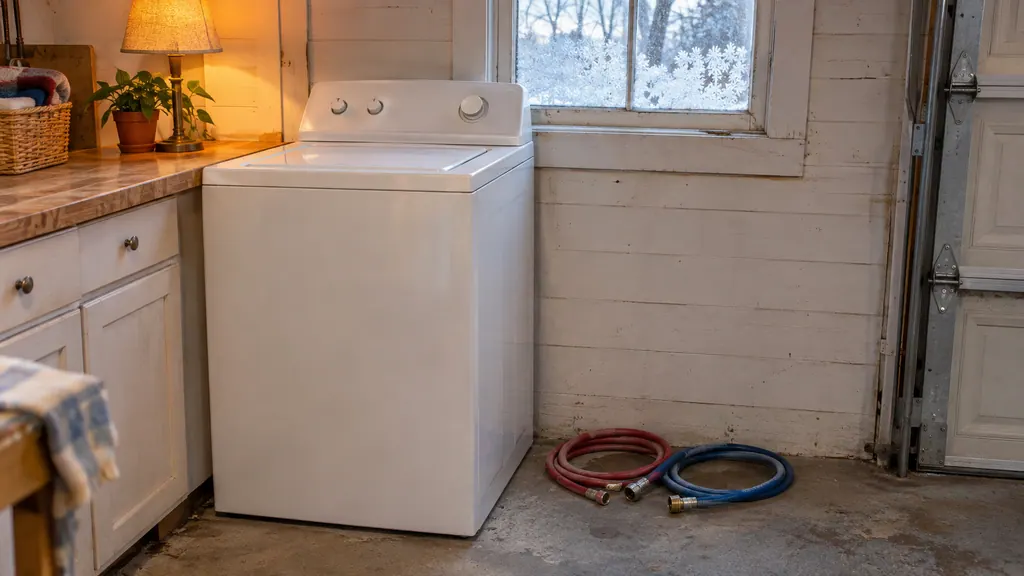
For storage or a move in freezing weather, turn off the water, drain the hoses, put RV antifreeze in the drum, run the short spin the guide names, unplug it and keep the washer upright. The amount is 1 gallon on the 796 and 1 quart on the Calypso and 110 front-load, so check your own guide first.
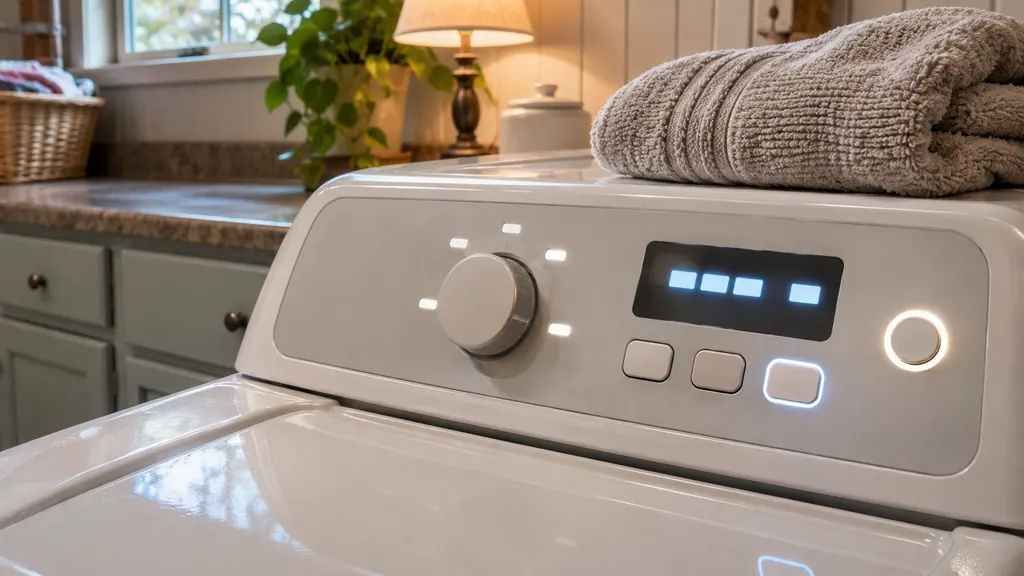
Several Kenmore washer messages are status, not breakdowns: PF after a power cut, Er after a reset, CL when Control Lock is on, a long cycle that adjusts itself, and suds routines. Each has a quick owner step. Others, such as motor, valve and relay messages, are the ones that need a technician.
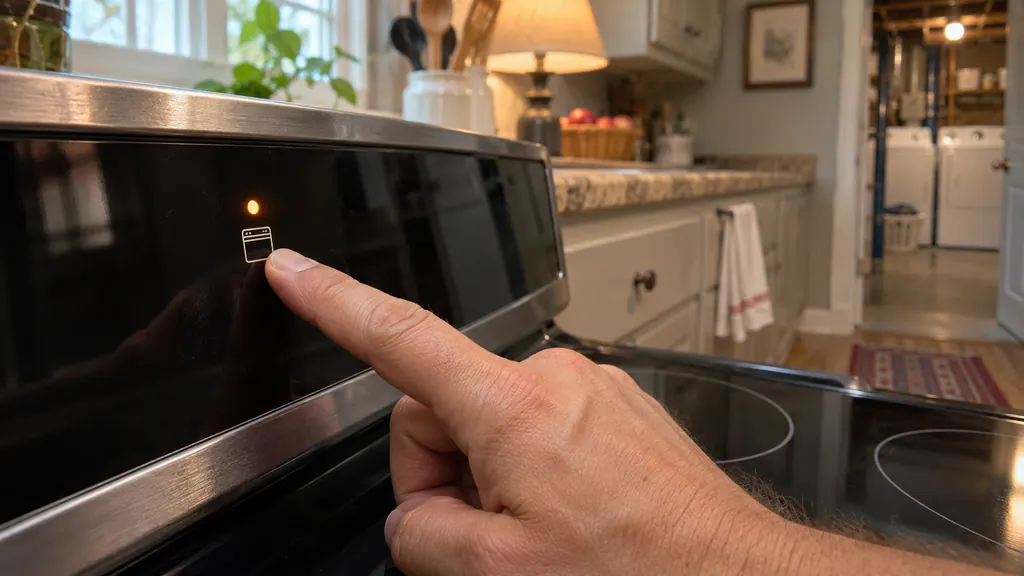
If the touch panel of a Kenmore 790 range seems dead, check the oven lockout first. A Loc message means the door is locked and the keys are off. Hold the lockout key (STOP/CLEAR on some models) for 3 seconds, then wait about 15 seconds. If an F code beeps instead, clear it, reprogram and note the number.
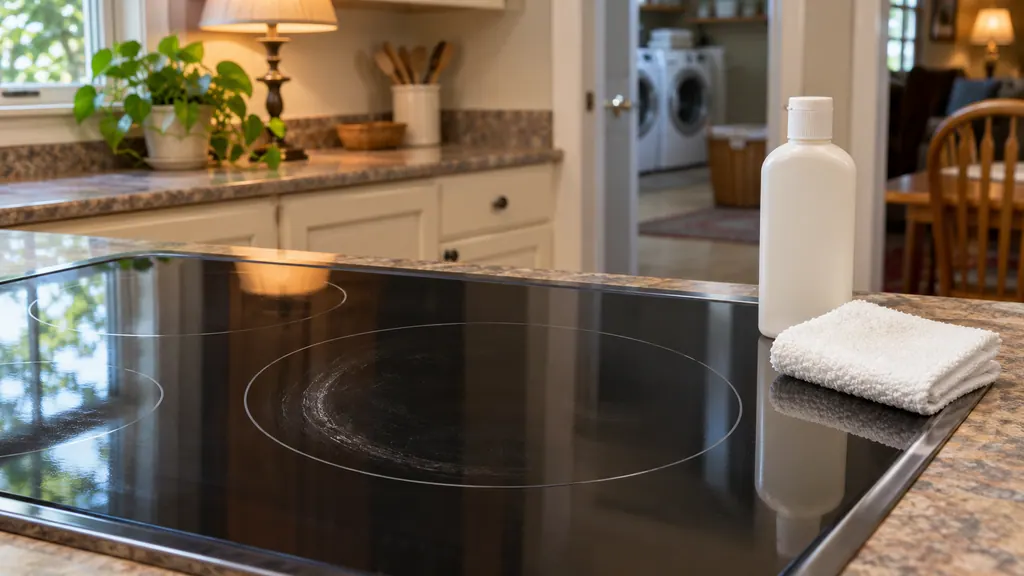
Clean a Kenmore glass cooktop only when it is cool, with the ceramic-glass cooktop cleaning cream and a non-scratch pad. Remove metal marks soon, scrape burned-on spills with a razor scraper at a shallow angle, and never use bleach, ammonia, oven cleaner or foil. Sugar and plastic are the exception: scrape those at once.
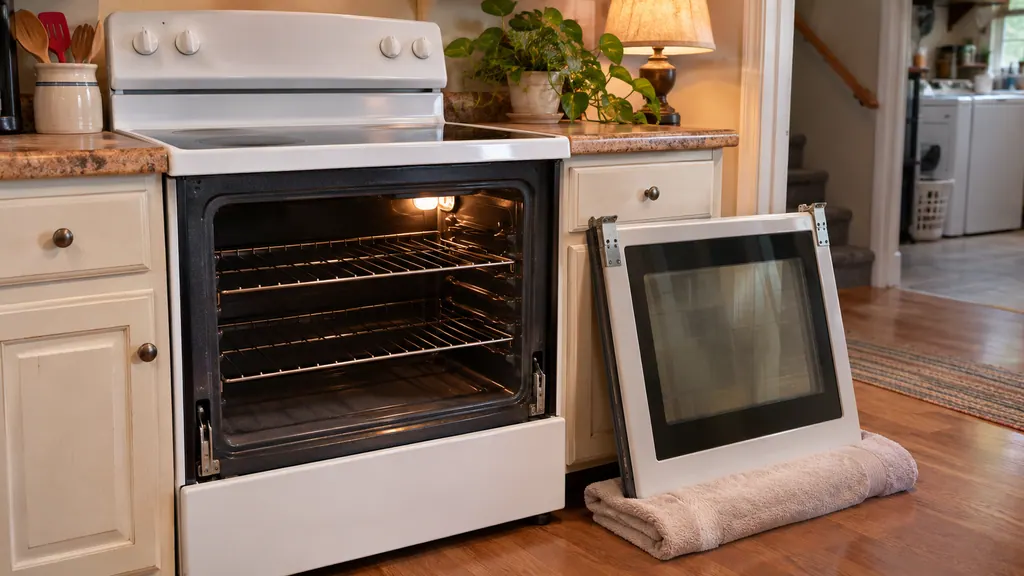
Kenmore's four 790 range guides use four different door-removal methods, so use the one in your guide. All of them say the door is heavy, to hold it by its sides and to lay it flat with the inside face down. Do not force a door that is locked after self-clean; wait for the light to go out.
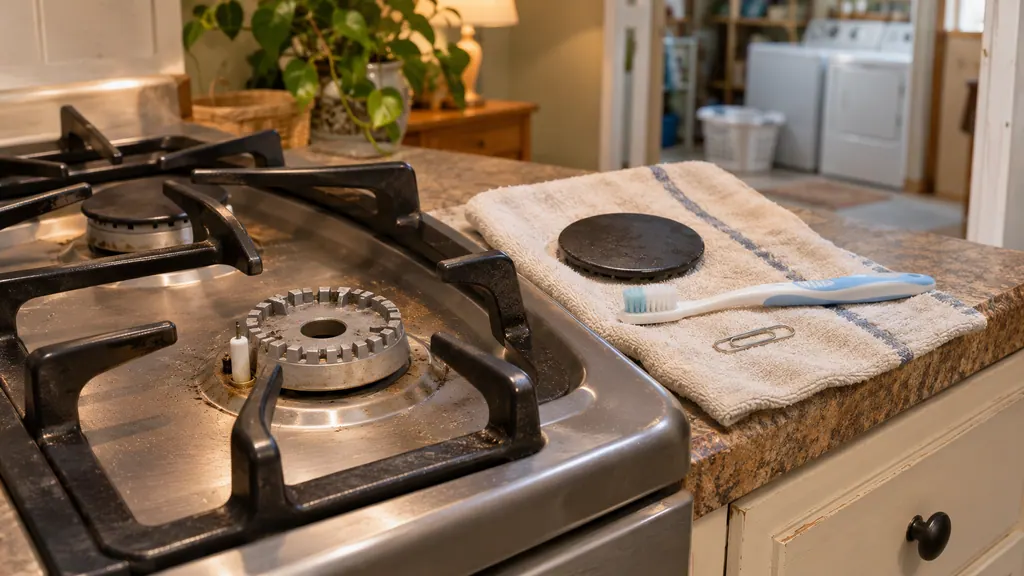
After a spill, let the burners cool, lift off the caps, clear the slots with a soft brush and the small ignition port with a paper clip end, dry everything, and seat each cap so it sits level and centered. A steady, mostly blue flame means the burner is clean and the cap is right. Smell gas, and you stop and follow the safety steps.
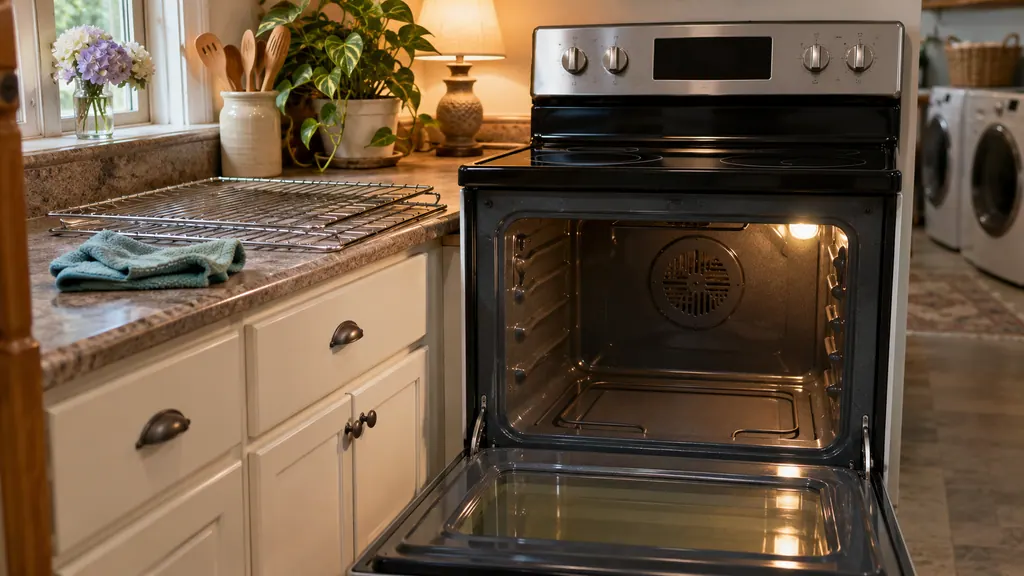
A Kenmore self-clean cycle locks the door and burns soil to ash at very high heat. Before it, empty the oven, wipe big spills and hand-clean the frame. Expect some odor and smoke. Afterward, wait about 1 hour until the lock light goes out, then wipe the ash. Book a visit if it will not run or an F code returns.
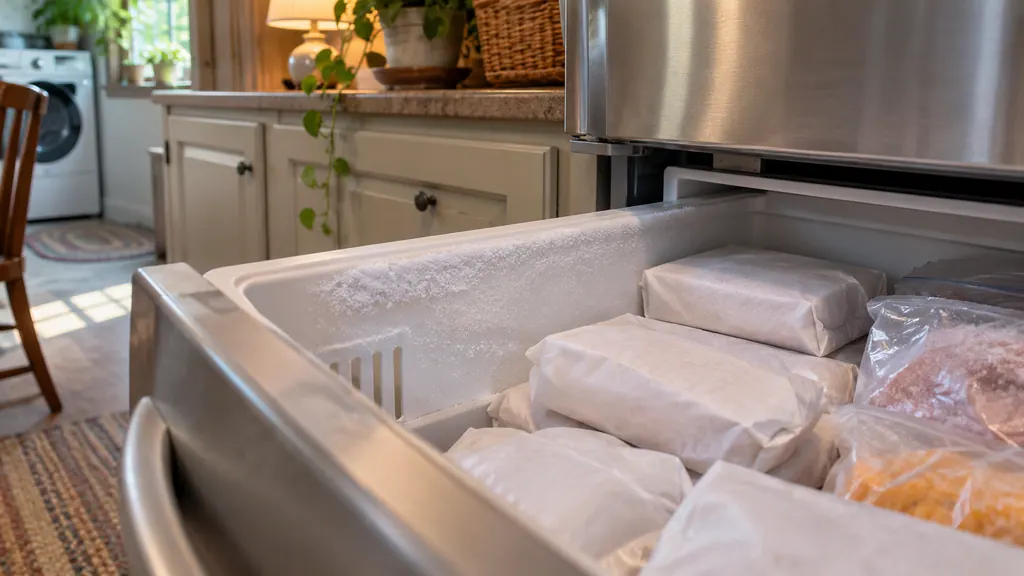
Frost in a Kenmore 795 bottom-freezer comes mostly from warm, humid air getting in. The guides name frequent or long door openings, a door that does not close properly, humid weather and unwrapped food. Fix the door, wrap the food, then wait 24 hours.
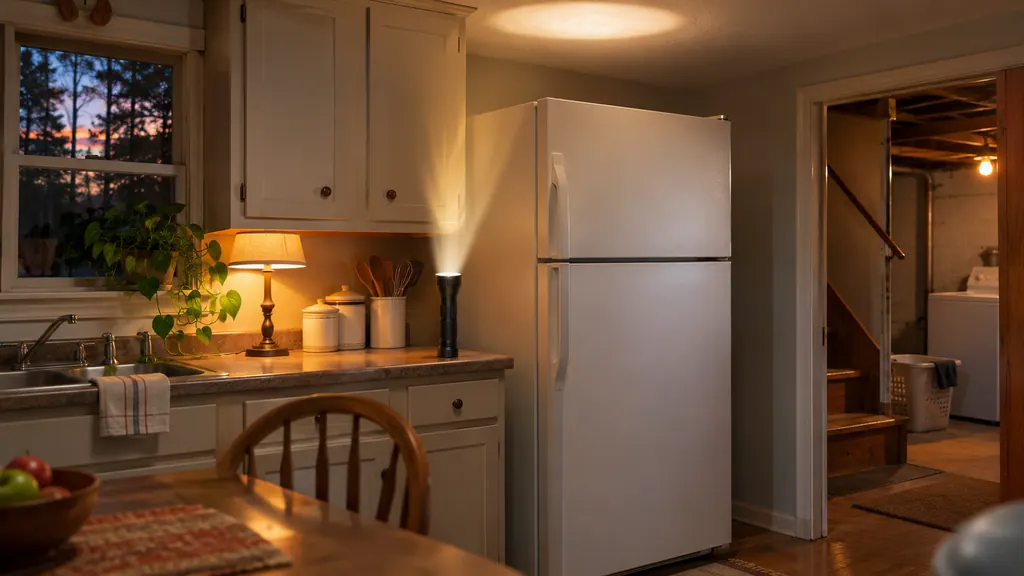
For an outage of 24 hours or less, keep every refrigerator door closed. After that, the Kenmore 795 guides say to move frozen food to a freezer locker. When power returns, allow up to 24 hours for full cooling and check the display for OFF or a door alarm.
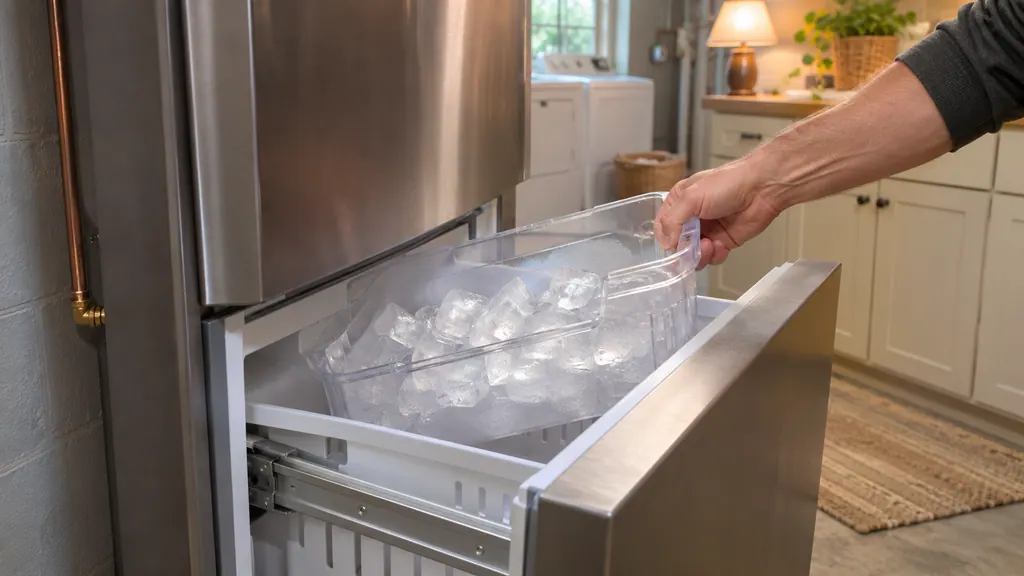
A new Kenmore 795 ice maker needs a cold water line, the power switch ON and a freezer at 15°F or colder. Expect ice after 12 to 24 hours and full production after 72 hours, and throw away the first few batches. If the water line is not connected yet, keep the switch OFF.
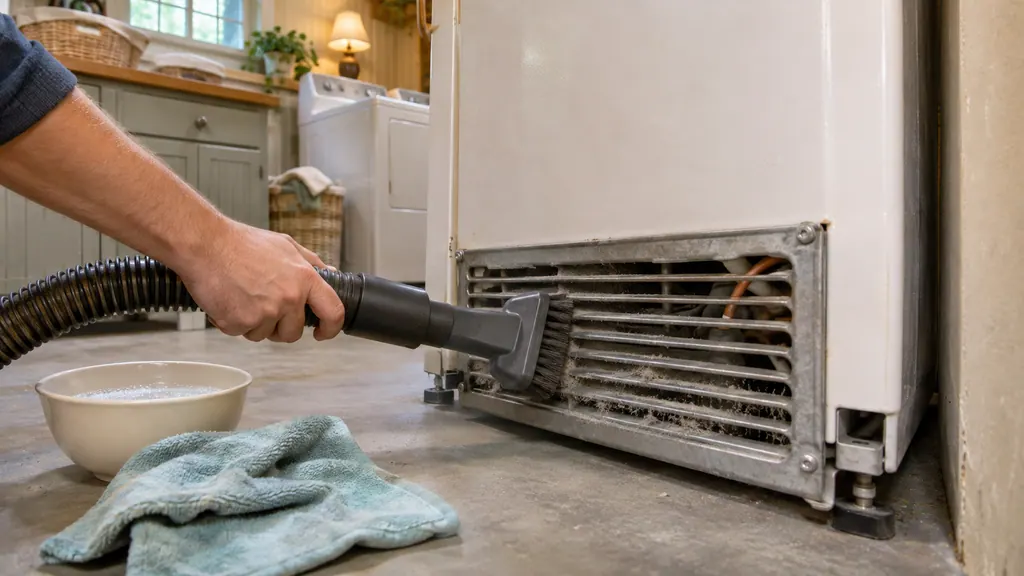
Two jobs keep a Kenmore 795 refrigerator running as it should: vacuum the condenser cover and vents with a brush attachment, never removing the panel, and wash the door gaskets with mild detergent in warm water. Do both with the power disconnected.
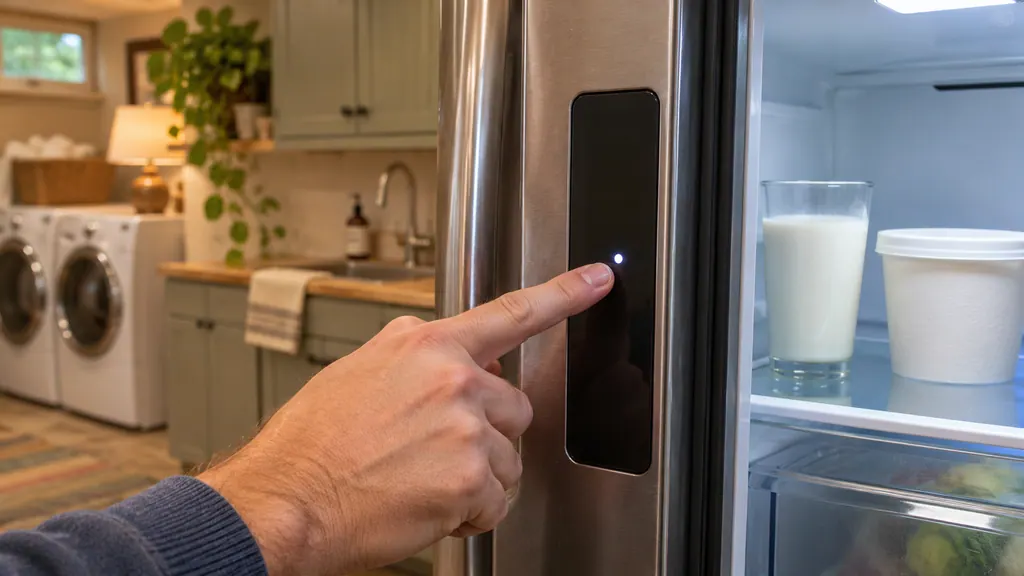
On a Kenmore Elite 795 bottom-freezer, press the Refrigerator Temp or Freezer Temp button to move one step, then wait 24 hours before changing it again. The refrigerator runs 33°F to 46°F and the freezer minus 6°F to 8°F. OFF on the display can mean Demo Mode.
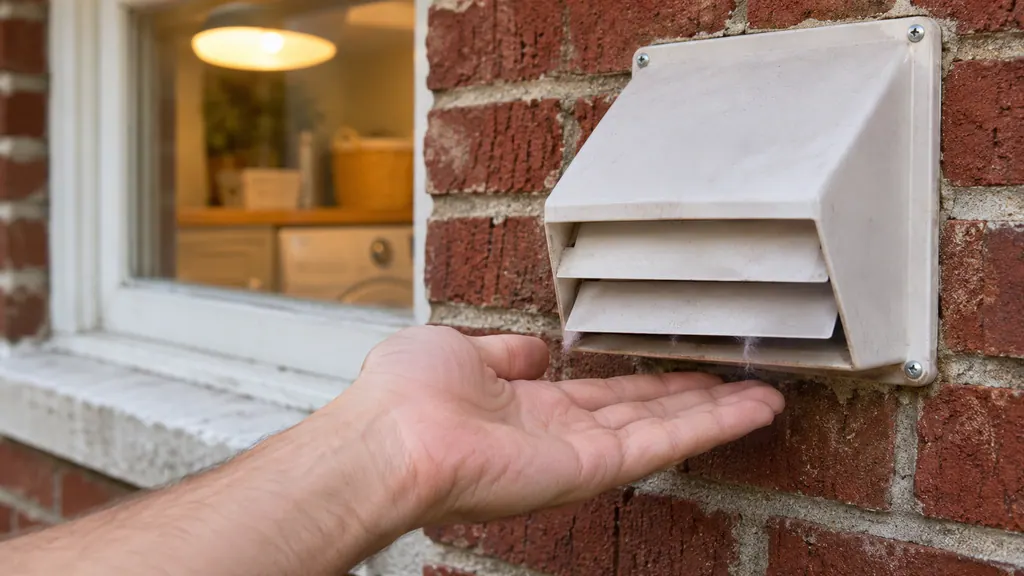
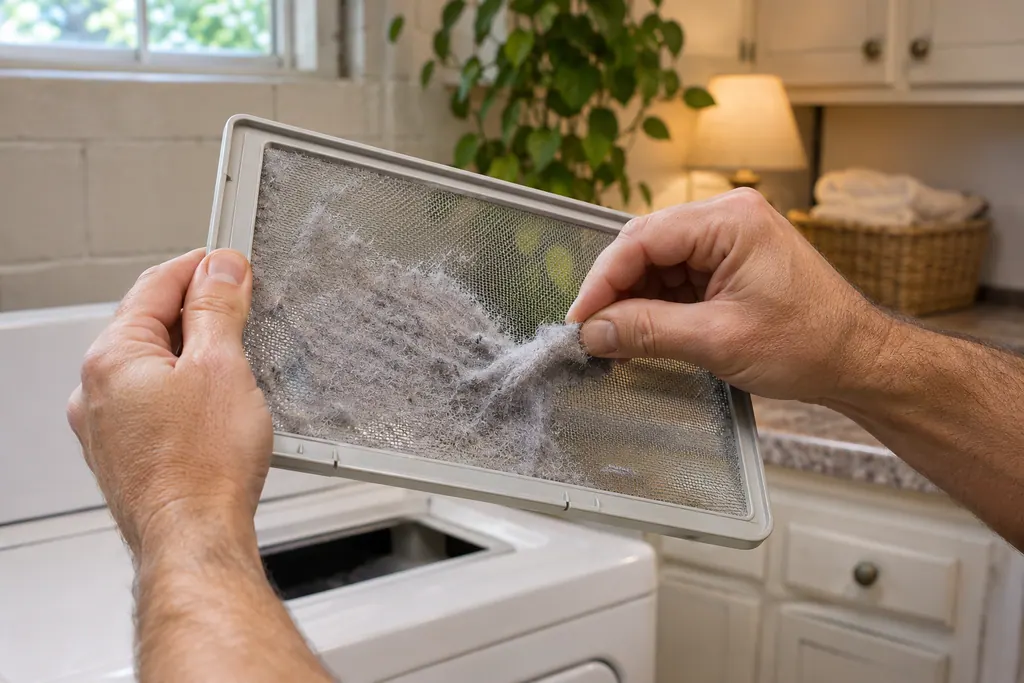
Clean the lint screen before every load, run the dryer for 5 to 10 minutes and hold your hand under the outside exhaust hood. No air means the vent is blocked, so clean the run or replace plastic or foil vent with metal. Kenmore guides call poor venting the most common dryer problem.
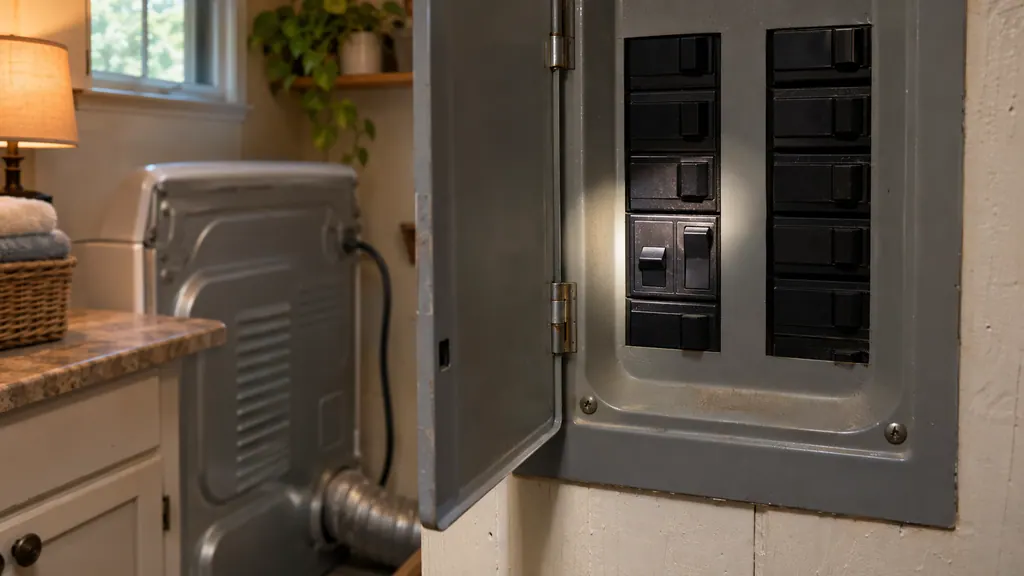
After a power cut, a Kenmore dryer may show PF: press and hold START to restart (press POWER first on some models). If the drum turns but there is no heat, check that both household breakers or fuses are on; an electric dryer uses two. L2 points to the home power supply.
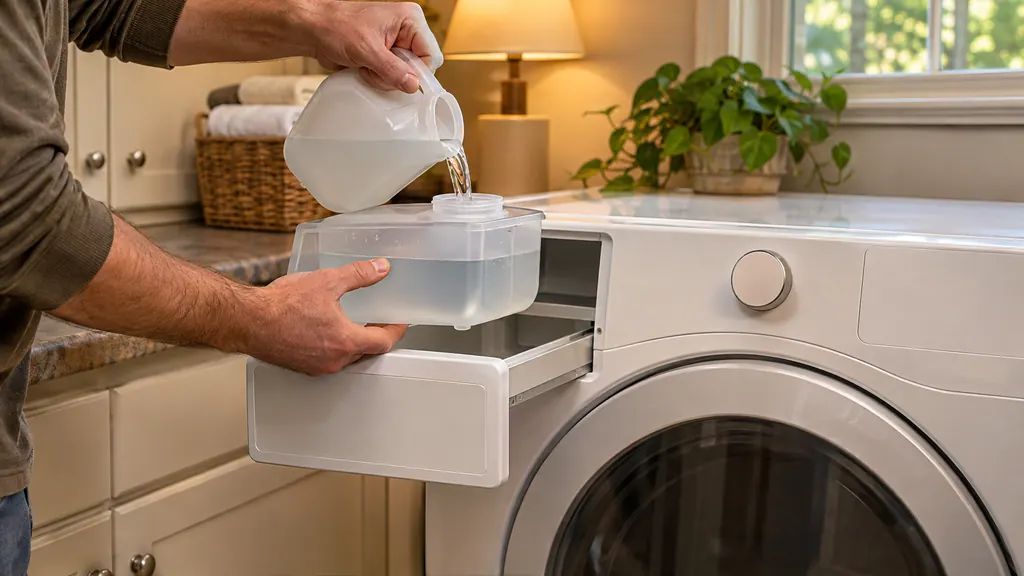
Pull out the drawer, lift out the steam feeder, fill it with cool tap water to the MAX line and seat it back until the drawer clicks shut. Never use hot or distilled water. If the ADD WATER light blinks, the cycle cancels: refill the feeder and restart.
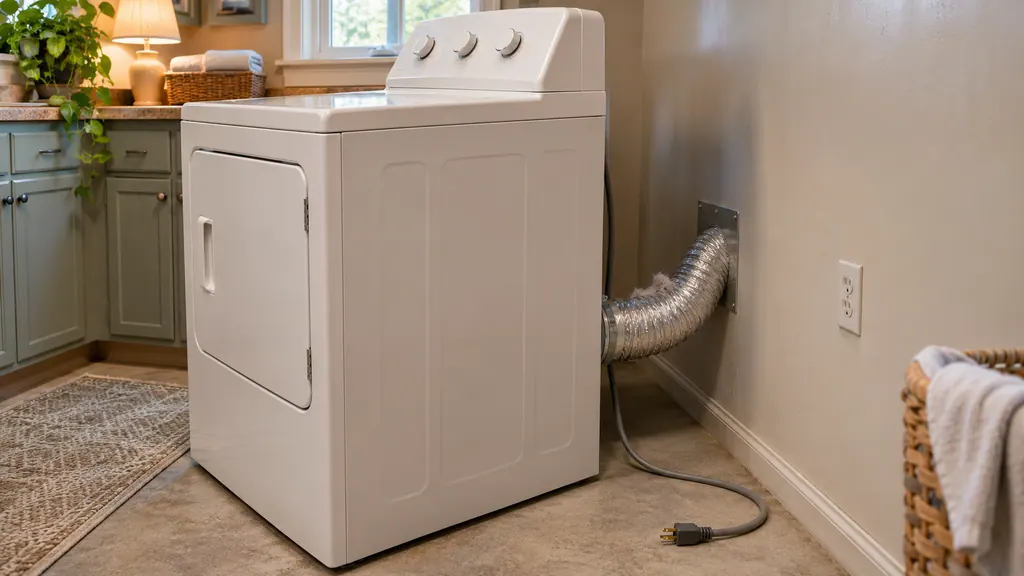
If your Kenmore dryer smells burnt or runs very hot, stop it and unplug it. The guides name only a few harmless odors, a new heating element and nearby paint fumes. Otherwise check the lint screen, the vent and the hood for blockage, and never dry items that carry oil.
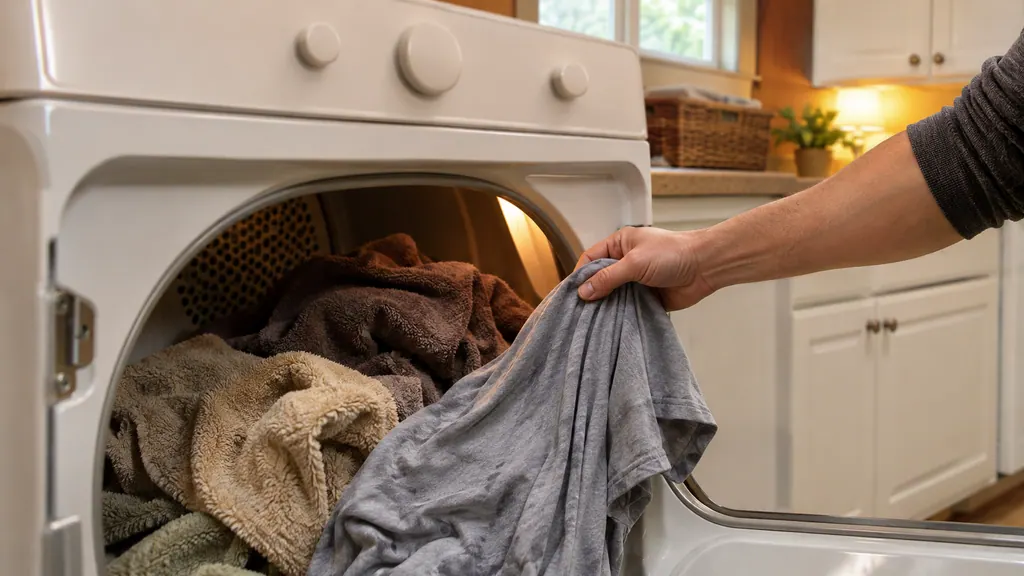
Auto Dry cycles use a moisture sensor to decide when to stop, and the time on the display is an estimate. Timed Dry runs the minutes you set. Use Auto for normal mixed loads, Timed Dry for very small loads, and Damp Dry or the Damp Dry signal to catch items before they overdry.
On a 796 front-loader, put large items in first, keep them under half the load, and leave the drum loose enough that the door closes easily.
Read the full sequence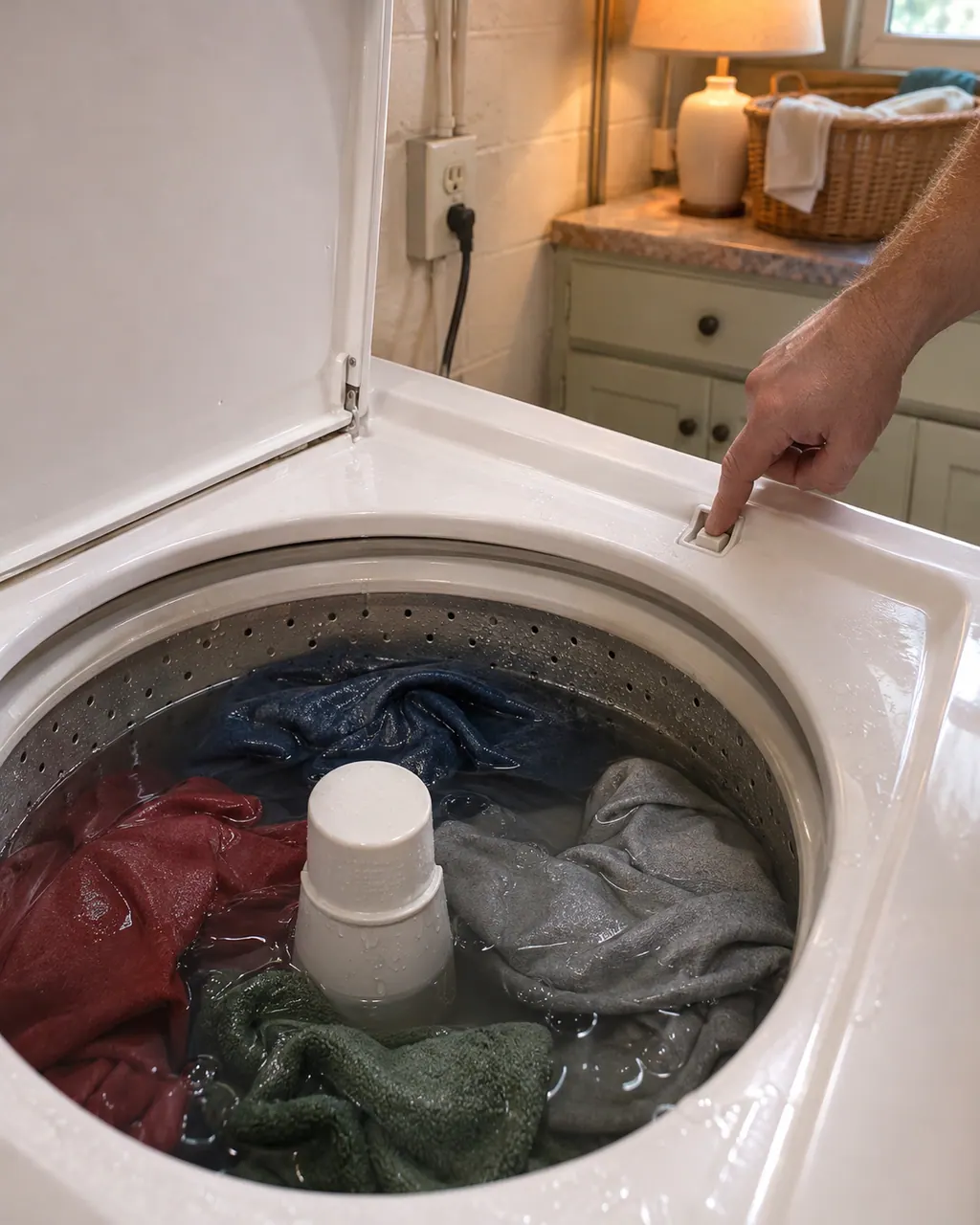
Start with what the display and the lid or door say. A Kenmore washer will not spin until the lid or door is latched, and an out-of-balance load, a slow drain or too many suds can each hold the spin back. Rebalance, check the drain, then book a visit.
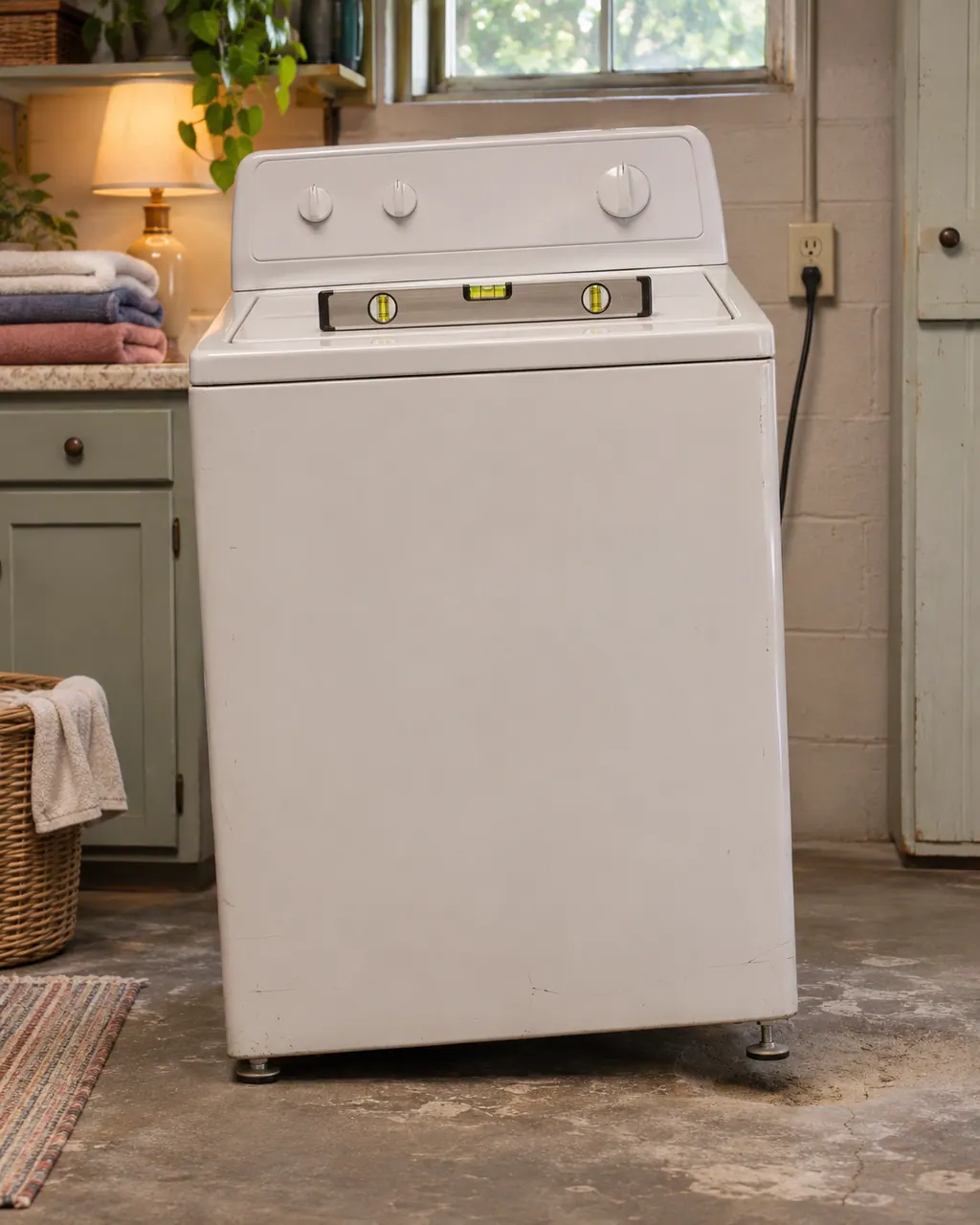
Violent shaking on a Kenmore washer comes down to a lopsided load, feet that are not all touching, shipping bolts left in, or a floor that flexes. Pause, spread the load, check the feet and the bolts, then book us if the shaking persists.
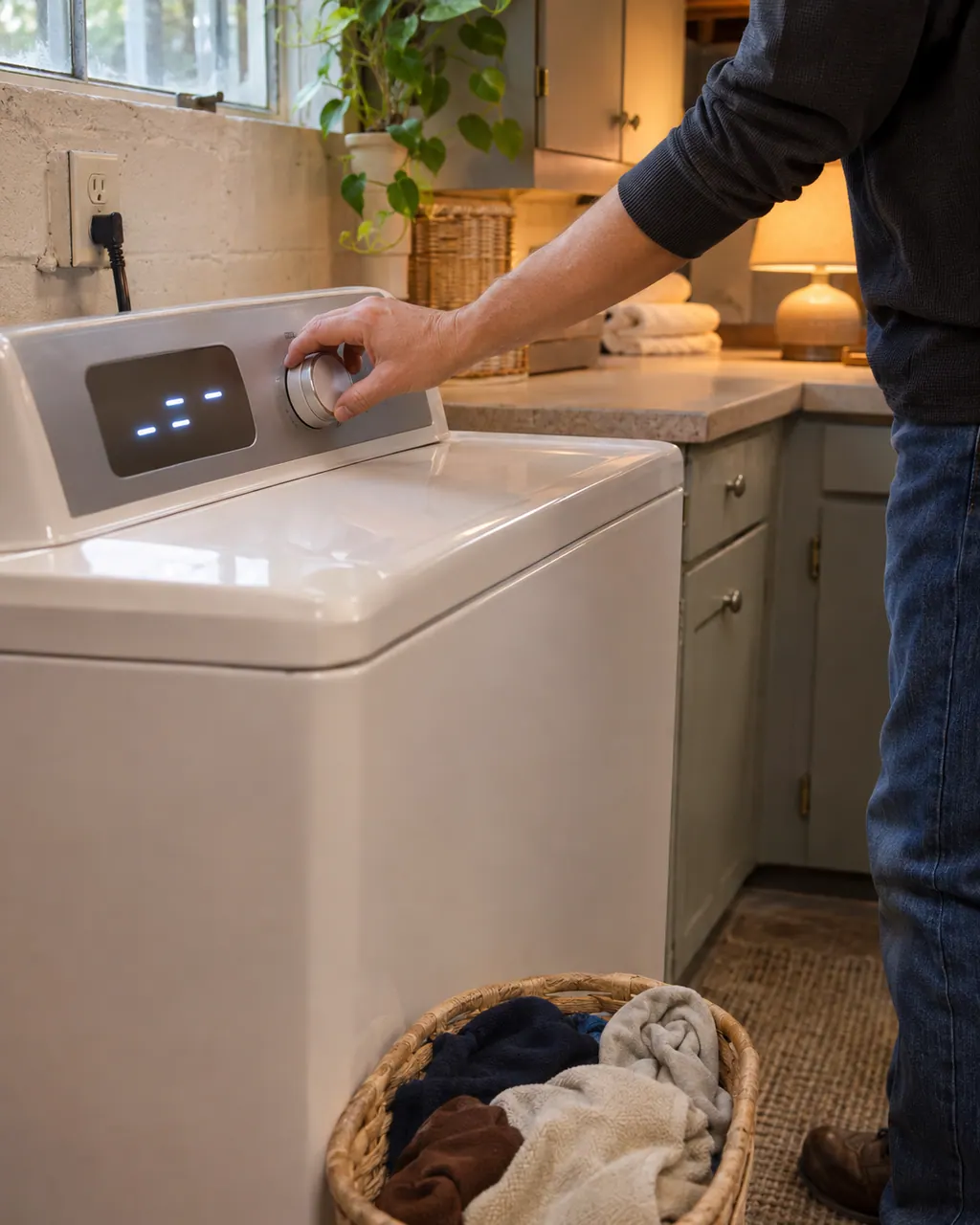
On a 796 front-load washer, buttons that do nothing often mean the Control Lock is on and CL is flashing in the display. Hold the CHIME button for three seconds to switch it off. If the washer is simply dead, check the plug, the breaker and the door or lid.
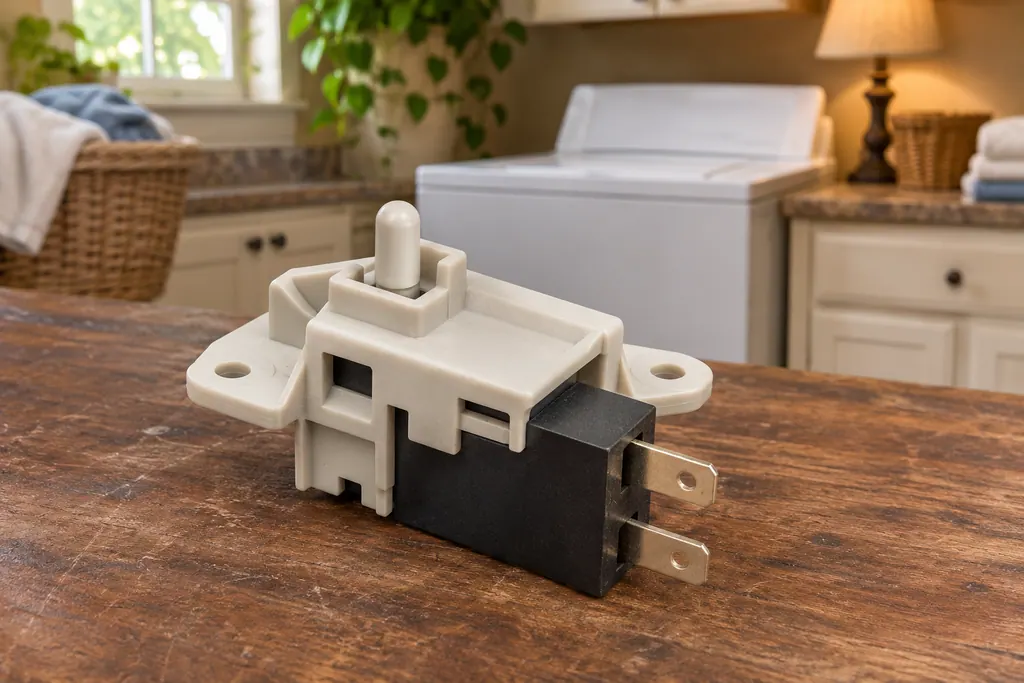
A Kenmore washer locks its door or lid while a cycle runs, and it will not spin unless the lock has engaged. The 796 guides print dE for a door or lid left open and dL for a lid lock switch error. Calypso washers print LS for the lid switch, and the 110 front-load guide lists F22 as “Front door lock.”
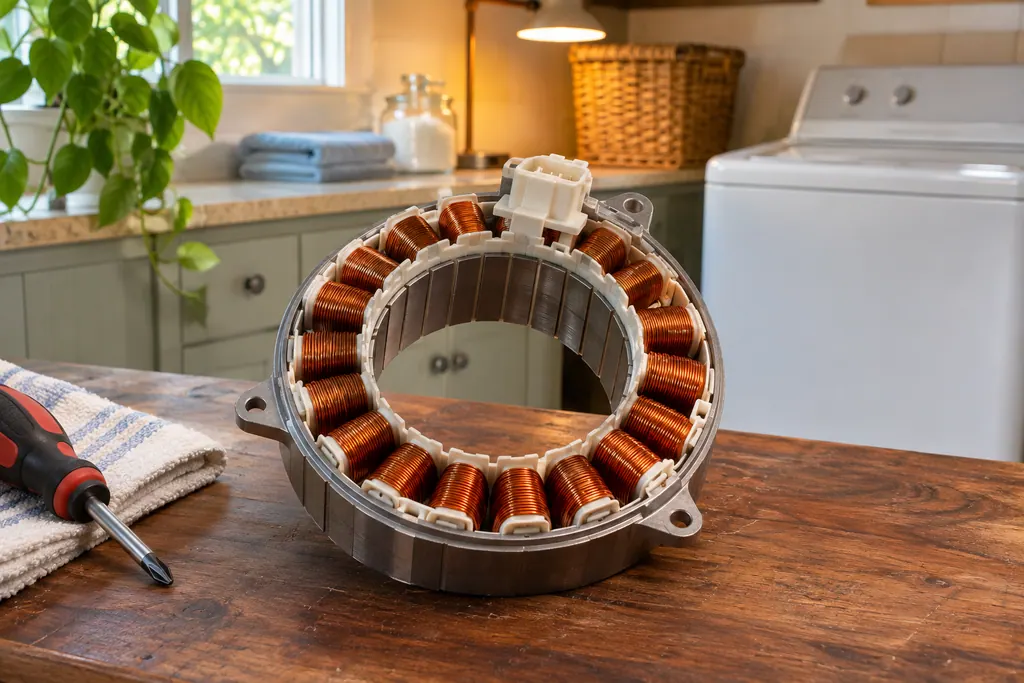
On 796 Kenmore washers the drive motor is the part behind the LE code. The front-load guide prints LE as “A motor error has occurred,” and the top-load guide says the motor’s thermal overload protection has tripped. Both say to let the washer stand for 30 minutes, then restart.
UE on a 796 Kenmore washer means the wash load is small or lopsided. Add one or two similar items; the washer makes several attempts to restart the spin and shows the code if it still detects an imbalance.
On a 796 front-load Kenmore washer, LE means a motor error; on the 796 top-load (2927) it means the motor's thermal overload protection has tripped. Both guides give the same first move: let the washer stand for 30 minutes, then restart the cycle.
CA is the Calypso washer's current limit message. The guide's question is whether the machine is overloaded, and its remedy is one key press that wipes the display. Take some items out before you start again. A 796 top-load uses CL for something else, so match the code to your model prefix.
dE means the lid or door is not closed properly. The 796 top-load displays it if you hit START while the lid is up. Front-loaders in the 796 line show dE1 or dE2 for the same condition, and 110 front-loaders print F22 instead. Close it fully and press START again.
Experienced technicians look the appliance over before they suggest any work. OEM parts can be ordered, and the correct part is matched to your model.
Covered repairs under a Kenmore manufacturer warranty are handled through Kenmore. We stand behind our own work with a workmanship warranty.
Care, using your appliance, troubleshooting and error codes explained. Each is written from Kenmore Use & Care guides and lists them at the end.
If the display shows a message, start with error codes explained. If something misbehaves without a message, try troubleshooting. If you want fewer breakdowns, start with care.
No. Guides cover checks an owner can do, such as filters, hoses and leveling. Panels, wiring, gas and sealed systems stay with a technician.
Not always. Kenmore guides cover model families, and many units are older than the guide's web copy. Each page says what it describes, so compare it with your plate.
Code, symptom, part or service
Start with what the display and the lid or door say. A Kenmore washer will not spin until the lid or door is latched, and an out-of-balance load, a slow drain or too many suds can each hold the spin back. Rebalance, check the drain, then book a visit.
Book a diagnostic for your model, carried out at the appliance.
Office details, and the access information to pass along.