On this page
- PF means the power was interrupted; the way to clear it differs between a 796 and a Calypso. 13
- CL means Control Lock on a 796 top-load and Current Limit on a Calypso. 23
- The time on the display is an estimate and can stretch for load, water and heating. 1
- Suds messages add a clearing routine, about two hours on a 796 front-loader. 1
- LE, Or, Sr, valve and water-level messages are the ones the guides hand to service. 13
Does a message on my Kenmore washer always mean a failure?#
No. The washer guides list several messages that are status reports: a power cut, a reset, a lock you turned on, a routine that clears suds. Each has an owner step, and none of them is a breakdown. 123
The trouble is that one set of letters can mean different things on different washers. The 110 Calypso, the 110 front-loader and the 796 each print their own set, and "CL" is the clearest example, as you will see below.
This guide sorts the messages that only need a quick step from the ones that need a technician. For the full decoded rows, the washer code pages are linked as we go.
What do PF and Er mean?#
PF means the power was interrupted, and Er means the washer lost the cycle record in that interruption. Both are status messages, and the guides tell you how to clear them. 13
| Message | Washer | What it means | What to do |
|---|---|---|---|
| PF | 796 front-load | Power failed during a cycle; shows the next time the washer is turned on 1 | Select any cycle to clear it and use the washer 1 |
| PF | 110 Calypso | Power failure; the cycle was interrupted 3 | Press START to continue from the moment power was lost, or press STOP/CANCEL to clear the display and cancel the cycle 3 |
| Er | 110 Calypso | Processor reset: cycle information was not stored during a power failure 3 | Press STOP/CANCEL to clear the display 3 |
The 796 guide adds that PF is a reminder that the previous cycle may not have finished, so check the laundry. 1 See the PF entry and the Er entry.
If water is left in a 796 front-loader after an interruption, the guide's way to drain it is to press POWER, then SPIN SPEED, with no cycle selected. 1
Why is my washer showing CL?#
It depends on which washer you have. On a 796 top-load, CL means Control Lock is on. On a Calypso, CA or CL means Current Limit, and the guide asks whether the washer is overloaded. 23
On a 796 top-load: Control Lock#
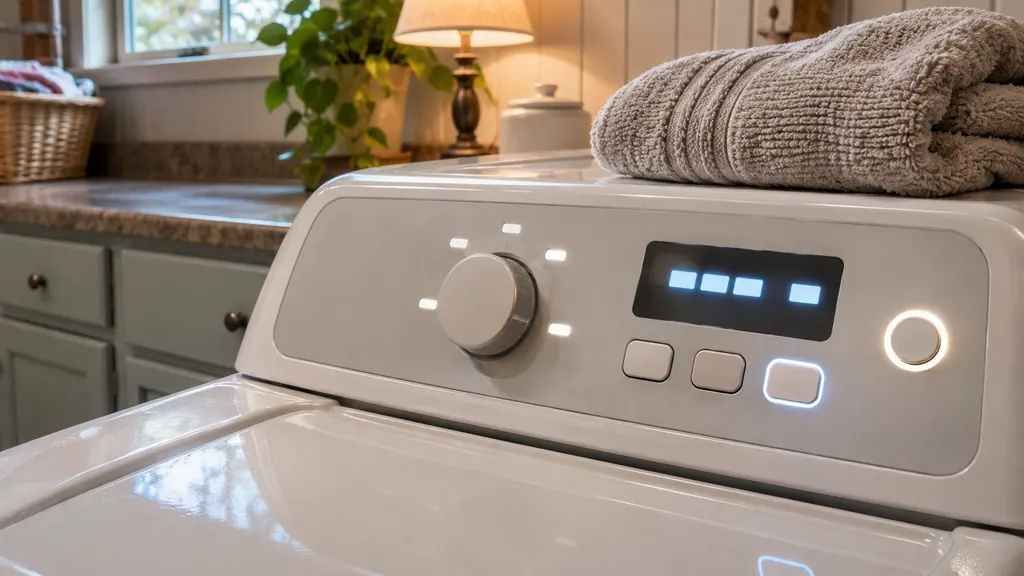
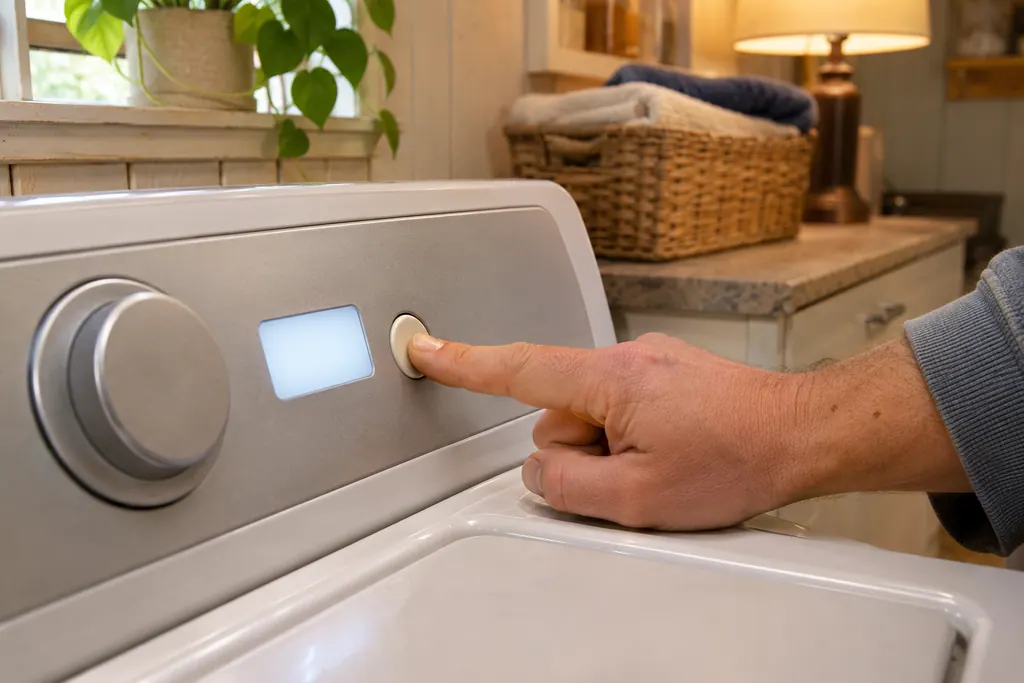
Control Lock stops the settings from being changed while the washer runs. The display alternates between CL and the time remaining, and every control except CONTROL LOCK and POWER is disabled. 2
- 1
- 2
- 3
On a Calypso: Current Limit#
The Calypso's CA or CL is a different message. The guide asks whether the washer is overloaded and says to press STOP/CANCEL to clear the display. 3 See the CA and CL page and the loading guide.
Why is my cycle taking so long?#
On a 796 the washer sets its own cycle time. The guide says it adjusts for the load, the water pressure, the water heating time and other conditions, and that the time shown is only an estimate. It calls a longer cycle normal. 12
The 796 front-load display shows dashes first. While it measures the load, a load-sensing light blinks, and the estimate appears afterward. The time can also pause while the washer heats water or balances the load. 1
Two things can add real time. A suds message adds a Suds Reducing cycle of about two hours on a 796 front-loader. 1 The detergent guide shows how to cut that off at the source.
On a 796 top-load, an unlocked lid also holds the washer up: the guide says it will not spin unless the lid is locked. 2
What about dt, ob and the other short messages?#
These are short status messages on a Calypso. The guide lists "dt" as diagnostic tests for service only, "ob" as an off-balance load and "LS" as a lid-switch message. Each one has a one-line step. 3
For ob, the guide asks whether the load is unbalanced, then says to redistribute it, shut the lid and press START. 3 For LS it asks whether the lid is open: if so, close it and press START to continue; if it is already closed, open and close it once and clear the display with STOP/CANCEL. 3
On a 110 front-loader, "rL" or "F-34" can appear during the Clean Washer cycle if the sensing step finds items in the drum. The guide says the door unlocks, and that you press STOP to cancel the code, remove the items and start the cycle again. 4
Which messages are not status messages?#
The ones the guides hand to service: a motor message, a relay message, and anything about a valve or water level that is too high. If one of these shows, stop and book rather than restarting repeatedly. 13
| Message | Guide | What it says |
|---|---|---|
| LE | 796 front-load and top-load | A motor error. Let the washer stand for 30 minutes, then restart the cycle; if LE returns, call for service 12 |
| Or, Sr | 110 Calypso | Open relay and stuck relay: washer operation failure. Call for service 3 |
| Water level too high | 796 front-load | Close the faucets, unplug the washer and call for service 1 |
| Water level sensor | 796 front-load | Close the faucets, unplug and call for service 1 |
| FL | 110 Calypso | Overfill: the washer beeps every 10 seconds and the pump cycles; press STOP/CANCEL and shut off the water faucets if water keeps flowing 3 |
The LE page and the Or and Sr entry have the full rows, and the FL page covers the overfill message.
What does the washer do when it is paused with water in the tub?#
On the 796 top-load, a washer that is paused or shut off with water in the tub drains it by itself after 4 minutes, and an alarm sounds before it does. The guide calls this a child-safety feature. 2
An error message that stays on for 4 minutes also makes the tub drain, with an alarm a minute earlier. The original code remains on the display. 2 So a pause is not a reason to worry, but do not leave a paused load.
When should I stop troubleshooting?#
Stop when the message is not a status message, when a status message comes back every cycle, or when the washer will not clear it with the steps above. Those are the points where the guides send you to service. 13
The technician agrees the price with you before any work starts. The exact cost is confirmed after the on-site diagnostic. You can see more on the washer service page and the controls problem page.
Sources#
- Use & Care Guide, Kenmore front-load washers 796.4136/4146/4156Kenmore / Transform SR Brands · Document 1909134L (part MFL68005592), no date printed · pp. 27 (Time and Status Display), 45-46 (Before Calling for Service)
- Use & Care Guide, Kenmore top-load washer 796.2927Kenmore / Sears Brands · Document 1007244L (part MFL42065471), no date printed · pp. 22 (Control Lock, Special Safety Feature), 26 and 28 (Before Calling for Service)
- Use & Care Guide, Kenmore Calypso top-load washers 110.2206Kenmore / Sears Roebuck · Document L0412465 (part 8543703), no date printed · p. 18 (Troubleshooting, code messages)
- Use & Care Guide, Kenmore front-load washers 110.4708/4709Kenmore / Sears Roebuck · Document L0809415 (part 8183014B), no date printed · pp. 21-22 (Clean Washer, Troubleshooting)