Before work starts
After the technician has examined the appliance you are given the cost of the repair, and you decide whether to go ahead.
Independent appliance repair
We repair Kenmore top-load and front-load washers: units that stop spinning, hold water, stall mid-cycle or show a code such as LE, dE, LF or Ld. Tell us what the display shows, your model family and where the water stops, then book a technician.
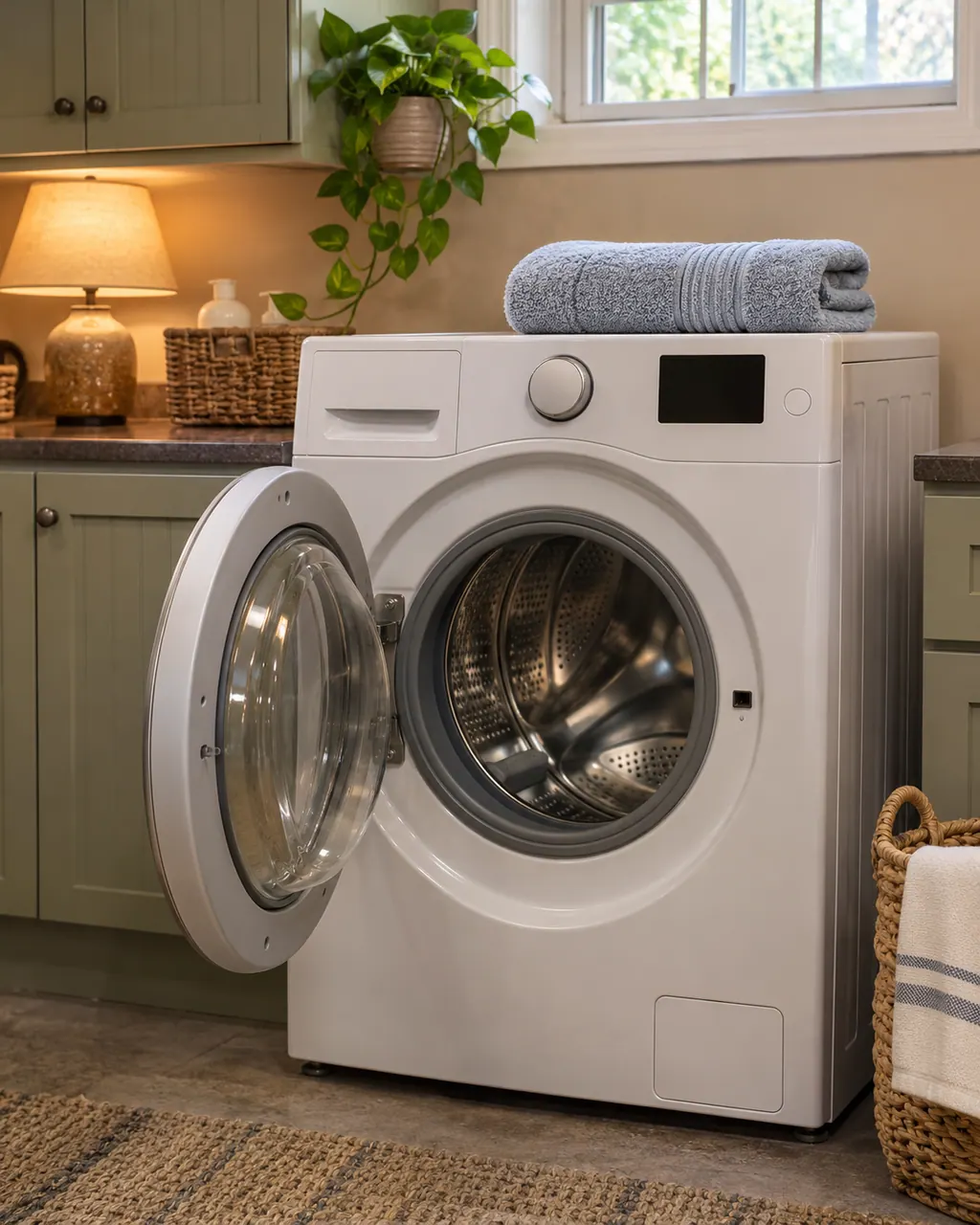
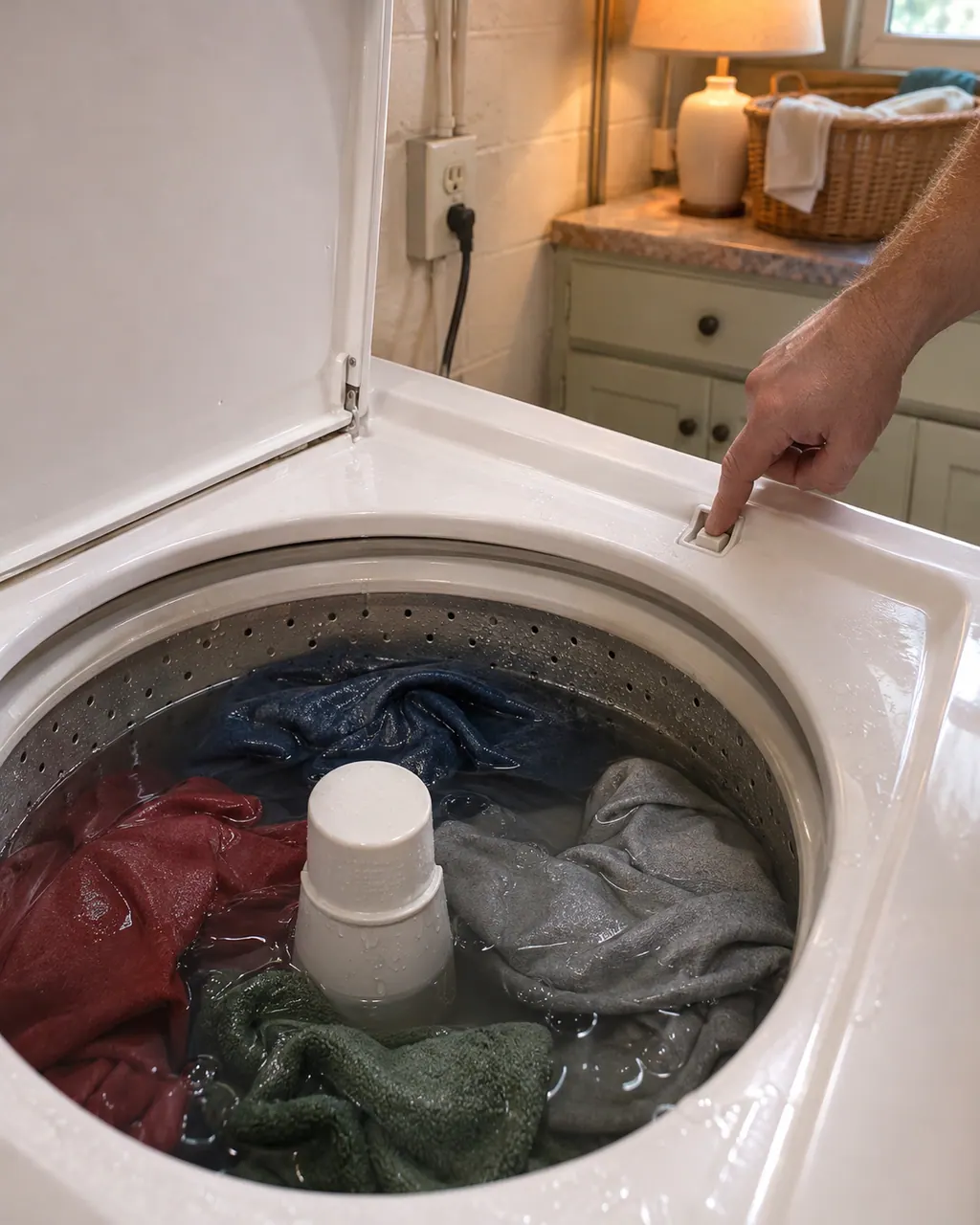
Start with what the display and the lid or door say. A Kenmore washer will not spin until the lid or door is latched, and an out-of-balance load, a slow drain or too many suds can each hold the spin back. Rebalance, check the drain, then book a visit.
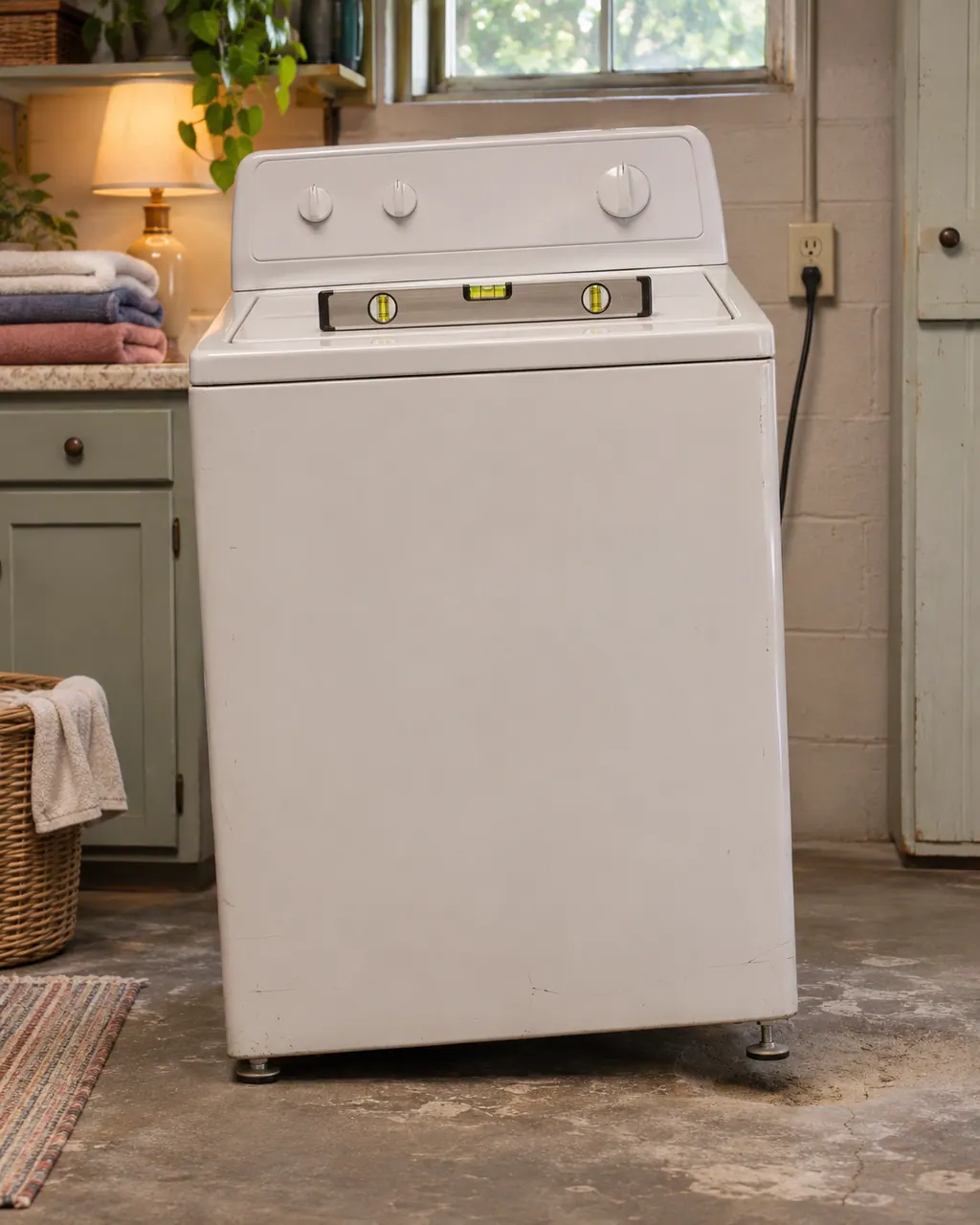
Violent shaking on a Kenmore washer comes down to a lopsided load, feet that are not all touching, shipping bolts left in, or a floor that flexes. Pause, spread the load, check the feet and the bolts, then book us if the shaking persists.
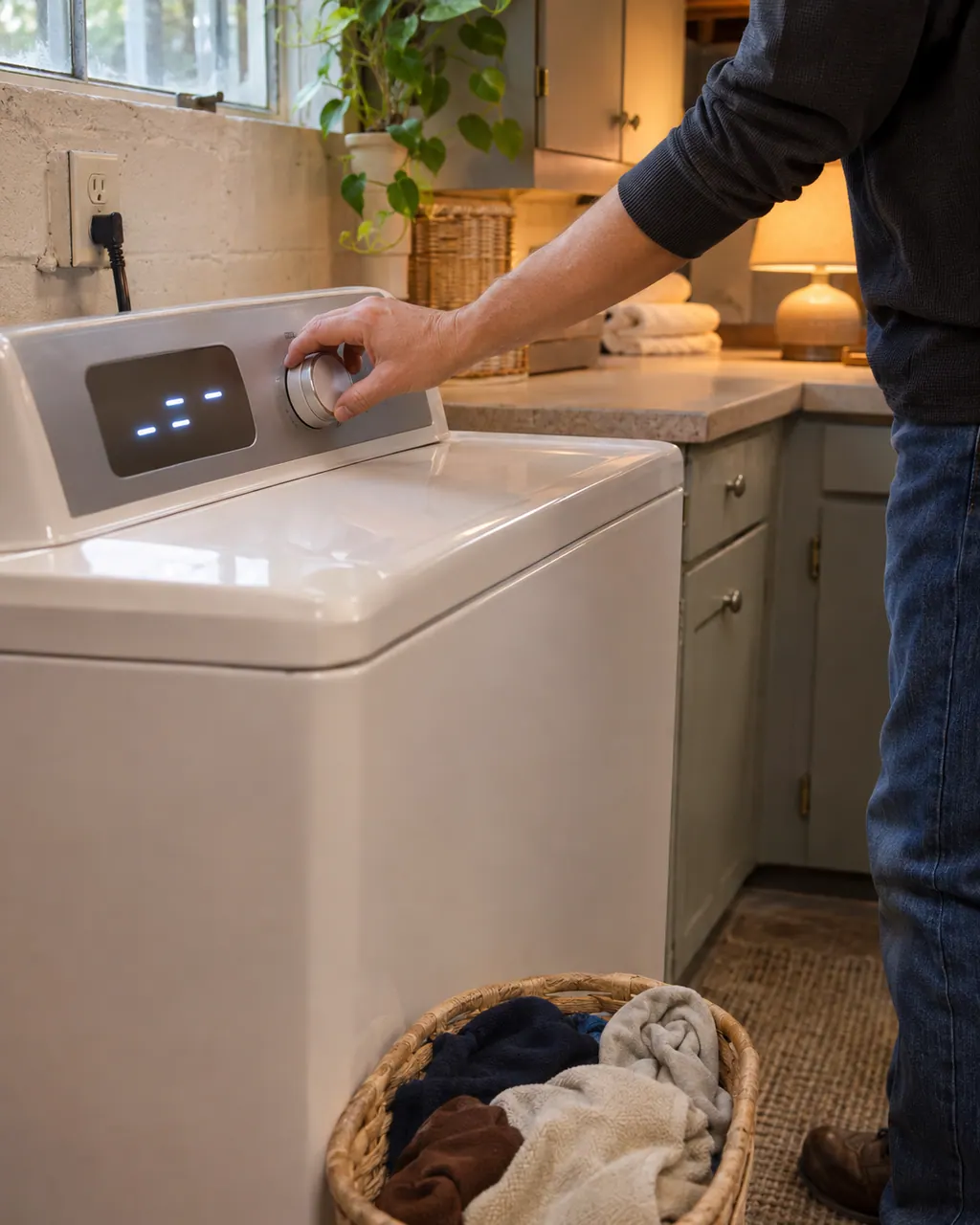
On a 796 front-load washer, buttons that do nothing often mean the Control Lock is on and CL is flashing in the display. Hold the CHIME button for three seconds to switch it off. If the washer is simply dead, check the plug, the breaker and the door or lid.
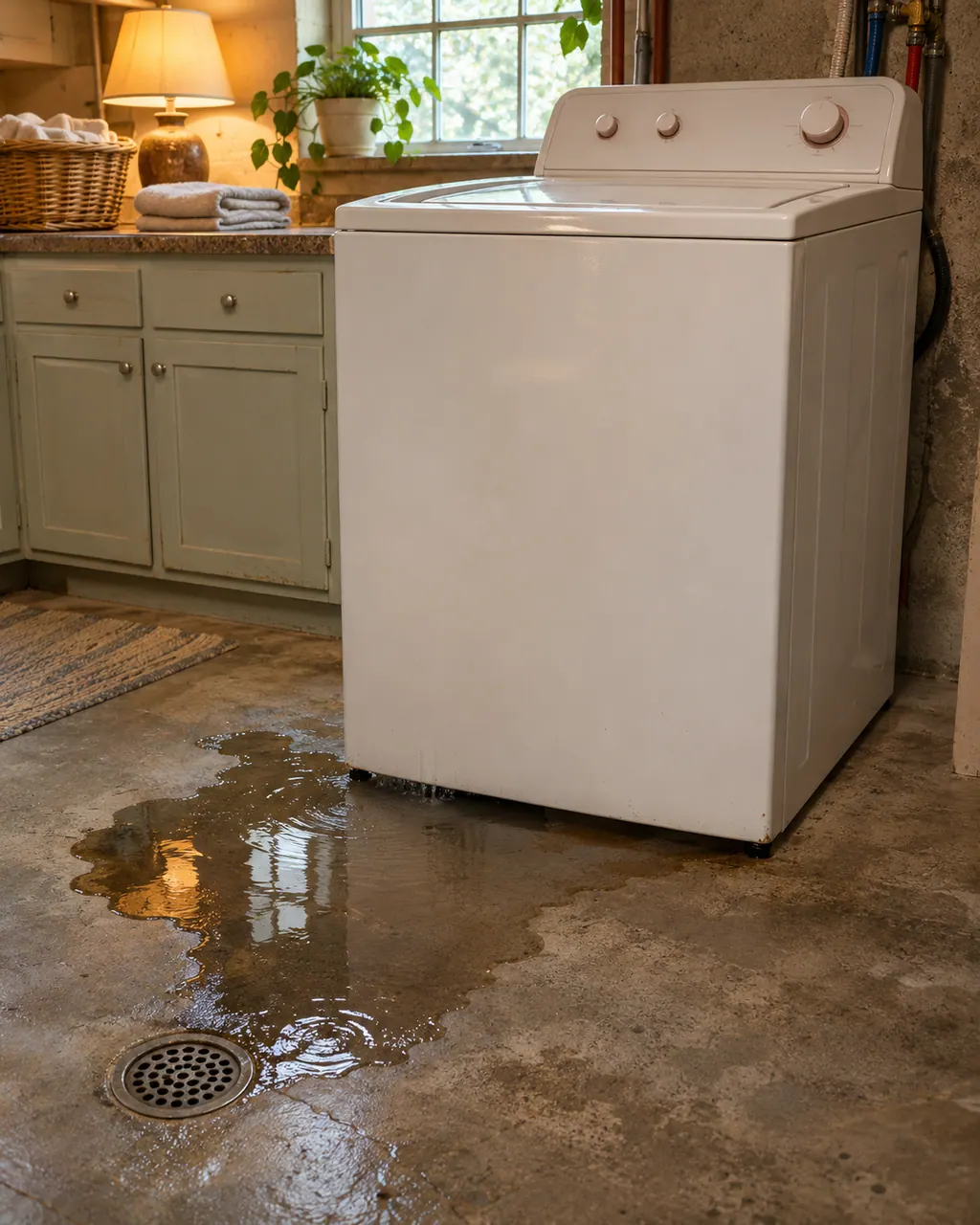
Work out where the water appears first. The Kenmore guides name loose inlet hose connections, a drain hose that has slipped out of the standpipe, a clogged house drain and dirty door glass as the usual sources. Close the taps while you look.
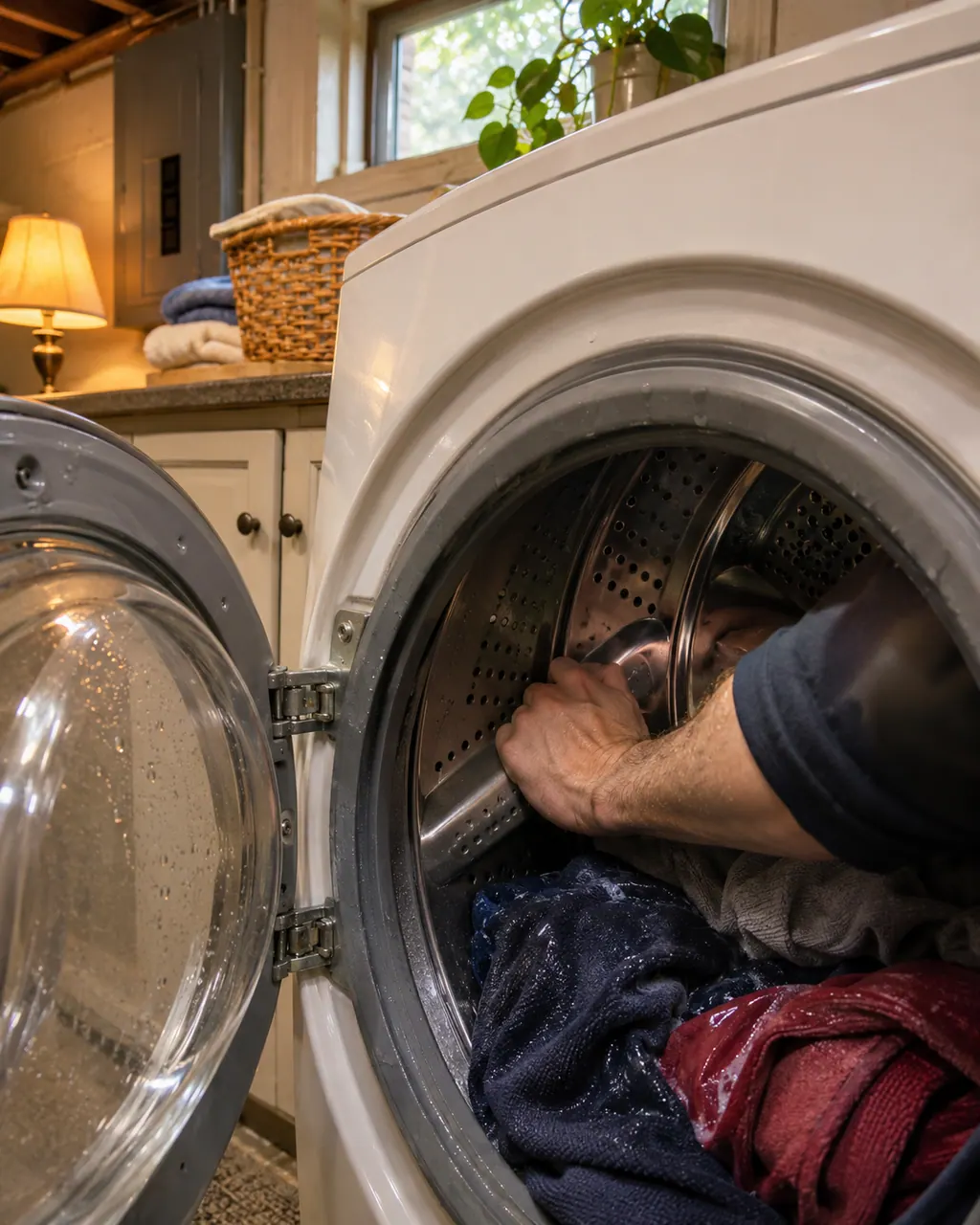
None of the Kenmore guides we read describe belts or pulleys, so we cannot name a cause from them. What they do print: an overloaded Calypso can trip CA or CL, a 796 can show LE after a motor overheats, and a 796 top-load can report a clutch problem.
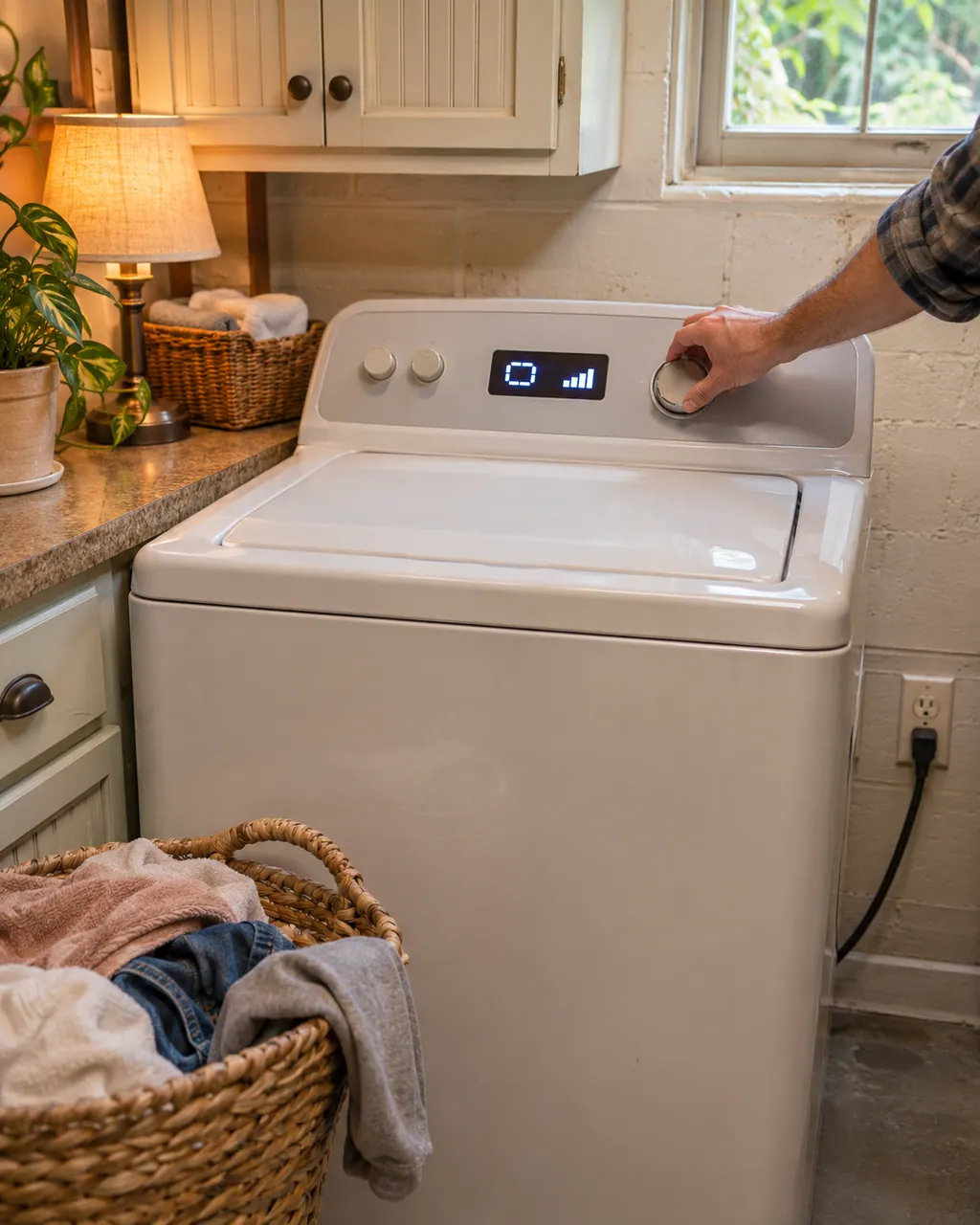
A Kenmore washer that will not start or agitate is usually missing power, a closed and locked lid or door, a pressed START, or water. Check the plug and breaker, close the lid or door and press START, then confirm the faucets are open.
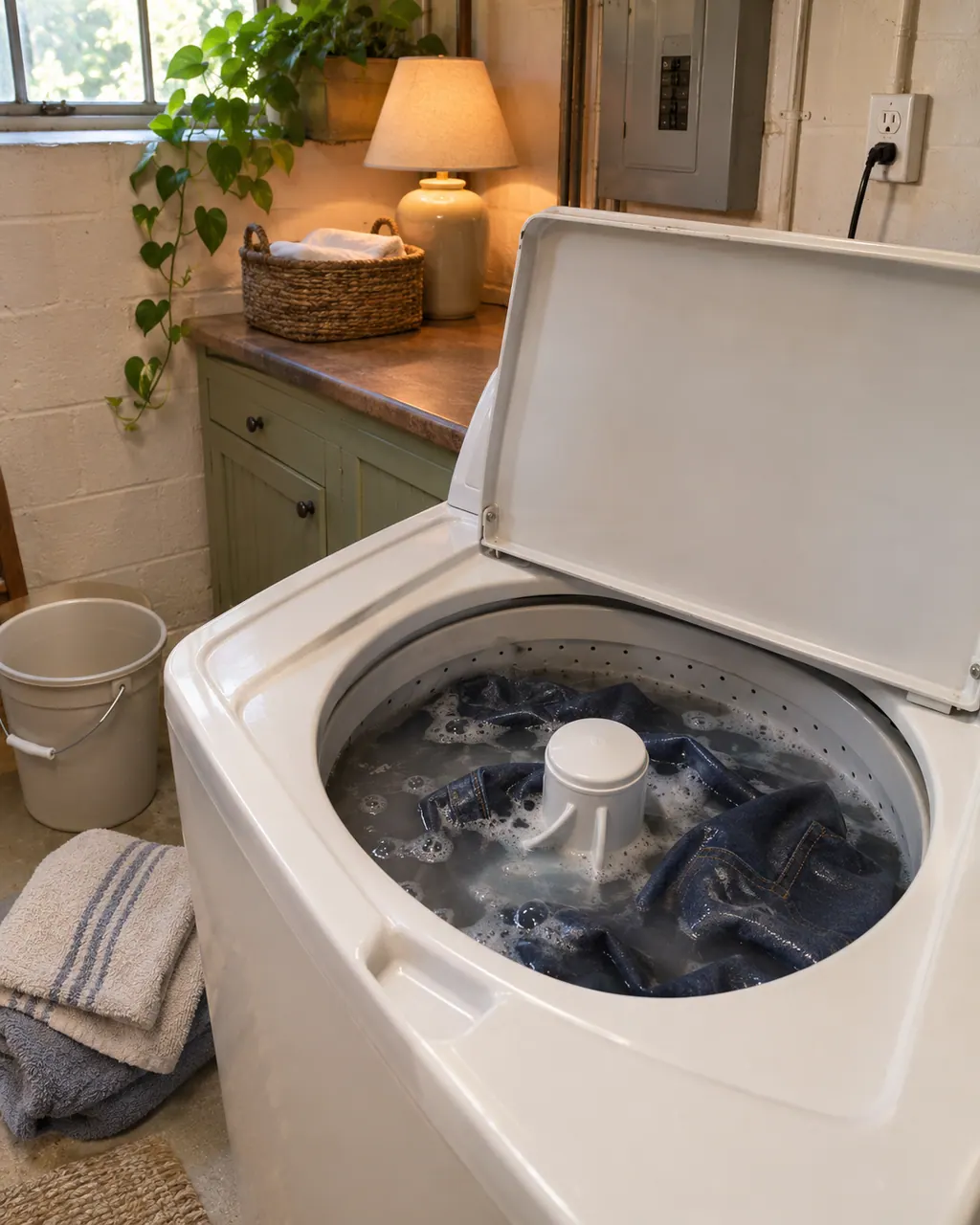
When water stays in a Kenmore washer, the guides start with the drain hose, then the drain pump filter, then the height of the drain. A 796 front-load can also show OE, and a Calypso shows Ld.
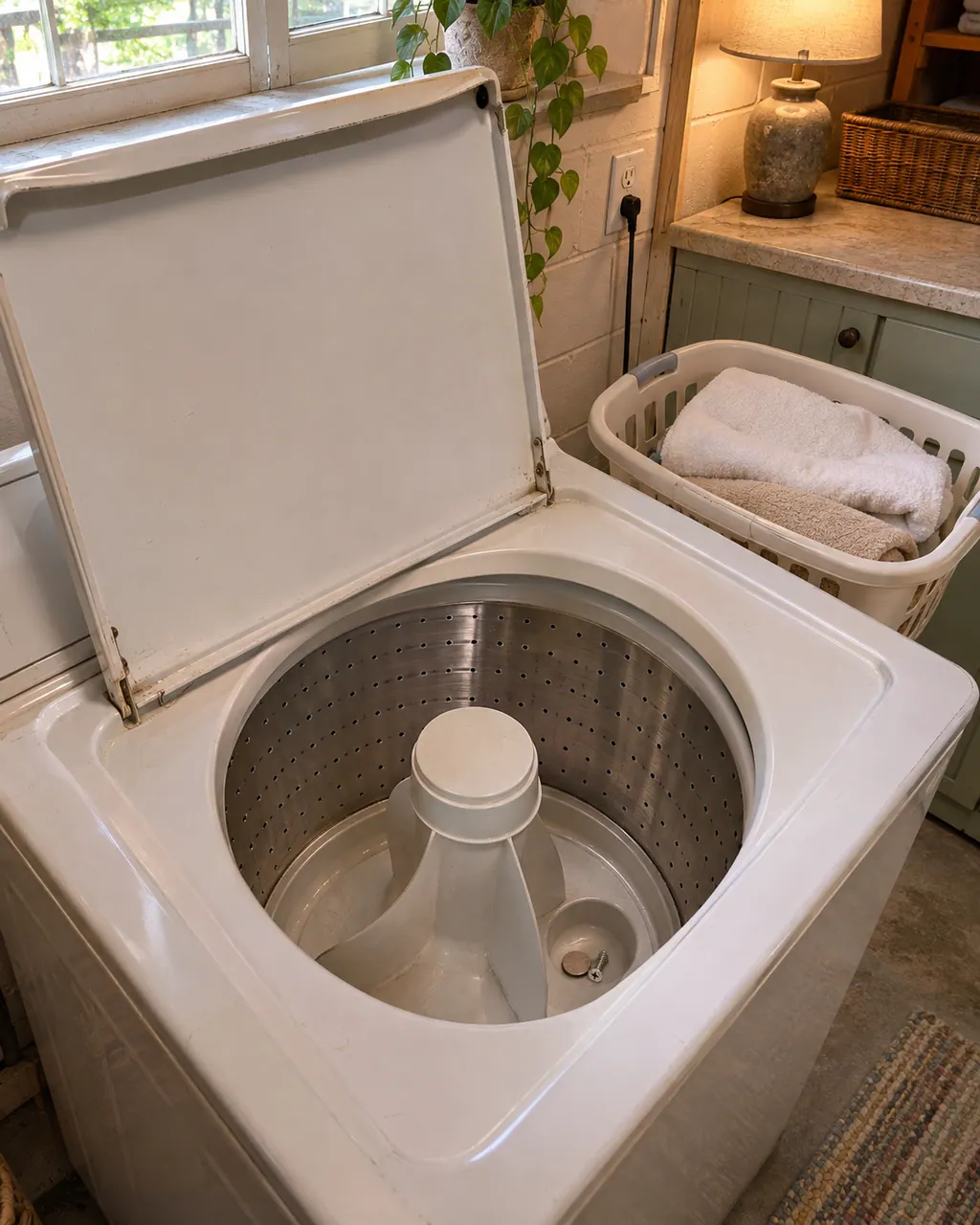
Several loud sounds are normal on a Kenmore washer: clicking from the door lock, humming from the drain pump, spraying, splashing and a high whine at top spin. Rattling and banging are the ones to chase: look for coins, a lopsided load and a loose installation.
On a 796 front-load Kenmore washer, LE means a motor error; on the 796 top-load (2927) it means the motor's thermal overload protection has tripped. Both guides give the same first move: let the washer stand for 30 minutes, then restart the cycle.
dE means the lid or door is not closed properly. The 796 top-load displays it if you hit START while the lid is up. Front-loaders in the 796 line show dE1 or dE2 for the same condition, and 110 front-loaders print F22 instead. Close it fully and press START again.
LF (Long Fill) tells you a Calypso took too long to fill. Its two questions are whether the inlet hoses are kinked or clogged and whether the inlet valve screens are clear; STOP/CANCEL then clears the display.
The Calypso's FL (Over Fill) message means the over fill switch tripped. The washer beeps every 10 seconds and the pump cycles half a minute on and half a minute off until the switch resets or power is cut. If water keeps flowing, shut off the faucets to both inlet hoses.
On the Kenmore 796.2927 top-load, dL is the message about the lid's lock switch. Close the lid properly and press START/PAUSE; no spin happens until the lid locks. If dL stays with the lid shut, the guide moves on to service.
Sd is the suds message: the control sensed more foam than it should. On 110 front-loaders the display shows SUD and a suds routine starts on its own. On 796 front-loaders it shows Sud and adds a Suds Reducing cycle of about two hours. Use less detergent next time.
CA is the Calypso washer's current limit message. The guide's question is whether the machine is overloaded, and its remedy is one key press that wipes the display. Take some items out before you start again. A 796 top-load uses CL for something else, so match the code to your model prefix.
CE is the Calypso's Communications Error message. The code flashes and the washer beeps once. Wipe the display with STOP/CANCEL; a CE that keeps occurring is a service matter. No cause is named, so the owner has no repair to attempt.
LS (Lid Switch Error) on a Calypso Kenmore washer flashes when the lid is open or the washer cannot tell it is closed. Close an open lid and press START; if it was already closed, open and close it once, then press STOP/CANCEL.
Ld (Long Drain) is the Calypso's slow-drain message. The guide asks if the drain hose is kinked or clogged and says STOP/CANCEL clears the display. The 110 front-loaders print F21 and F02 for a drain problem instead.
We don’t quote parts up front. The technician names any part after the diagnostic and matches it to your exact model number before anything is replaced.
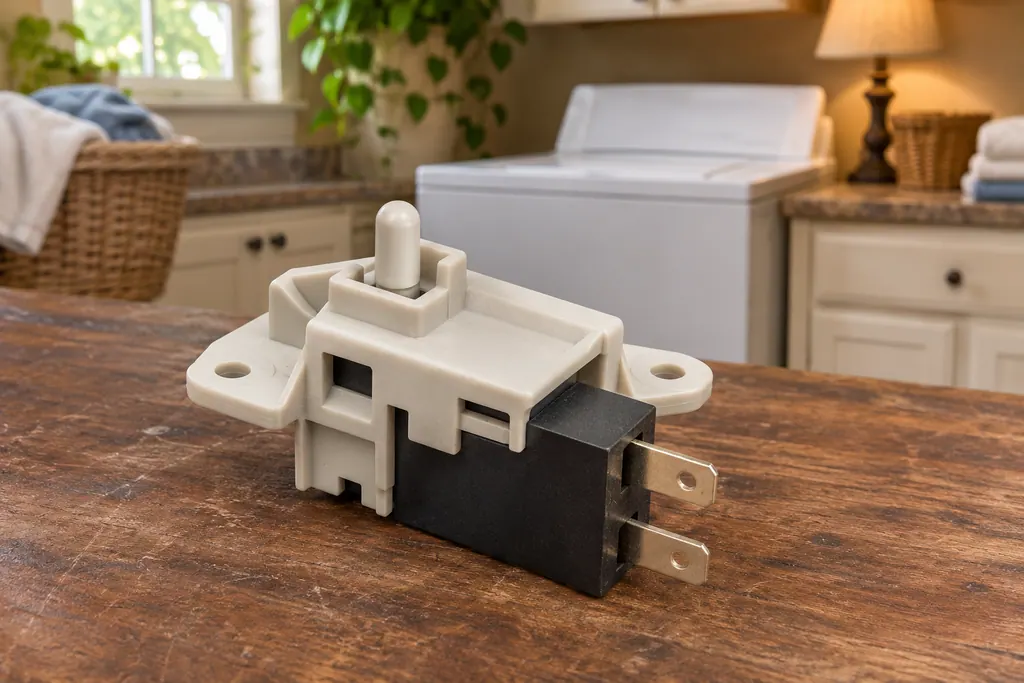
A Kenmore washer locks its door or lid while a cycle runs, and it will not spin unless the lock has engaged. The 796 guides print dE for a door or lid left open and dL for a lid lock switch error. Calypso washers print LS for the lid switch, and the 110 front-load guide lists F22 as “Front door lock.”
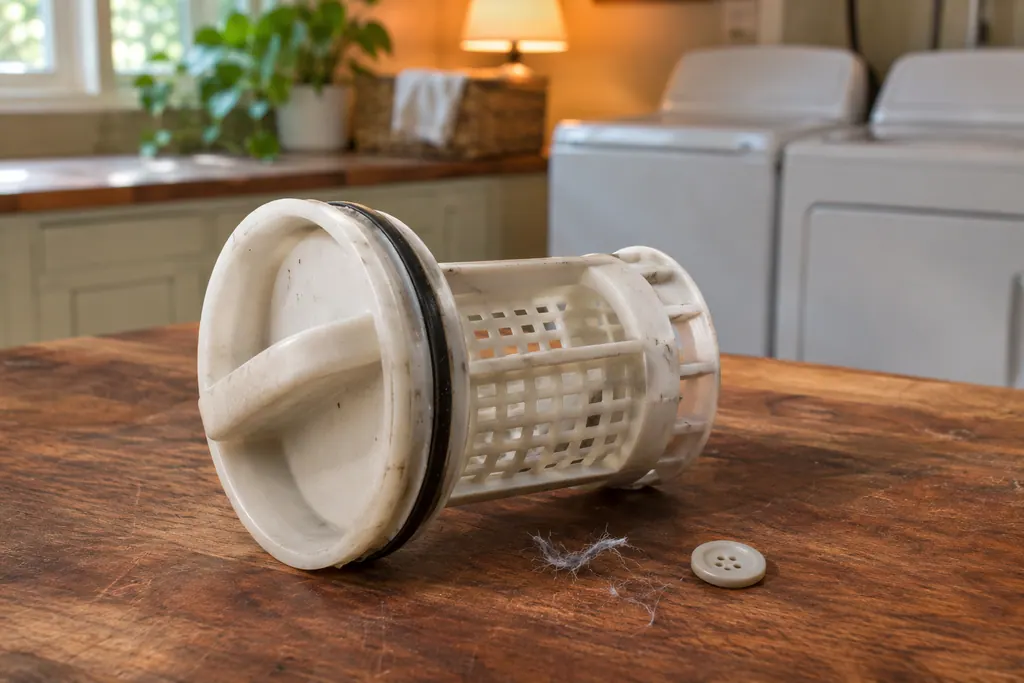
The 796 front-load washer has a drain pump filter behind a small access panel. It catches lint, buttons, keys and coins before they reach the pump. When the washer drains slowly or not at all, the guide’s list starts with the drain hose and then this filter.
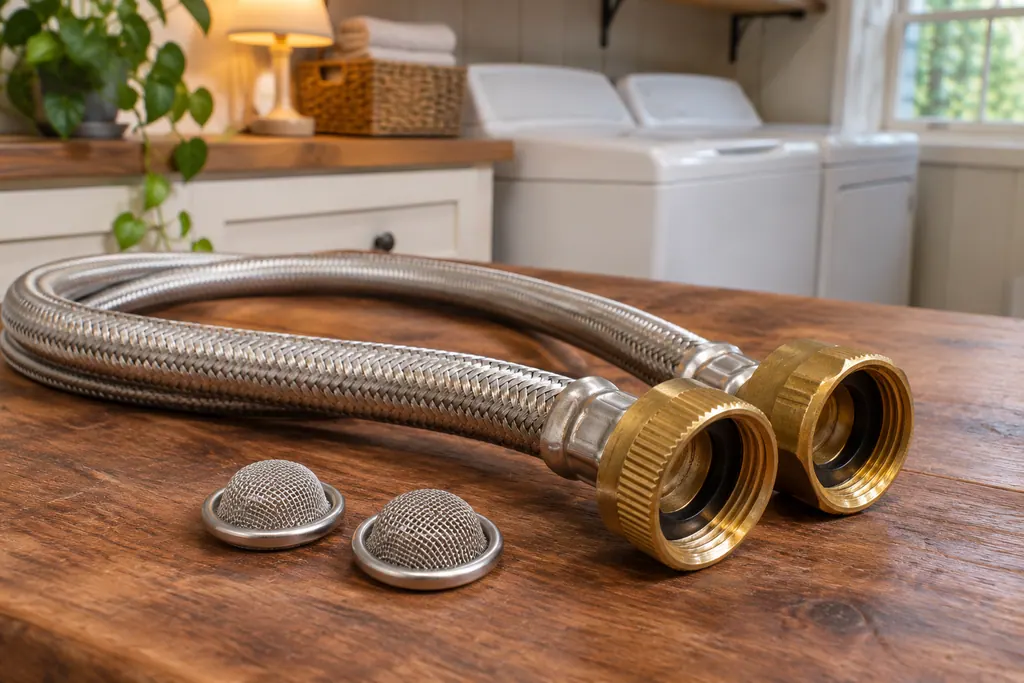
Each water valve on a Kenmore washer has a small filter screen where the hot and cold hoses connect. The guides tie them to slow or no filling: Calypso LF (Long Fill) asks whether the inlet valve screens are clear, and the 796 front-load guide says to clean them if the washer does not fill properly.
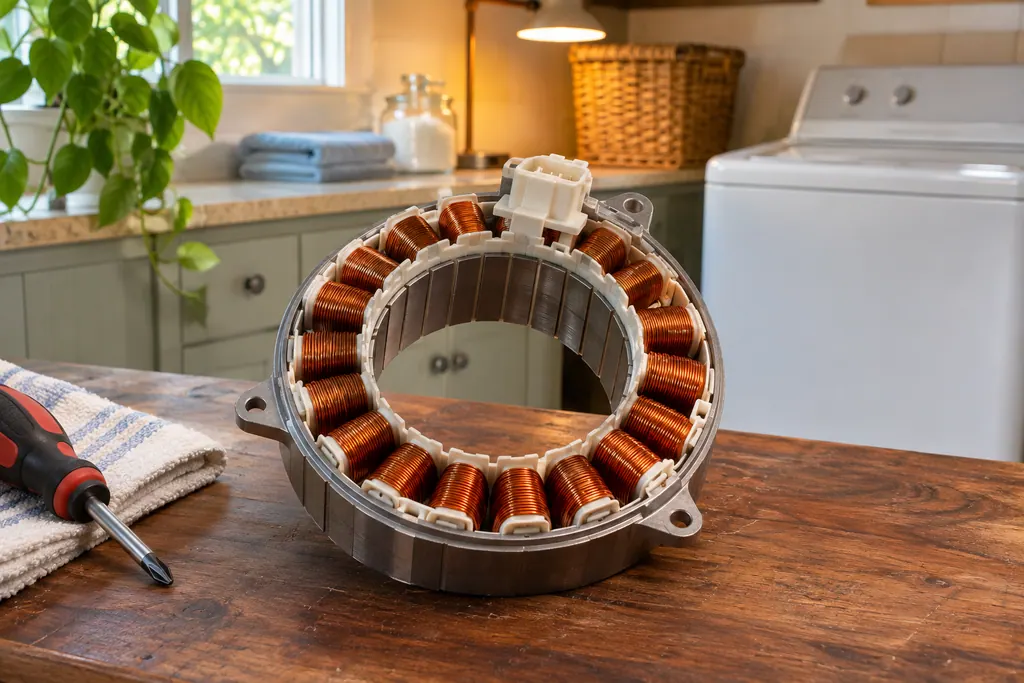
On 796 Kenmore washers the drive motor is the part behind the LE code. The front-load guide prints LE as “A motor error has occurred,” and the top-load guide says the motor’s thermal overload protection has tripped. Both say to let the washer stand for 30 minutes, then restart.
What happens after you book.
Model number first.
Type in the number from the label, along with what the appliance does. A photo of the label works too.
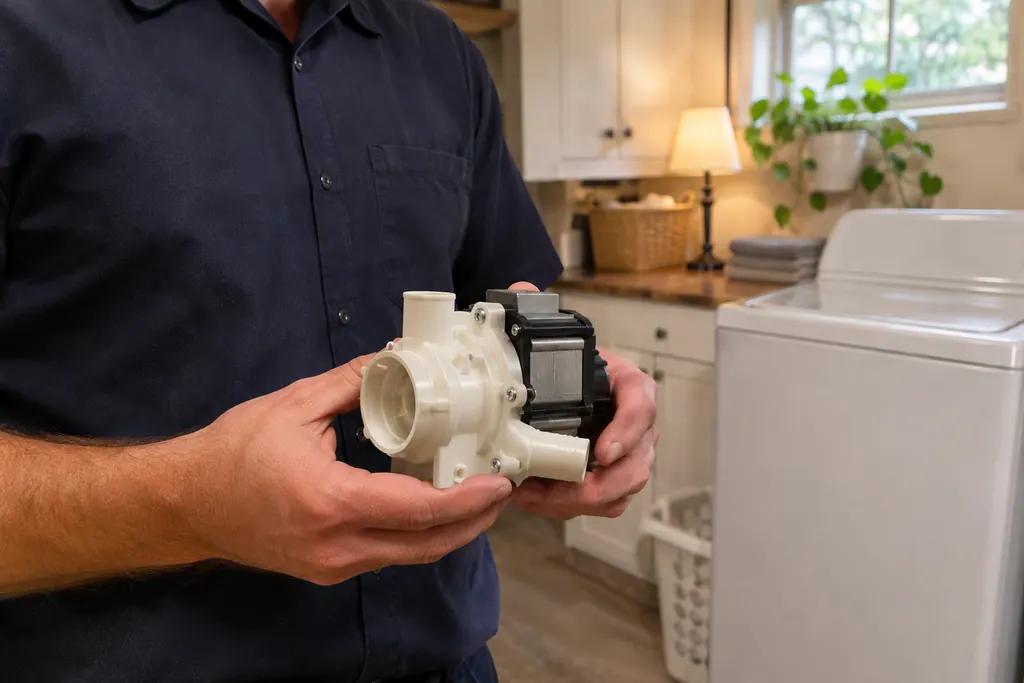
The technician reads the code against your model, finds the failed part and gives you a cost before starting.
The new part goes in, the cycle is tested, and you hear what was done.
Codes differ by family. The 796 guides print LE, dE, OE, IE and tE; Calypso washers print LF, FL, Ld and CE; 110 front-loads print F20, F21 and F22. The model number on the label tells you which.
For LE on a 796 washer, the guides say to let it stand for 30 minutes and restart. For a front-load control error (tE), unplug it for 60 seconds, reconnect and try again.
The guides list kinked drain or fill hoses, a clogged drain pump filter and plugged inlet screens before service. Keep drain discharge under 96 inches (244 cm).
If SUD or Sd shows, the guides say to use only HE detergent and no more than the recommended amount. The 796 front-load adds a suds-reducing cycle of about two hours.
dE, dL and LS point to a lid or door that is not closed or locked. Close it and press START first.
Book a visit if a code returns after the guide’s own steps, including the 30-minute rest for LE.
Book a visit if the washer will not drain, spin or lock after you have checked the hoses, filters and lid.
Turn off the taps and unplug the washer if water is leaking.
Leave the motor, pump, valve and control board to the technician; the guide warns they can shock during servicing.
Arrange a diagnosticAfter the technician has examined the appliance you are given the cost of the repair, and you decide whether to go ahead.
Covered repairs under a Kenmore manufacturer warranty are handled through Kenmore. We stand behind our own work with a workmanship warranty.
The guides name a lid or door that is not locked (dE, dL, LS), an out-of-balance load (UE) and, on 796 models, a tripped motor (LE). Rest it 30 minutes, rebalance, close the lid, then book.
On a 796 front-load it is a motor error; on the 796 top-load it is a tripped thermal overload. Both guides say stand 30 minutes, restart, and service if it returns.
Yes, both. Tell us the code you see and your model number prefix (110 or 796) when you book.
On the model label. Your Use & Care guide’s diagram shows where it sits on your washer.
A repair that falls under the manufacturer’s warranty is handled by the manufacturer. For anything else, book a visit with us and we agree the price before we begin.
Code, symptom, part or service
On a 796 front-load Kenmore washer, LE means a motor error; on the 796 top-load (2927) it means the motor's thermal overload protection has tripped. Both guides give the same first move: let the washer stand for 30 minutes, then restart the cycle.
Start with what the display and the lid or door say. A Kenmore washer will not spin until the lid or door is latched, and an out-of-balance load, a slow drain or too many suds can each hold the spin back. Rebalance, check the drain, then book a visit.
A Kenmore washer locks its door or lid while a cycle runs, and it will not spin unless the lock has engaged. The 796 guides print dE for a door or lid left open and dL for a lid lock switch error. Calypso washers print LS for the lid switch, and the 110 front-load guide lists F22 as “Front door lock.”
Book a diagnostic for your model, carried out at the appliance.
Office details, and the access information to pass along.