Start from the symptom
Kenmore washer controls not responding.
On a 796 front-load washer, buttons that do nothing often mean the Control Lock is on and CL is flashing in the display. Hold the CHIME button for three seconds to switch it off. If the washer is simply dead, check the plug, the breaker and the door or lid.
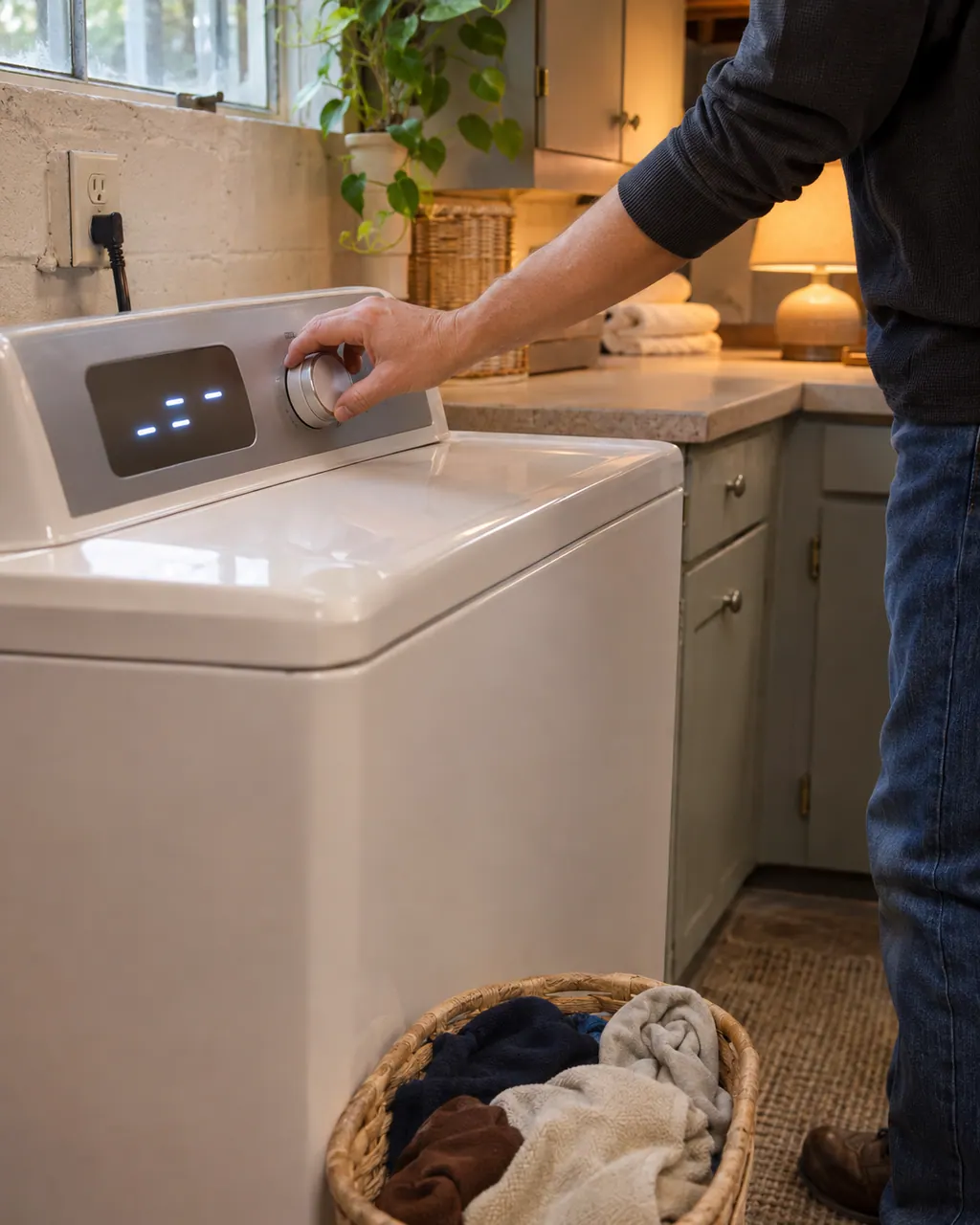
Start with safe observations.
Switch the appliance off and unplug it before any owner check. Be careful around standing water and sharp debris. Never touch a wet plug or electrical area, take off service panels, or go past what your model’s owner instructions allow.
- 1
Look for CL in the display
On the 796 front-loaders the lock can only be set during a cycle. The controls stay locked afterward, and CL alternates with the time remaining. Press and hold CHIME for three seconds to turn it off.
- 2
Check the power
The guides want a grounded 3-prong, 120-volt outlet and a reset breaker or replaced fuse. Do not raise the fuse rating, and keep extension cords out of it.
- 3
Close the door or lid, then press START
The washer will not run until the door or lid is locked. On a Calypso, closing the lid after opening it mid-cycle does not restart it; you must press START.
- 4
Check Delay Time
The Calypso guide asks whether Set Delay Time is enabled, which would explain a washer that waits.
- 5
Reset a control error
The 796 guide says to unplug the washer, wait 60 seconds, plug it back in and try again. A Calypso CE flashes after a communications problem; STOP/CANCEL clears the display.
Systems a technician may investigate.
We don’t quote parts up front. The technician names any part after the diagnostic and matches it to your exact model number before anything is replaced.
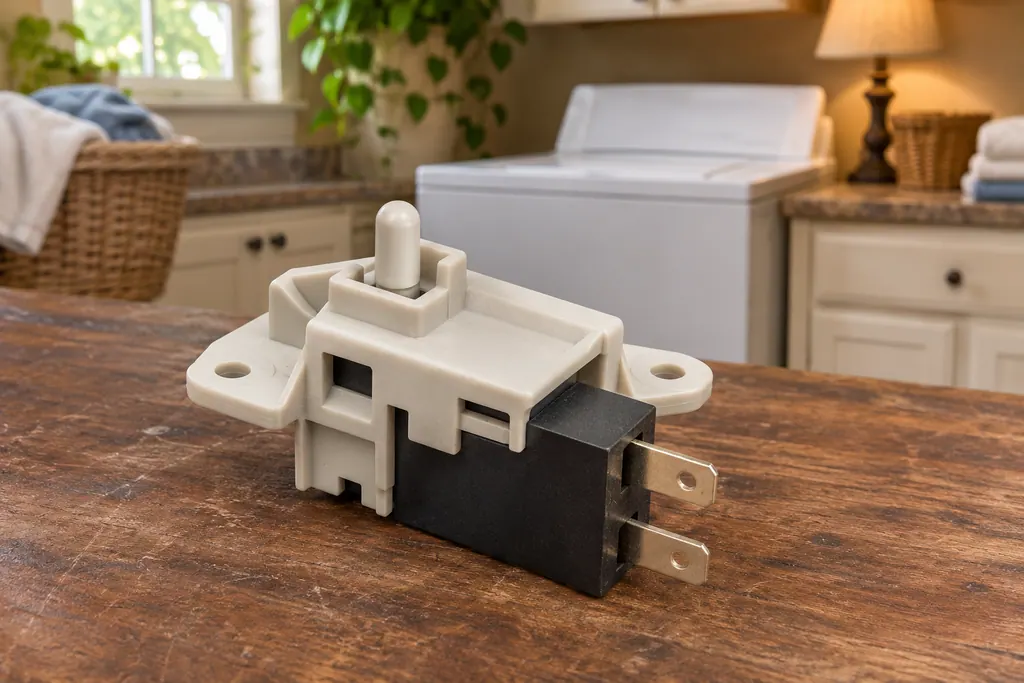
Washer door and lid lock
A Kenmore washer locks its door or lid while a cycle runs, and it will not spin unless the lock has engaged. The 796 guides print dE for a door or lid left open and dL for a lid lock switch error. Calypso washers print LS for the lid switch, and the 110 front-load guide lists F22 as “Front door lock.”
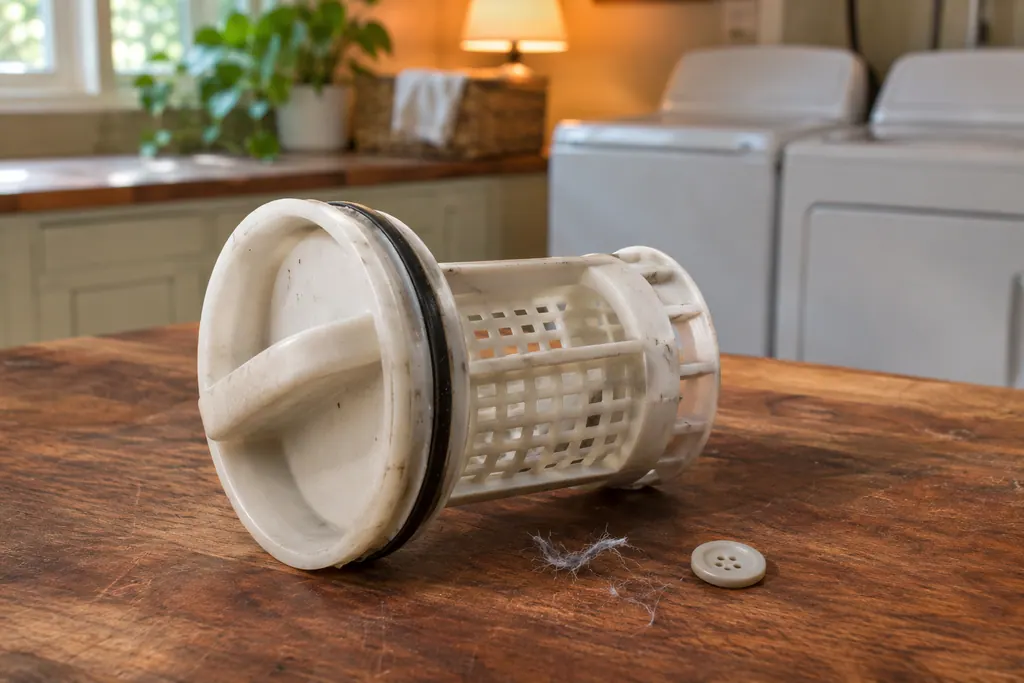
Washer drain pump filter
The 796 front-load washer has a drain pump filter behind a small access panel. It catches lint, buttons, keys and coins before they reach the pump. When the washer drains slowly or not at all, the guide’s list starts with the drain hose and then this filter.
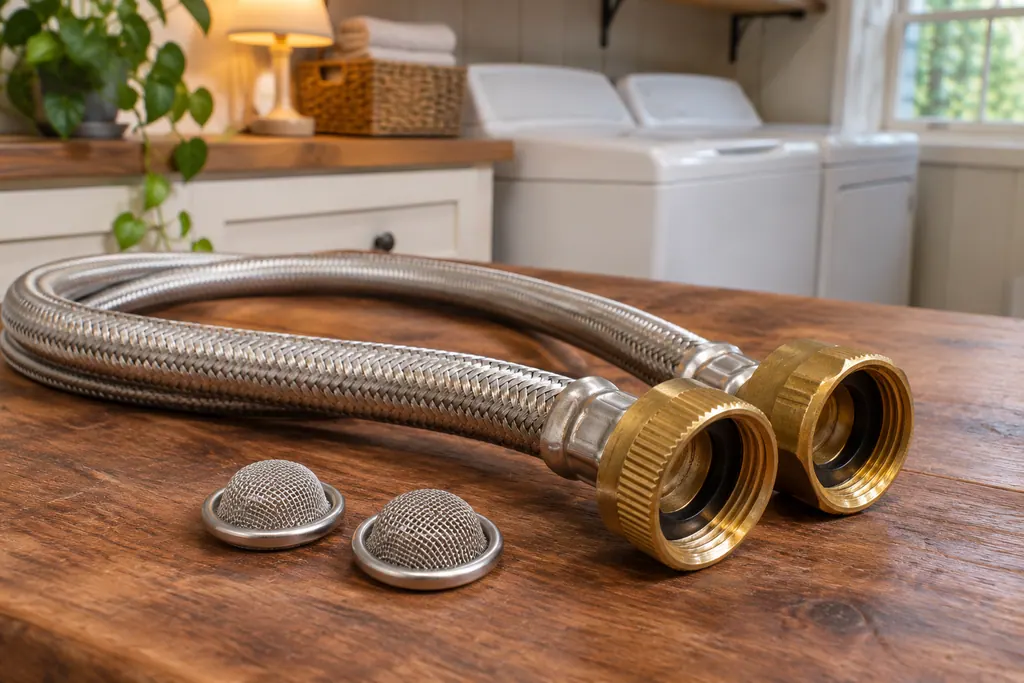
Washer water inlet screens
Each water valve on a Kenmore washer has a small filter screen where the hot and cold hoses connect. The guides tie them to slow or no filling: Calypso LF (Long Fill) asks whether the inlet valve screens are clear, and the 796 front-load guide says to clean them if the washer does not fill properly.
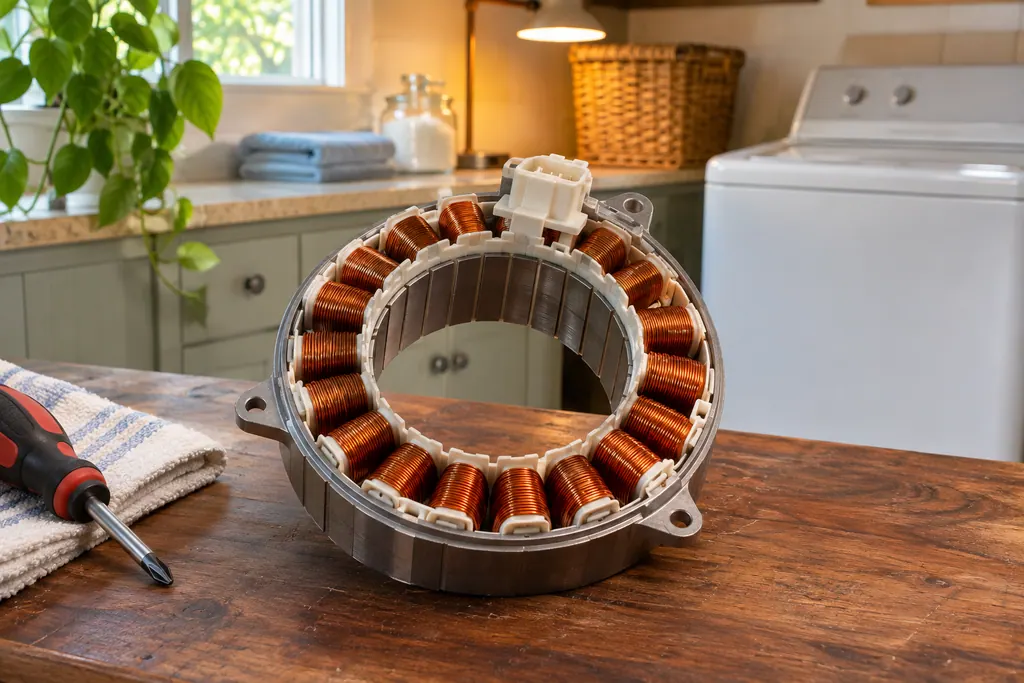
Washer drive motor
On 796 Kenmore washers the drive motor is the part behind the LE code. The front-load guide prints LE as “A motor error has occurred,” and the top-load guide says the motor’s thermal overload protection has tripped. Both say to let the washer stand for 30 minutes, then restart.
If the display adds a code.
Overload
CA is the Calypso washer's current limit message. The guide's question is whether the machine is overloaded, and its remedy is one key press that wipes the display. Take some items out before you start again. A 796 top-load uses CL for something else, so match the code to your model prefix.
Communication
CE is the Calypso's Communications Error message. The code flashes and the washer beeps once. Wipe the display with STOP/CANCEL; a CE that keeps occurring is a service matter. No cause is named, so the owner has no repair to attempt.
Power
PF means power failure. On a Calypso it flashes: press START to continue the cycle from the moment power was lost, or STOP/CANCEL to clear and cancel. On 796 front-loaders PF shows the next time you turn the washer on, and selecting any cycle clears it.
Read the related care guide.
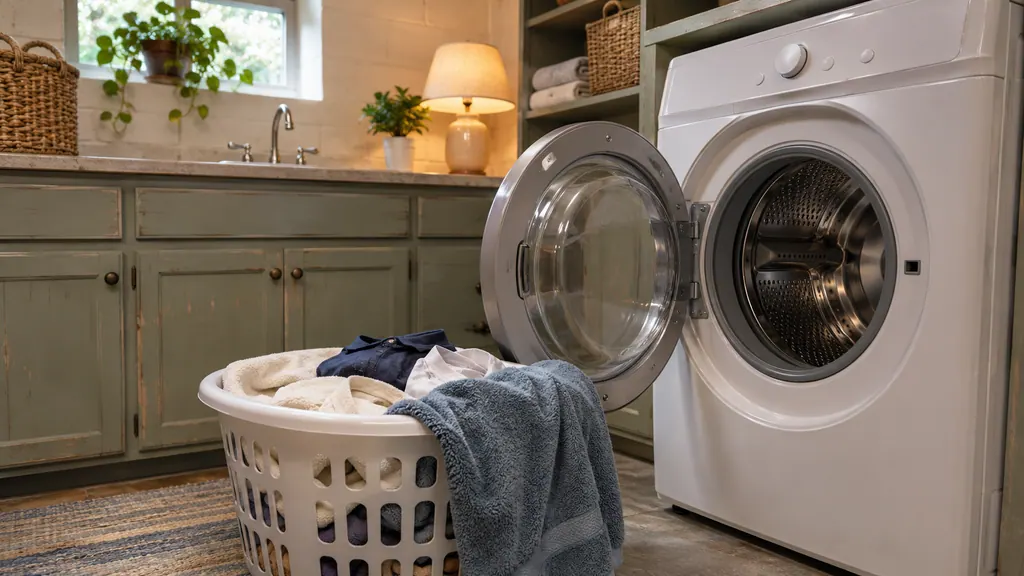
Washer stops before the spin? Check how it is loaded.
A Kenmore washer stops its spin when the load sits unevenly. Load loosely, mix large and small items, never wash one heavy item alone, and keep the drum from being packed tight. If the washer pauses with an imbalance message, redistribute the load and restart.
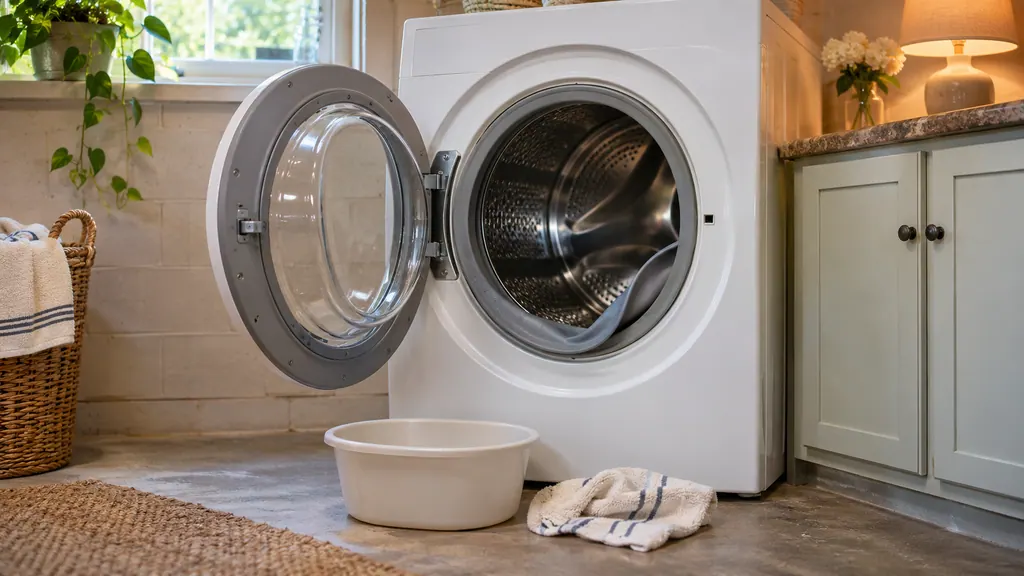
Musty front-load washer? Three monthly tasks fix most of it.
Each month, wipe the door seal with the diluted bleach mix, empty the drain pump filter, and leave the door ajar between loads. Check the two inlet filters when the washer fills slowly. All three tasks are in the 796 front-load guide, and each takes only a few minutes.
When observation becomes a service request.
Leave internal testing to a technician.
The display stays blank, a control error comes back after the 60-second reset, or CE keeps returning. Book a visit and note exactly what the display shows.
Arrange a diagnosticSources and model boundaries.
These sources back up the Kenmore washer controls not responding guidance. Read the manual that fits your model.
- Use & Care Guide, Kenmore front-load washers 796.4136/4146/4156
- Use & Care Guide, Kenmore Calypso top-load washers 110.2206/2408/2506/2508
Go by the instructions for your exact model. Check how we research these pages.
Why does my washer show CL?
On a 796 it means Control Lock is on. It is not an error. On a Calypso, CL (or CA) means current limit, usually an overloaded washer. Check your model prefix to know which applies.
How do I turn off the Control Lock?
On the 796 front-load models, press and hold the CHIME button for three seconds. The same press turns the lock on, but only during a cycle.
The washer is dead. What should I check?
The plug, the outlet, the breaker or fuse, and whether the door or lid is shut. The guides list those four before anything else.
Does unplugging the washer help?
For a control error on the 796, yes. Unplug it, wait 60 seconds, reconnect and try again. If the same error returns, book a visit.
Code, symptom, part or service
Link the message to what comes next.
CA
CA is the Calypso washer's current limit message. The guide's question is whether the machine is overloaded, and its remedy is one key press that wipes the display. Take some items out before you start again. A 796 top-load uses CL for something else, so match the code to your model prefix.
Kenmore washer not spinning
Start with what the display and the lid or door say. A Kenmore washer will not spin until the lid or door is latched, and an out-of-balance load, a slow drain or too many suds can each hold the spin back. Rebalance, check the drain, then book a visit.
Washer repair
Book a diagnostic for your model, carried out at the appliance.
Find your metro
Office details, and the access information to pass along.