Inside the appliance
Washer water inlet screens. In plain English.
Each water valve on a Kenmore washer has a small filter screen where the hot and cold hoses connect. The guides tie them to slow or no filling: Calypso LF (Long Fill) asks whether the inlet valve screens are clear, and the 796 front-load guide says to clean them if the washer does not fill properly.
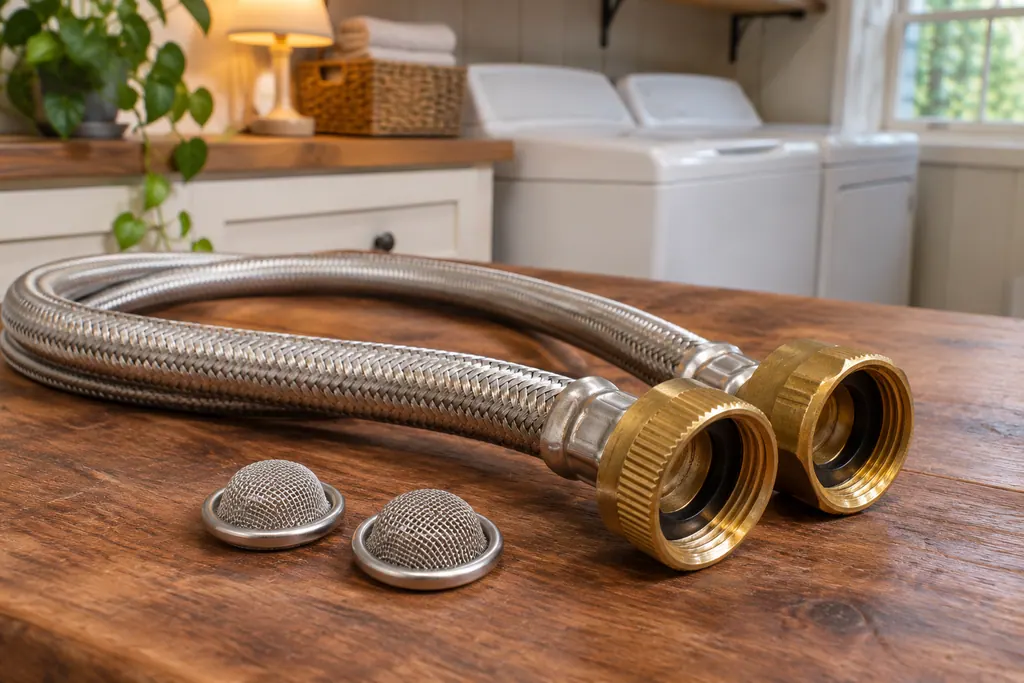
Where it fits.
Washer water inlet screens in the appliance
They sit inside the hose connections on the washer’s back panel, where the hot and cold hoses screw onto the water valves. You have to take the hoses off to see them.
The picture shows the type of component. It does not pick out a replacement that fits your model.
What you notice when this system needs attention.
Washer water inlet screens concerns can show up together with weaker performance or a code that keeps returning. Testing is required before deciding whether the component is to blame.
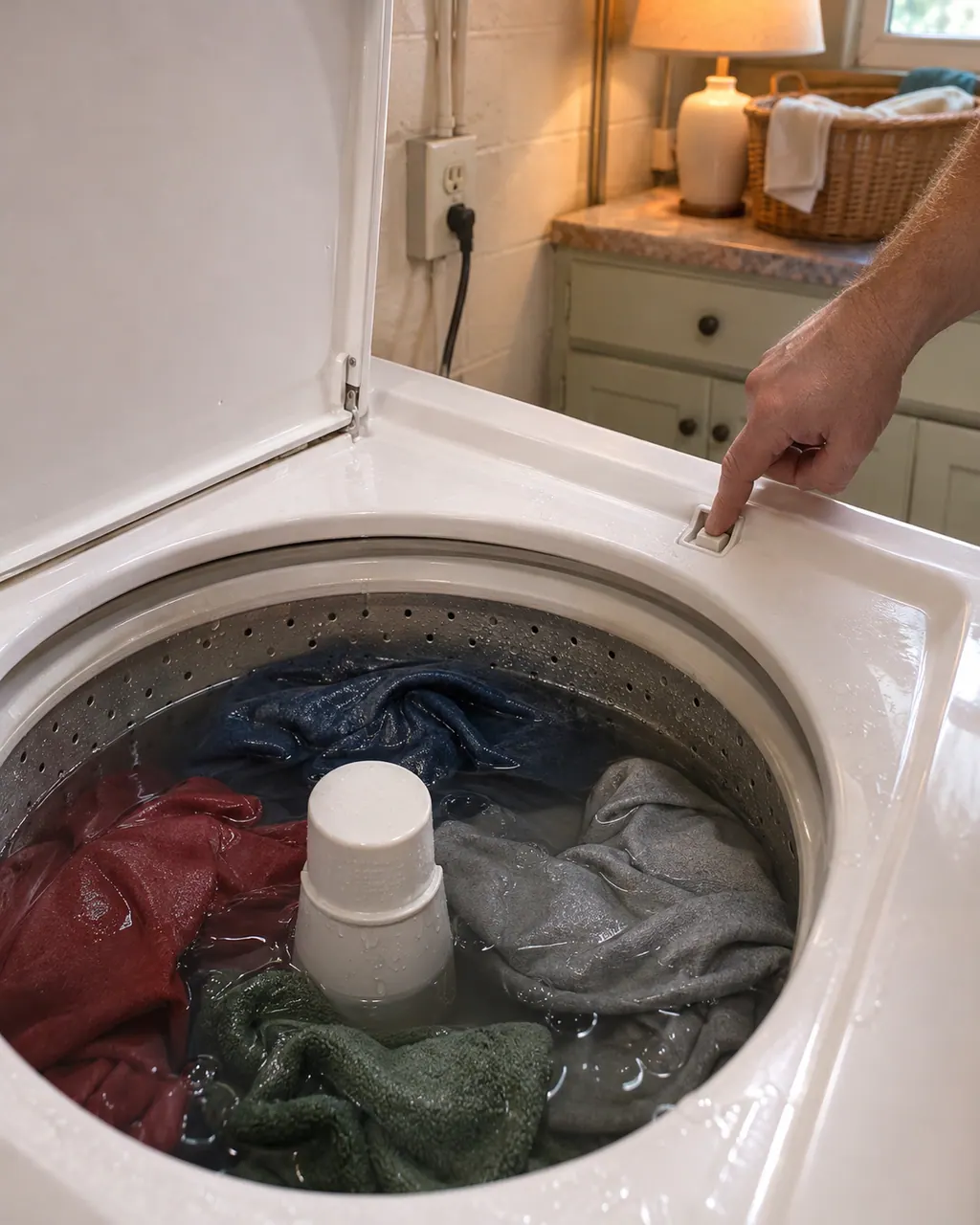
Kenmore washer not spinning
Start with what the display and the lid or door say. A Kenmore washer will not spin until the lid or door is latched, and an out-of-balance load, a slow drain or too many suds can each hold the spin back. Rebalance, check the drain, then book a visit.
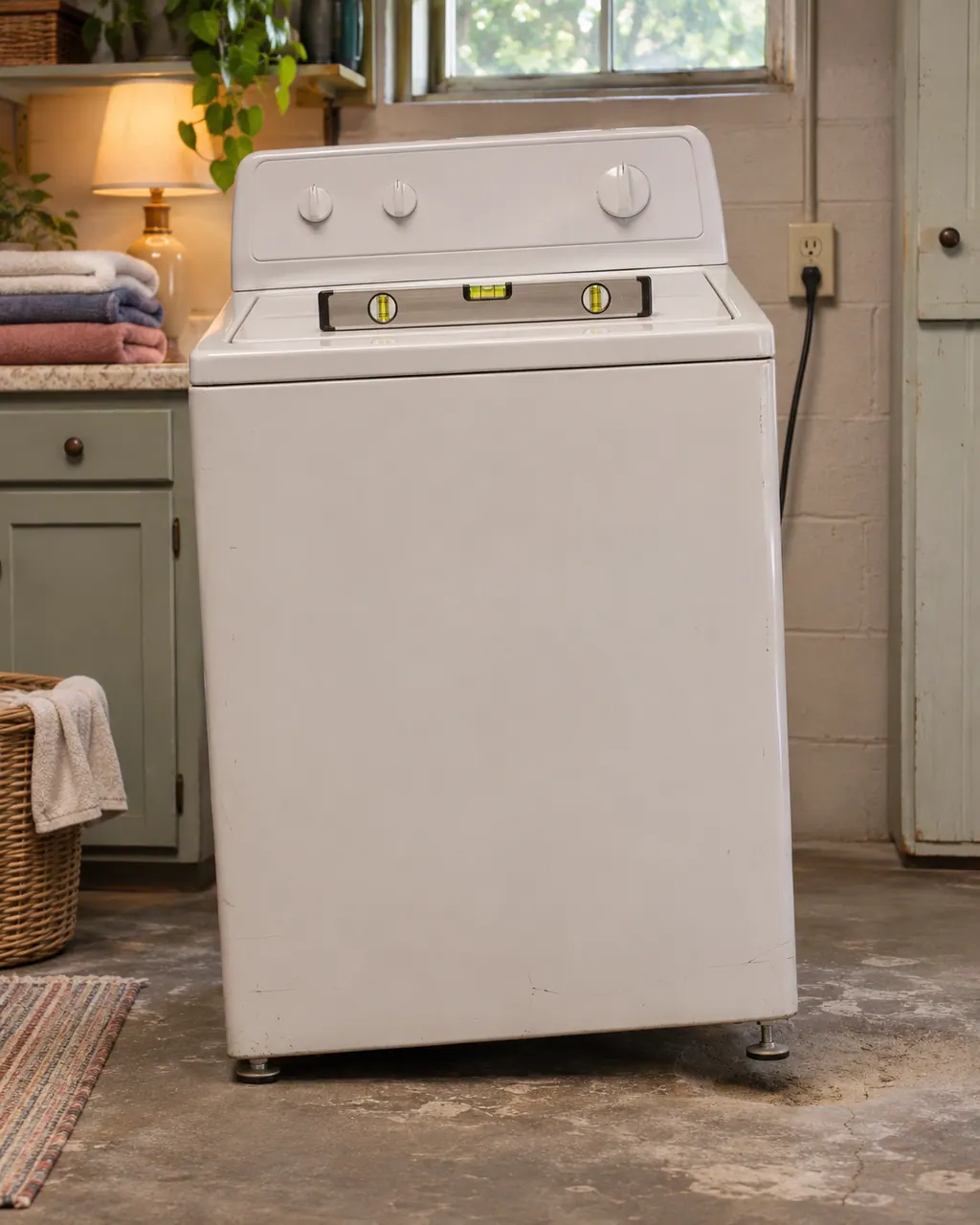
Kenmore washer shaking
Violent shaking on a Kenmore washer comes down to a lopsided load, feet that are not all touching, shipping bolts left in, or a floor that flexes. Pause, spread the load, check the feet and the bolts, then book us if the shaking persists.
Owner care, within the model instructions.
Switch the appliance off and unplug it before any owner check. Be careful around standing water and sharp debris. Never touch a wet plug or electrical area, take off service panels, or go past what your model’s owner instructions allow.
- 1
Check the supply first
The 796 guide lists faucets not fully open, kinked or crushed hoses, low house water pressure and leak-limiting hoses. It says leak-limiting hoses can trip falsely and are not recommended.
- 2
Turn off both faucets
Shut both faucets completely and unscrew the hot and cold hoses from the back of the washer. Have a bucket ready for the hose ends.
- 3
Clean, rinse, flush
Lift each screen out carefully, soak it in white vinegar or a lime scale remover, and rinse it well. Flush the hoses and lines into a bucket before you reconnect.
- 4
Never run it without them
The guide warns that running the washer with the screens removed could keep a valve from opening and cause flooding or property damage.
Cleaning or replacement?
Leave internal testing to a technician.
Book a visit if LF, IE, F20 or FH comes back after clean screens, straight hoses and open faucets.
Book a visit if water leaks at the valve or hoses. Turn off the taps and unplug the washer first.
Leave the valve itself to the technician.
Arrange a diagnostic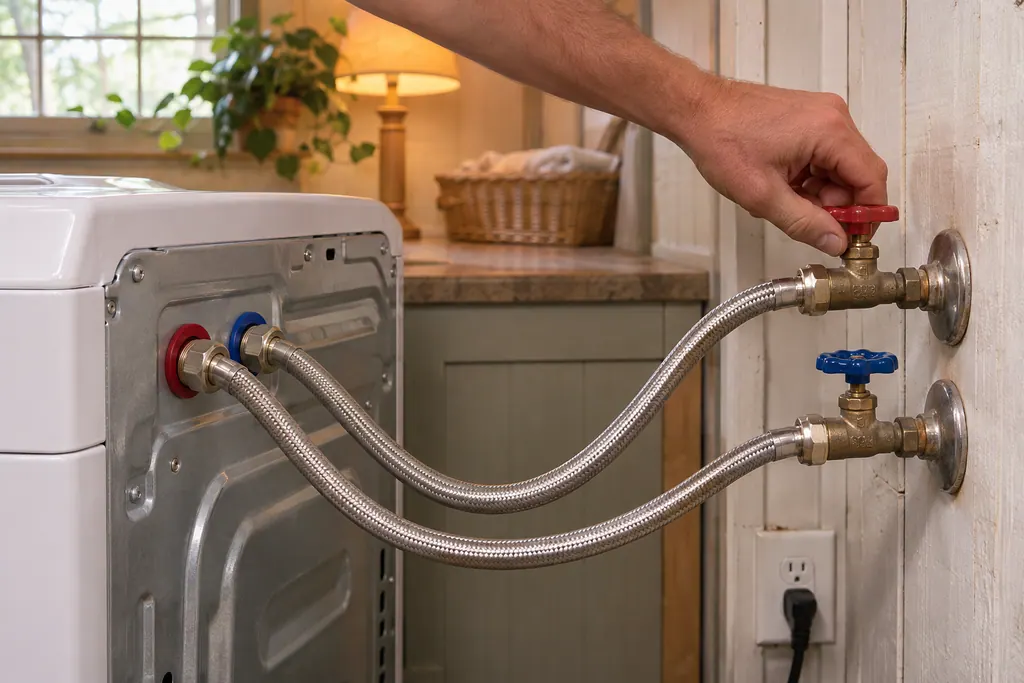
Sources and model boundaries.
These sources back up the Washer water inlet screens guidance. Read the manual that fits your model.
- Use & Care Guide, Kenmore front-load washers 796.4136/4146/4156
- Use & Care Guide, Kenmore Calypso top-load washers 110.2206/2408/2506/2508
- Use & Care Guide, Kenmore front-load washers 110.4708/4709
- Use & Care Guide, Kenmore front-load washers 110.4292/4492/4493
Go by the instructions for your exact model. Check how we research these pages.
What does LF mean on a Kenmore washer?
On a Calypso washer, LF means Long Fill. The guide asks whether the inlet hoses are kinked or clogged and whether the inlet valve screens are clear, then says press STOP/CANCEL to clear the display.
What are the screens for?
The 796 guide says they protect the delicate parts of the inlet valve from particles in the water supply. Hard water scale and sediment can plug them.
What do F20 and FH mean?
Both are printed as a water inlet problem on 110 front-loaders: no water or too little. Cancel the cycle, unplug, check the faucets, screens and hoses, reconnect, and restart.
Should I use leak-limiting hoses?
The 796 front-load guide says they can trip falsely and stop the washer from filling, and that their use is not recommended. It also says to use new, high-quality inlet hoses.
Code, symptom, part or service
Link the message to what comes next.
LF
LF (Long Fill) tells you a Calypso took too long to fill. Its two questions are whether the inlet hoses are kinked or clogged and whether the inlet valve screens are clear; STOP/CANCEL then clears the display.
Kenmore washer not spinning
Start with what the display and the lid or door say. A Kenmore washer will not spin until the lid or door is latched, and an out-of-balance load, a slow drain or too many suds can each hold the spin back. Rebalance, check the drain, then book a visit.
Washer repair
Book a diagnostic for your model, carried out at the appliance.
Find your metro
Office details, and the access information to pass along.