On this page
- Oven lockout locks the door and the keys; it does not switch off the clock, timer or oven light. 12
- The lockout key is 3 seconds to set and 3 seconds to cancel; the door takes about 15 seconds either way. 23
- Do not open or close the door while the lock message or light is on. 23
- The guides print no meaning for F11 or any other F code, only the steps. 123
- A clock that was never set can stop a 790 gas range's oven from working. 3
Why is my Kenmore range panel not responding?#
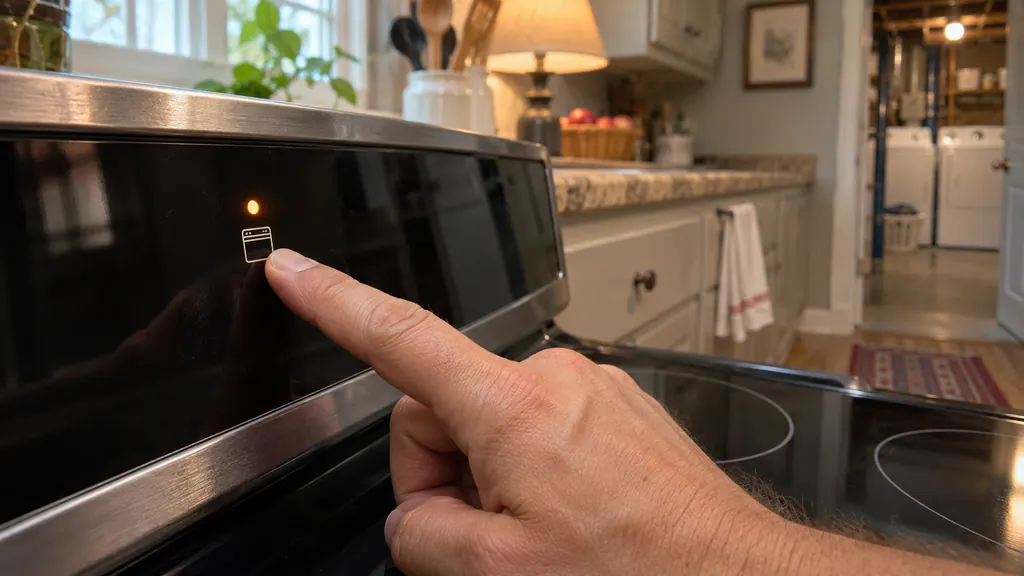
Check the oven lockout first. When it is on, the oven door is locked and the oven keys are inactive, so the panel looks dead. A Loc message and a door-locked light give it away. The 790 guides describe it on every range we read. 1234
The lockout is a feature, not a failure. It exists to stop the oven being switched on by accident, and it is easy to set by holding a key a little too long while cleaning the panel.
Two other causes come up in the guides: the range has no power, or the oven control has detected an error and is beeping an F code. This guide covers the lockout, the quick power checks and the F-code steps.
How do I tell if the oven lockout is on?#
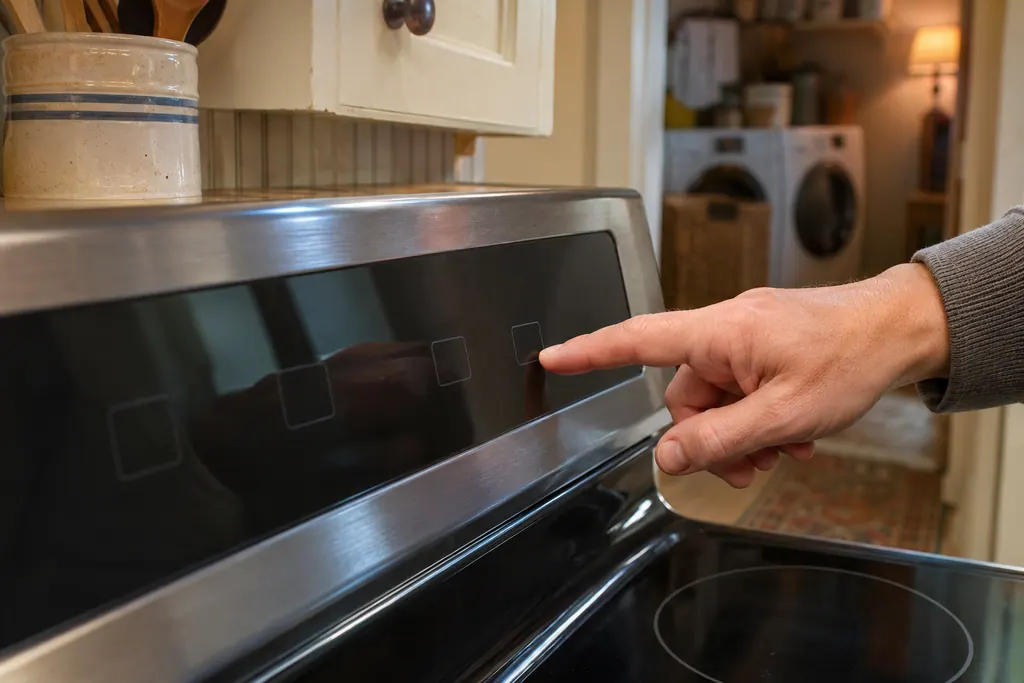
Look for "Loc" on the display, a door-locked light that is on or flashing, and a triple beep when you press a key. Any of those means the lockout is on. 134
The guides agree on what the lockout does. It locks the oven door and keeps the oven from being turned on. It does not disable the clock, the kitchen timer or the interior oven light. 12
| Guide | Key to hold | What you see | Door time |
|---|---|---|---|
| Elite dual-fuel slide-in (790.4103) | The lockout pad, 3 seconds 1 | "Loc" and a flashing DOOR LOCKED that stays on 1 | Flashes until the door has fully unlocked 1 |
| 790.7540 range | STOP/CLEAR, 3 seconds 2 | "LOC" and a flashing Door Locked light 2 | About 15 seconds 2 |
| Elite slide-in gas (790.4260) | Oven Lockout, 3 seconds 3 | "Loc" 3 | About 15 seconds 3 |
| 790.9375 range | A control pad, 3 seconds (see your guide) 4 | "Loc"; the time of day returns once locked 4 | About 15 seconds 4 |
Press a key while the lockout is on, and the gas range's control triple-beeps to say the key action is not available. 3 The 790.9375 control shows "Loc" in the display. 4
The dual-fuel guide adds one more effect. The warmer drawer will not run while the oven is in the self-clean or lockout modes. 1
How do I turn the lockout off?#
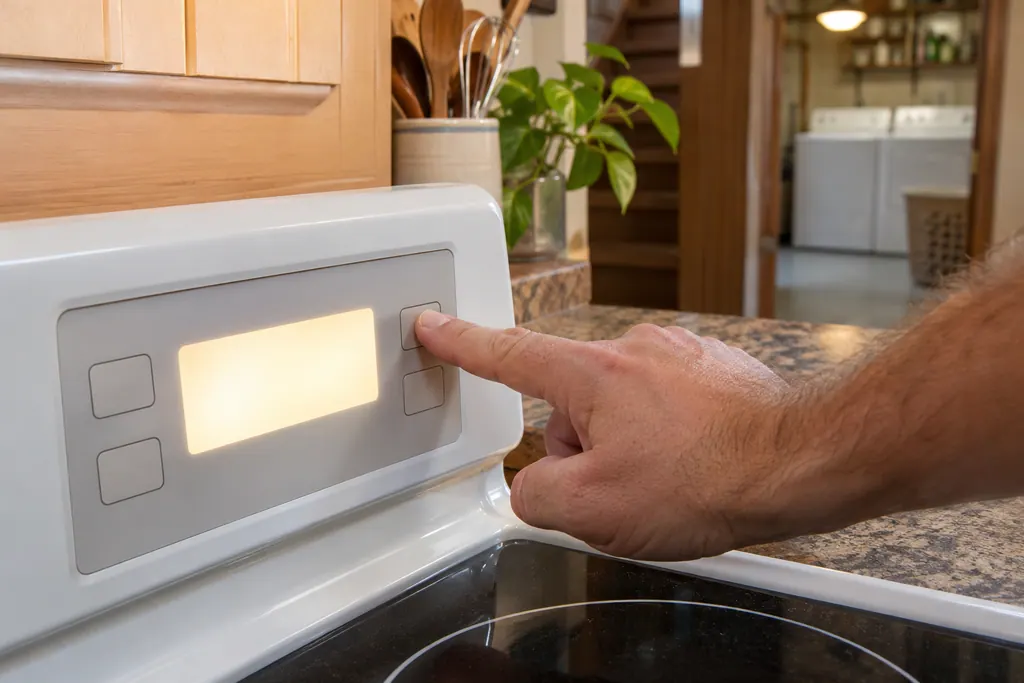
Hold that key down again for 3 seconds. The control unlocks the door and goes back to normal. Leave the door alone while the light flashes, because the lock needs roughly 15 seconds to travel. 123
- 1
- 2
- 3
- 4
If the lock never releases after you unlock the oven, the door lock may need attention, and the range door problems page is the next step.
What if the whole range seems dead?#
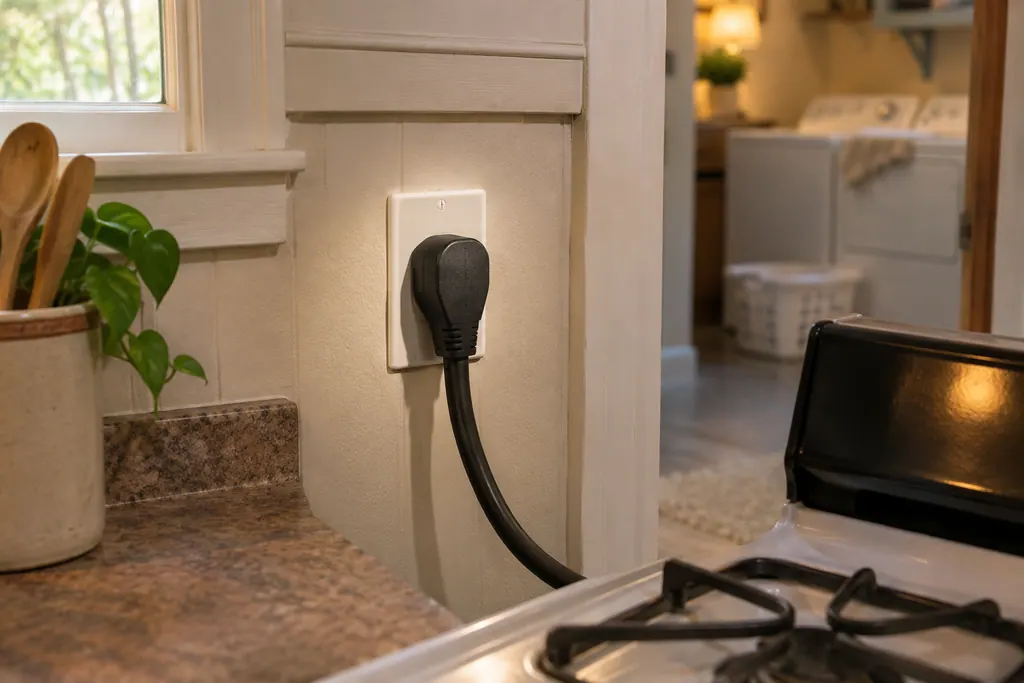
Check the cord, the house power and the clock. The guides list a loose plug, a power outage and incomplete service wiring for a range or oven that does not operate. On the gas range, an unset clock also stops the oven. 123
- 1
- 2
- 3
- 4
The 790.7540 guide has a built-in 12-hour energy saving mode that shuts the oven off after 11 hours and 59 minutes unless you set continuous baking. That is a plain shutoff, not an error. 2
What do I do when the panel beeps and shows an F code?#
Press the clear key to stop the beeping, reprogram the oven, and write down the code if it returns. The guides print this as one rule and give no meaning for any F code. 1234
The exact steps differ a little by guide.
| Guide | What it says |
|---|---|
| Elite dual-fuel slide-in and 790.7540 | Press STOP/CLEAR to clear the display and stop the beeping, reprogram the oven, and if it recurs, record the number 12 |
| 790.4260 gas range | Press STOP, try Bake or Broil. If it repeats, turn power off at the appliance, wait 5 minutes, repower, set the time of day and test Bake or Broil 3 |
| 790.9375 | The control beeps continuously and shows F1, F3 or F9. Press CANCEL, reprogram, and record the number if it returns 4 |
The dual-fuel and 790.7540 guides use F11 only as an example of an F code. They do not say what it means. 12 The range unlisted-codes page lists F11 and the others this way too, with the same owner steps.
When is a visit the right call?#
Book when an F code returns after you have cleared it and reprogrammed, when the door stays locked past the 15 seconds, or when the range stays dead with the cord seated, the house lights on and the clock set. 123
The technician agrees the price with you before any work starts. The exact cost is confirmed after the on-site diagnostic. For the range itself, see the range service page and the range controls problem page.
Sources#
- Use & Care Guide, Kenmore Elite dual-fuel slide-in range 790.4103/4104Kenmore / Sears Brands · Document L0810108 (part 318203893 Rev. A) · pp. 18 (Oven Lockout), 46-47 (Before You Call)
- Use & Care Guide, Kenmore range 790.7540Kenmore / Sears Brands · Document 1608081L (part 318200773 Rev. A) · pp. 15 (Oven Lockout), 22-23 (Self-Cleaning), 28-29 (Before You Call)
- Use & Care Guide, Kenmore Elite slide-in gas range 790.4260/4261Kenmore / Sears Brands · Document 1403611L (part 139901309 Rev. A) · pp. 16 and 18 (Oven Lockout), 41 (Before You Call)
- Use & Care Guide, Kenmore range 790.9375xKenmore / Sears Brands · Document L0207081 (part 316257907) · pp. 11 (Oven Lockout), 22 (Before You Call)