Start from the symptom
Kenmore range controls not responding.
On the Kenmore 790 ranges, a dead-looking oven panel usually means one of four things: the oven lockout is on, the clock was never set, an F or E code stopped the control, or power is missing. Cancel the lockout first; a code needs a restart.
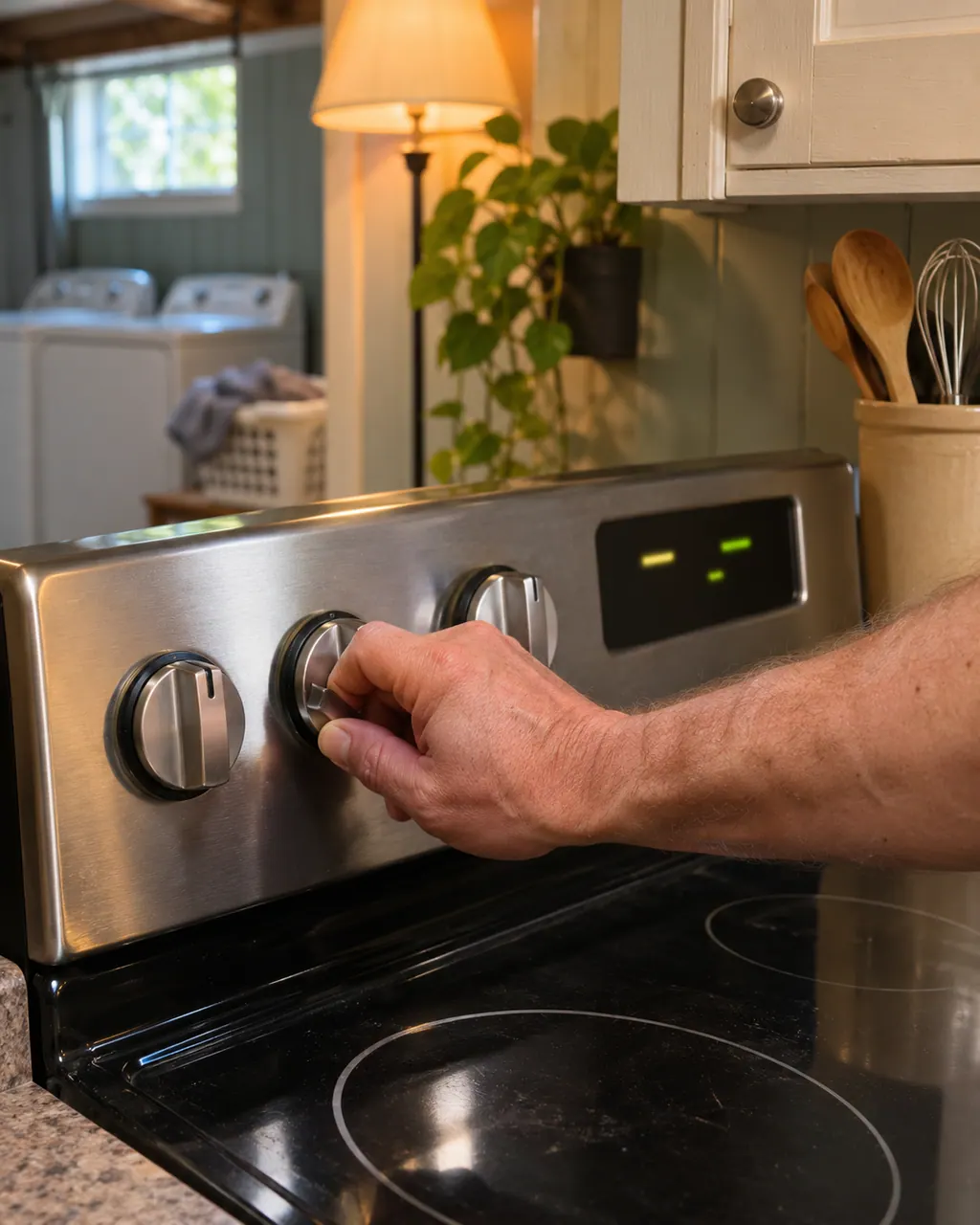
Start with safe observations.
Switch the appliance off and unplug it before any owner check. Be careful around standing water and sharp debris. Never touch a wet plug or electrical area, take off service panels, or go past what your model’s owner instructions allow.
- 1
Look for door Loc
On the Elite slide-in gas range, the oven lockout locks both the door and the keys. Pressing a key while it is on gives a triple beep. Hold Oven Lockout for three seconds and wait about 15 seconds for the door to unlock.
- 2
Set the clock
Per the guide, an oven with no time of day entered will not operate at all, so enter it.
- 3
Clear an F or E code
Press STOP, try bake or broil, and if the code repeats, turn off power to the range, wait 5 minutes and repower. Reset the clock and try again. Older 790 ranges beep continuously and flash F1, F3 or F9; the guide says to push CANCEL and reprogram.
- 4
Check the plug and house power
Make sure the cord is firmly plugged in, then look at house lights for an outage.
- 5
Write the number down
If a code returns, record it exactly. The guides print no meanings for F-codes, so the number helps us.
Systems a technician may investigate.
These parts are linked to the symptom. Noticing the symptom does not show that any single part has failed.
If the display adds a code.
Not decoded
We found no printed meaning for F16 in Kenmore's range guides, which lists one rule for any F code. Clear the display, reprogram, write the number down and arrange a visit if it reappears. Shut off gas if you smell it.
Mode
On the 405.7608#, a three-second press of + and - together locks the panel; LOC flashes and then stays lit. That is a panel lock rather than an error, and the oven door stays free.
Mode
Hold both pads again for three seconds and the panel unlocks; OPN flashes, and the pads work once the flashing stops. It simply confirms the unlock.
Read the related care guide.
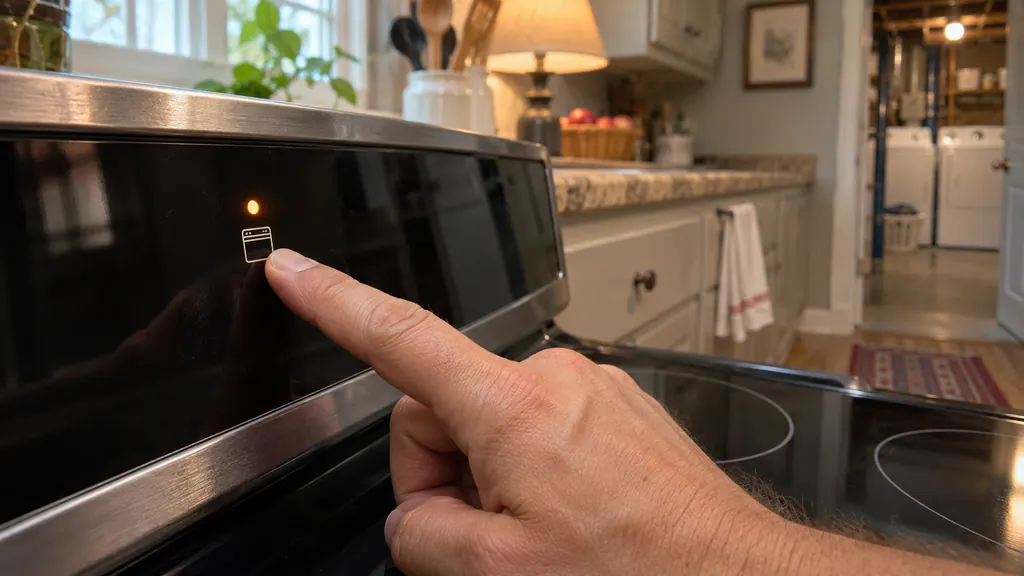
Range panel dead? The oven lockout may be on.
If the touch panel of a Kenmore 790 range seems dead, check the oven lockout first. A Loc message means the door is locked and the keys are off. Hold the lockout key (STOP/CLEAR on some models) for 3 seconds, then wait about 15 seconds. If an F code beeps instead, clear it, reprogram and note the number.
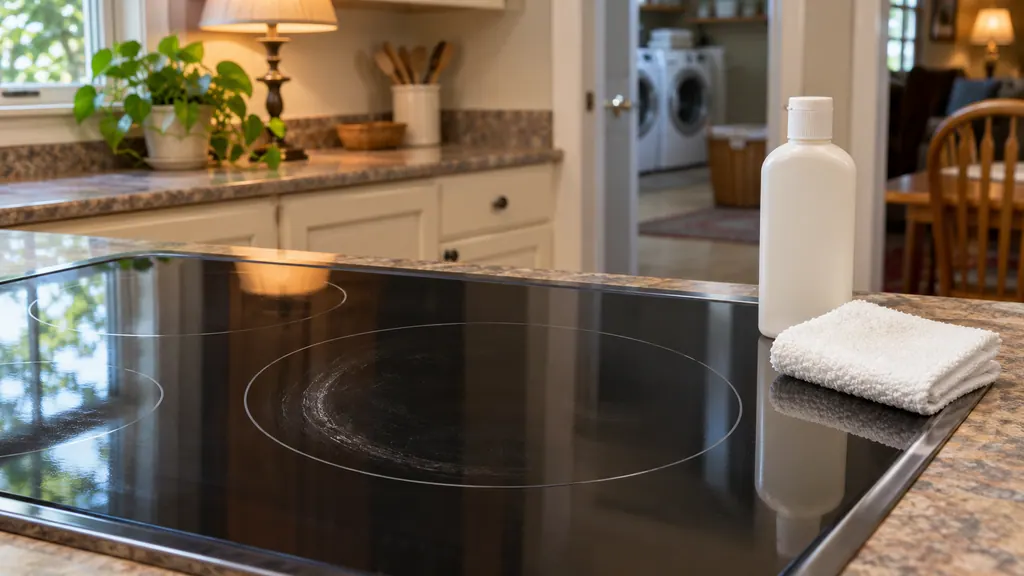
Streaks and burned spills on a glass cooktop? Here is what lifts them.
Clean a Kenmore glass cooktop only when it is cool, with the ceramic-glass cooktop cleaning cream and a non-scratch pad. Remove metal marks soon, scrape burned-on spills with a razor scraper at a shallow angle, and never use bleach, ammonia, oven cleaner or foil. Sugar and plastic are the exception: scrape those at once.
When observation becomes a service request.
Leave internal testing to a technician.
An F or E code comes back after the 5-minute power-off, or the panel stays dead with power confirmed. Book a visit and tell us the code and the model number starting 790.
Arrange a diagnosticSources and model boundaries.
These sources back up the Kenmore range controls not responding guidance. Read the manual that fits your model.
- Use & Care Guide, Kenmore Elite slide-in gas range 790.4260/4261
- Use & Care Guide, Kenmore Elite dual-fuel slide-in range 790.4103/4104
- Use & Care Guide, Kenmore range 790.93750/51/52/54
Go by the instructions for your exact model. Check how we research these pages.
Why won't my Kenmore oven respond to the keys?
Oven lockout is the first thing to check on the Elite slide-in gas range: keys give a triple beep while it is on. Otherwise look at the clock, an F code or power.
How do I cancel oven lockout?
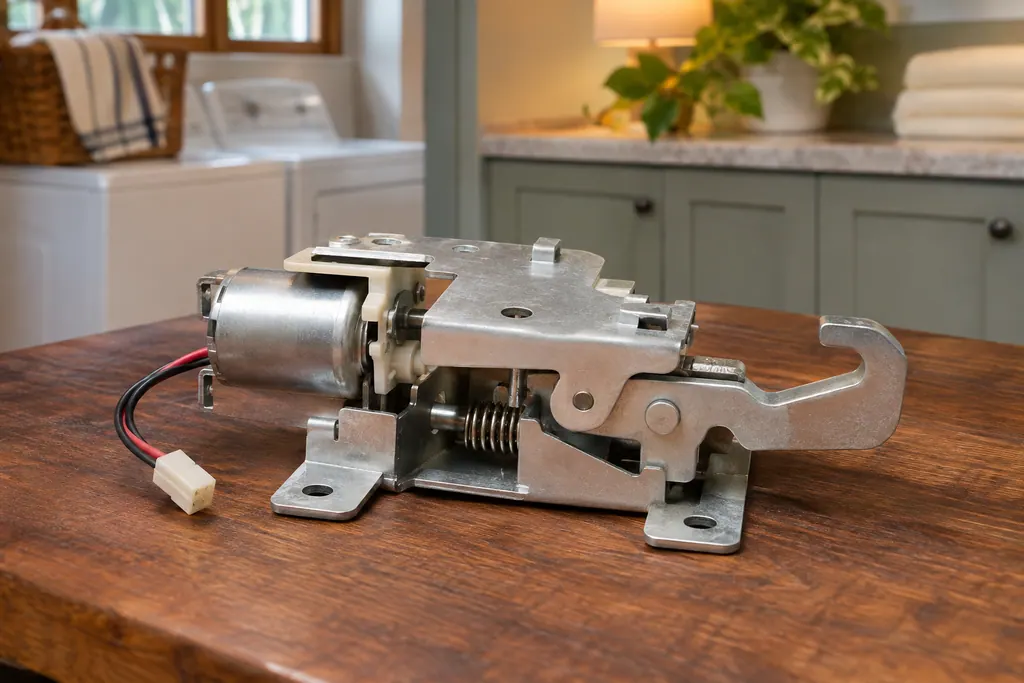
Press and hold Oven Lockout for three seconds. The door latch motor unlocks, which takes about 15 seconds. Do not force the door.
What do F1, F3 and F9 mean?
The 790.9375 guide only says the control found a failure and flashes them. It gives no meanings, so we do not either. Book a visit.
Can I fix an F code by cutting power?
The Elite gas range guide suggests turning off power for 5 minutes. If it returns, service is needed.
Code, symptom, part or service
Link the message to what comes next.
Kenmore range F16: what the documents print
We found no printed meaning for F16 in Kenmore's range guides, which lists one rule for any F code. Clear the display, reprogram, write the number down and arrange a visit if it reappears. Shut off gas if you smell it.
Kenmore range controls not responding
On the Kenmore 790 ranges, a dead-looking oven panel usually means one of four things: the oven lockout is on, the clock was never set, an F or E code stopped the control, or power is missing. Cancel the lockout first; a code needs a restart.
Range oven door lock
Kenmore’s Elite 790 ranges lock the oven door with a motor-driven latch. The guide says it locks automatically when you turn on oven lockout (“Loc” shows) and for Self Clean, and warns you not to open or close the door while the latch is moving.
Range repair
Book a diagnostic for your model, carried out at the appliance.
Find your metro
Office details, and the access information to pass along.