What it means
Hold both pads again for three seconds and the panel unlocks; OPN flashes, and the pads work once the flashing stops. It simply confirms the unlock.
Kenmore range OPN / Mode
Hold both pads again for three seconds and the panel unlocks; OPN flashes, and the pads work once the flashing stops. It simply confirms the unlock.
Also shown as OPN
Hold both pads again for three seconds and the panel unlocks; OPN flashes, and the pads work once the flashing stops. It simply confirms the unlock.
Press both pads together.
Three seconds on + and - leaves the panel locked.
Your checklist / stored on this device
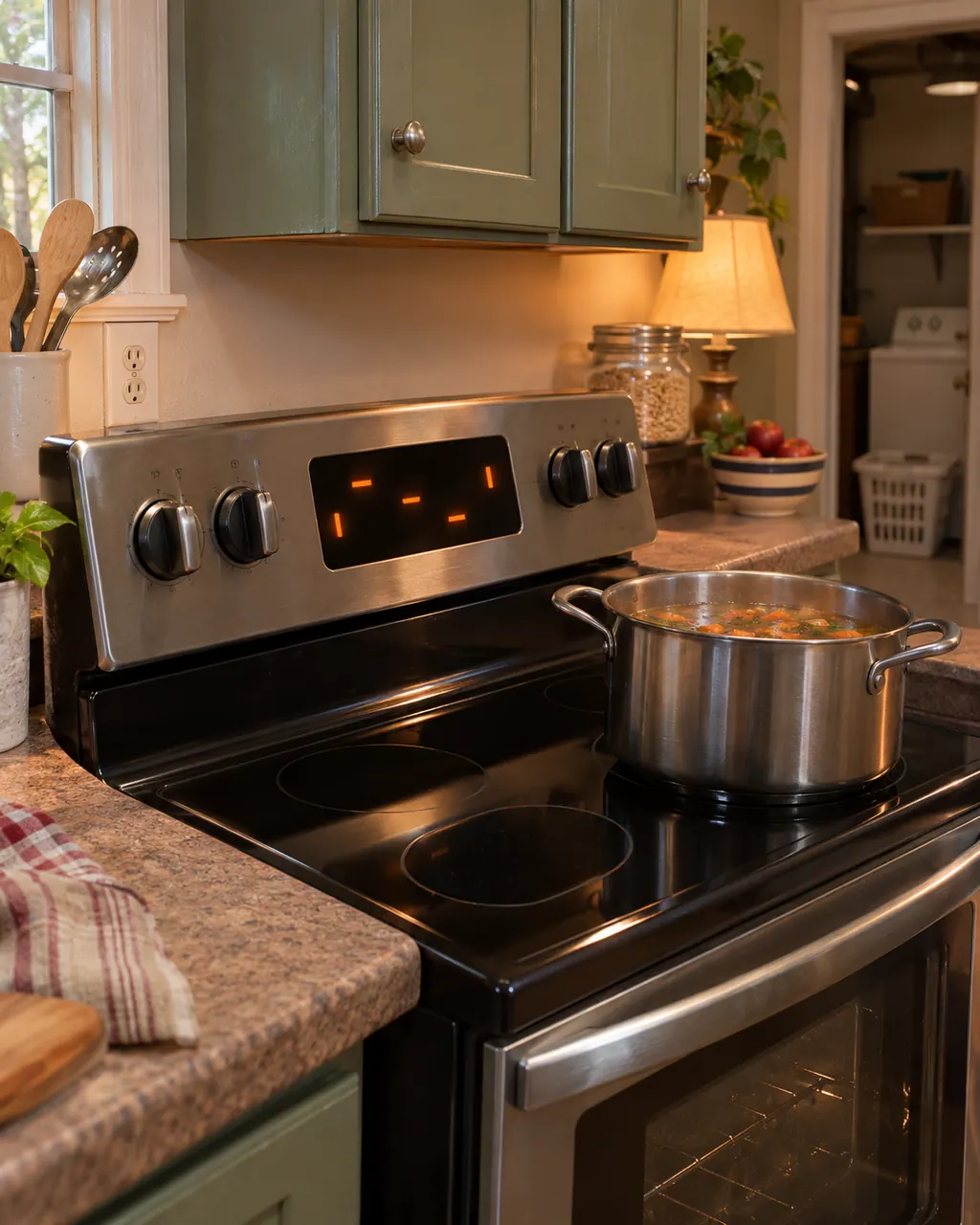
Press both pads together. OPN appears and begins to flash.
When it stops, the control panel is unlocked and the pads respond.
Press a function pad such as Timer to see the panel working.
Repeat the press to lock, which shows LOC.
If several tries cannot free the panel, book a technician.
Give us the model and the checks you have already done, and open your request from here.
Book a visit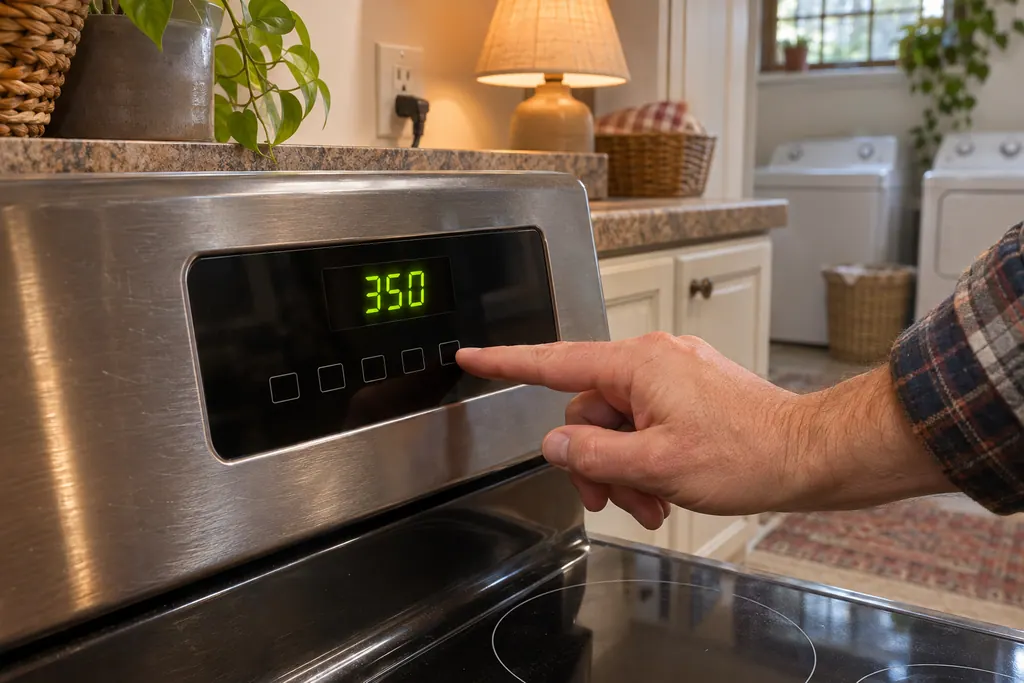
Simplified drawing; the real layout depends on the model. Tap an outlined part to see its photo and the check that goes with it.
OPN is the icon that appears while the control panel is being unlocked. The icon flashes first; after it settles, the panel responds again.
Read the supporting manualSince the lock never covers the oven door, OPN has no door to release. It concerns the panel only.
Read the supporting manualLOC confirms a lock and OPN confirms an unlock. The press is the same, and the display tells you which state you reached.
Read the supporting manualManufacturer document
Kenmore
No edition printed / PDF p.16 (Electronic Oven Controls, Lock Controls)
Same lock instructions as the LOC page, on p. 16 of the 405.7608# guide.
Pads can be pressed by accident while wiping the panel. If OPN appears unexpectedly, the pads were held together for three seconds.
No. It confirms that the control panel has unlocked. Press the function you want.
Squeeze + and - together for three seconds again. LOC flashes, and the panel is locked once it stops flashing.
As the lock never covered the oven door, OPN relates to the panel only.
If three seconds on the + and - pads never produces OPN and the panel stays unresponsive, book a technician.
Code, symptom, part or service
Hot appears on the 405.7608# gas range display when the oven is above 100 degrees F. A steam clean cannot start until the oven cools. It is a message, not an error.
On the Kenmore 790 ranges, a dead-looking oven panel usually means one of four things: the oven lockout is on, the clock was never set, an F or E code stopped the control, or power is missing. Cancel the lockout first; a code needs a restart.
Book a diagnostic for your model, carried out at the appliance.
Office details, and the access information to pass along.