What it means
Hot appears on the 405.7608# gas range display when the oven is above 100 degrees F. A steam clean cannot start until the oven cools. It is a message, not an error.
Kenmore range Hot / Mode
Hot appears on the 405.7608# gas range display when the oven is above 100 degrees F. A steam clean cannot start until the oven cools. It is a message, not an error.
Also shown as Hot
Hot appears on the 405.7608# gas range display when the oven is above 100 degrees F. A steam clean cannot start until the oven cools. It is a message, not an error.
The guide's instruction is to let the oven cool.
Hot stays on after the oven has cooled for hours.
Your checklist / stored on this device
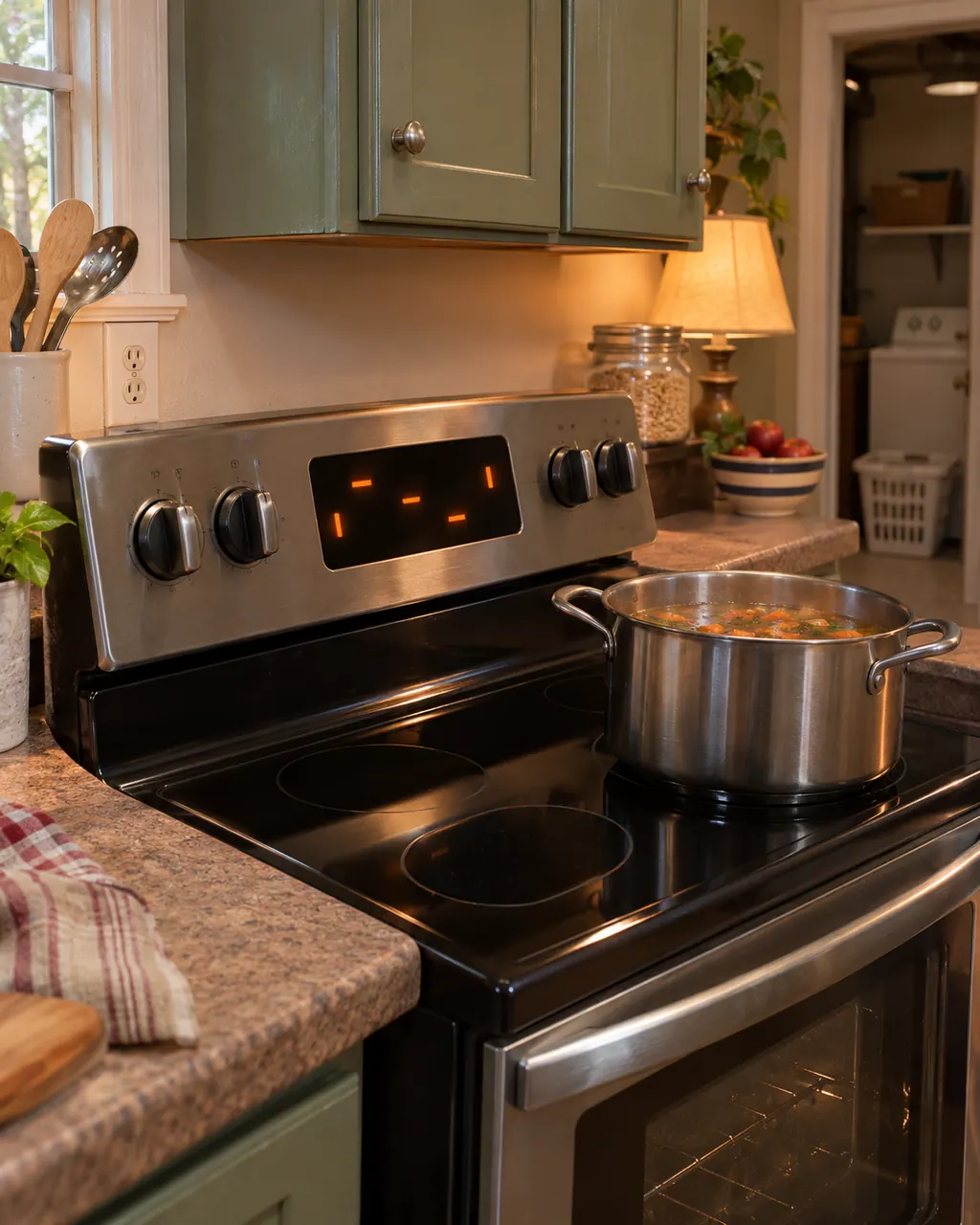
The guide's instruction is to let the oven cool. Do not force the cycle to start.
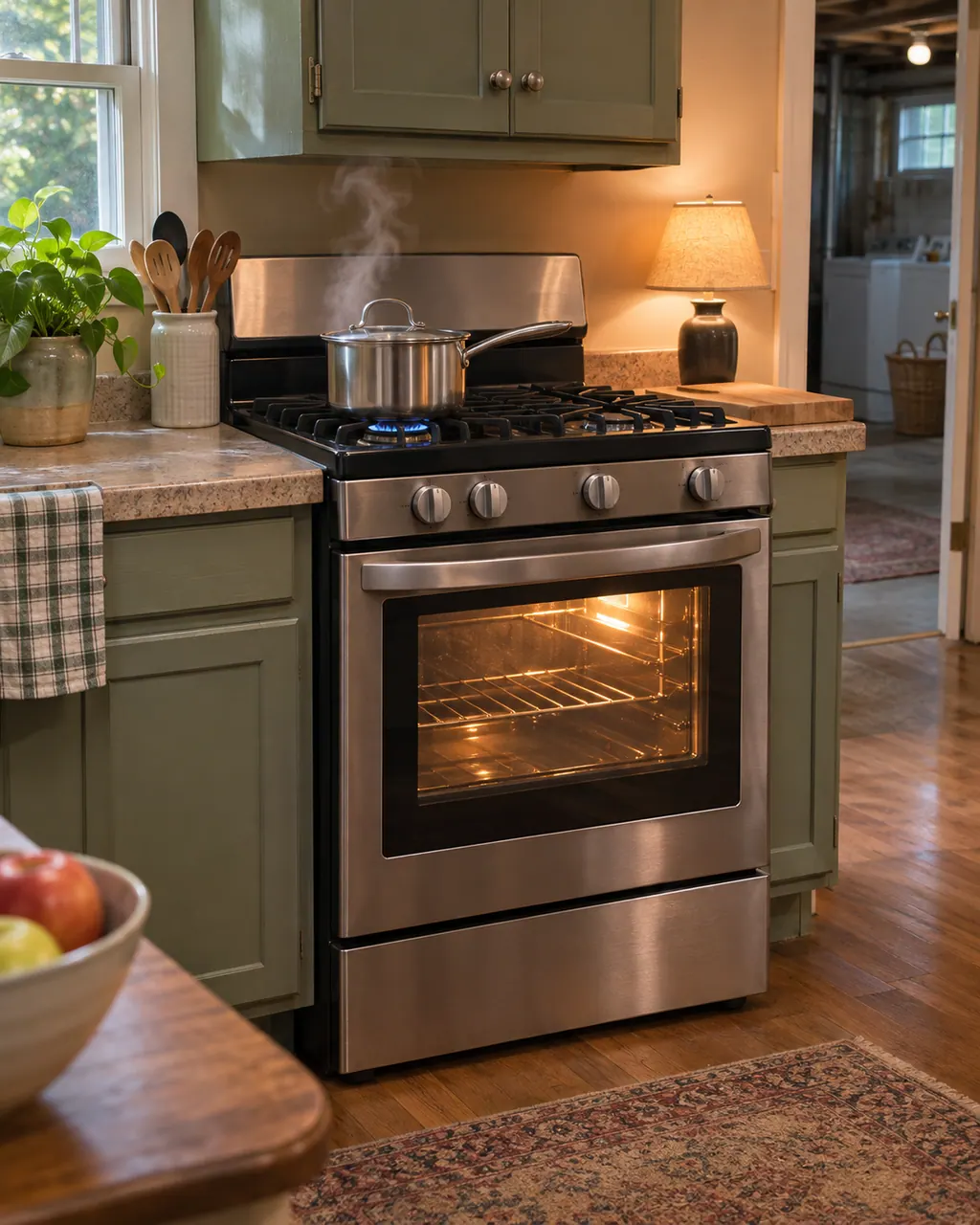
The Steam Clean steps begin with the oven at room temperature.
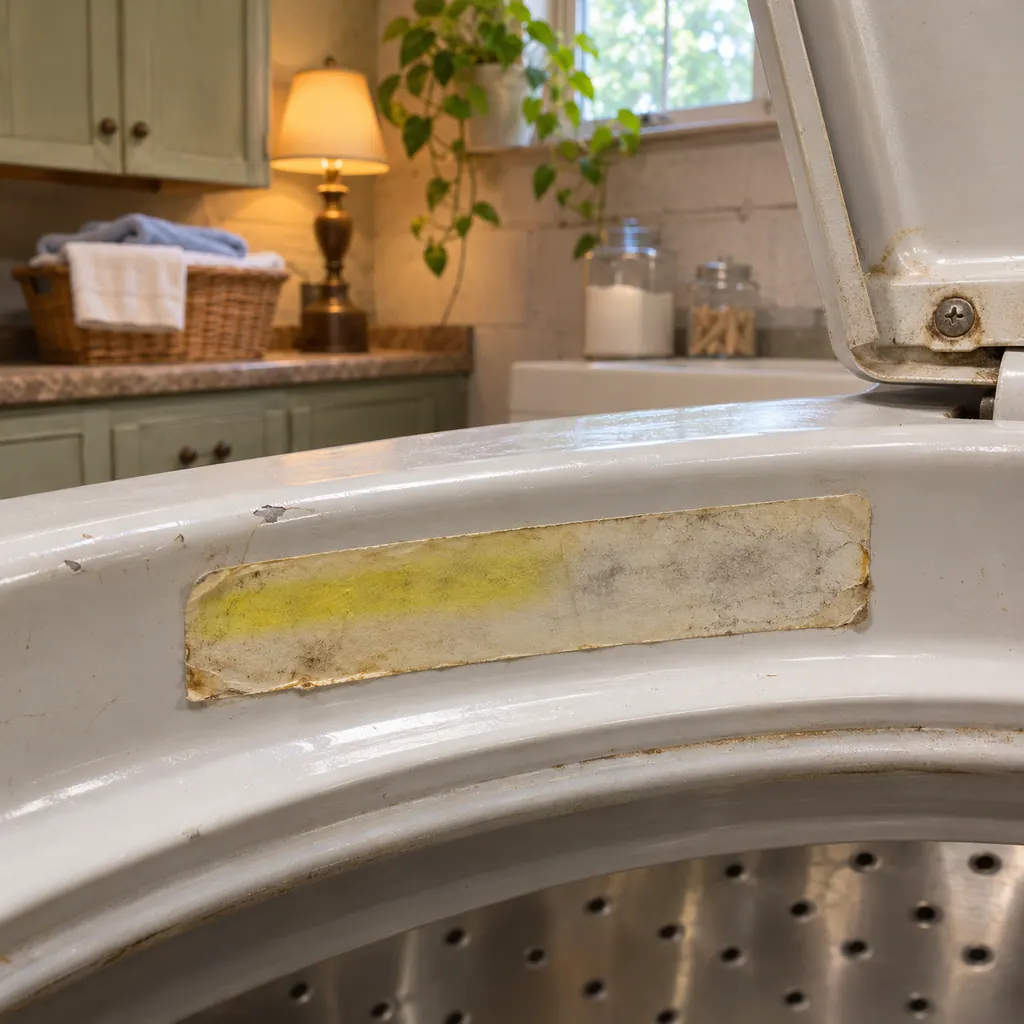
Take everything out of the oven, wipe up large spills and scrape burnt-on debris with a stiff plastic tool.
The guide warns that surfaces, especially the oven bottom, may be hot and can create hot steam in a wet sponge.
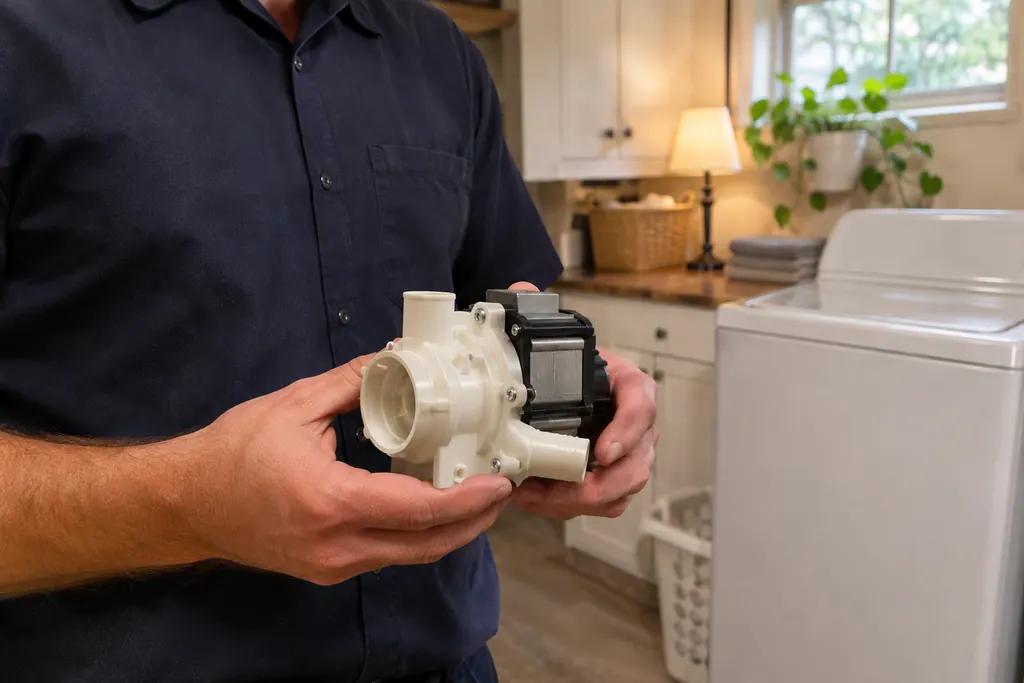
If Hot stays after hours of cooling, note it for the technician.
Give us the model and the checks you have already done, and open your request from here.
Book a visit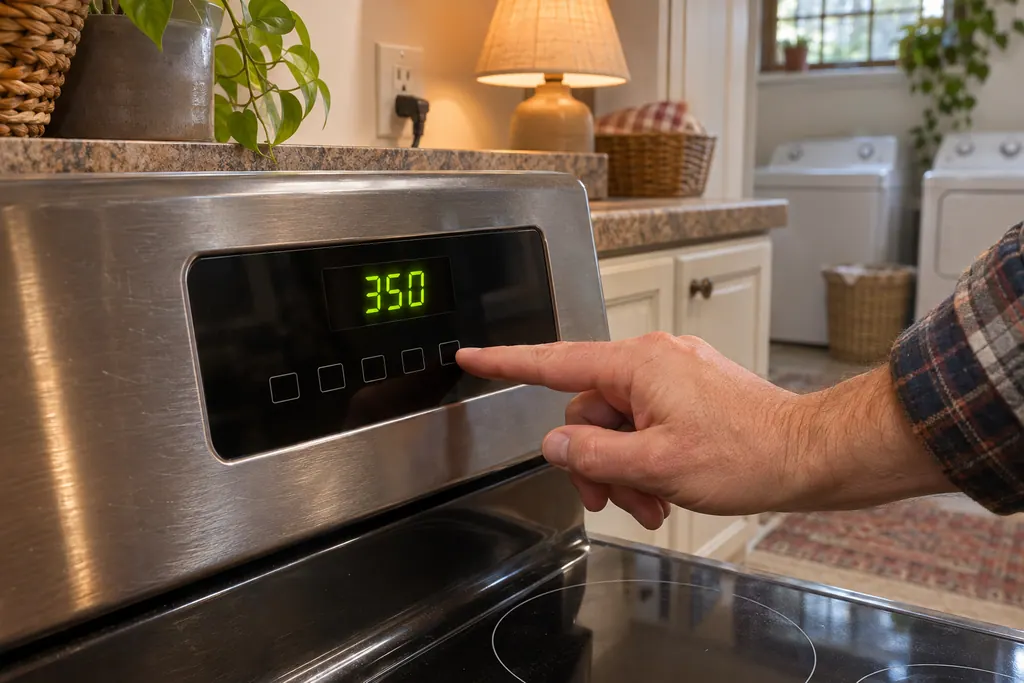
Simplified drawing; the real layout depends on the model. Tap an outlined part to see its photo and the check that goes with it.
It is the screen's message when the oven temperature is higher than 100 degrees F and you try to start a steam clean. Steam Clean stays locked out until the temperature falls.
Read the supporting manualNo. The guide presents it as a condition of the Steam Clean feature, in a caution note about burn hazard.
Read the supporting manualEr is a function error code with its own troubleshooting row. Hot is a plain message about temperature during Steam Clean.
Read the supporting manualManufacturer document
Kenmore
No edition printed / PDF p.22 (Oven Use, Steam Clean)
405.7608# gas range guide; the Hot note sits in the Steam Clean caution on p. 22.
If the oven is above 100 degrees F the screen shows Hot and the cycle will not begin. Let the oven cool, then start again from room temperature.
The guide says to remove all items including racks, wipe up large spills and scrape burnt-on debris with a stiff plastic utensil.
No. It is a message about temperature that applies to the Steam Clean feature.
The guide warns of a burn hazard: oven surfaces may be hot and a wet sponge can create hot steam. Wait until the oven has cooled slightly.
Er is a function error code with its own table row and a power-disconnect remedy. Hot is a plain temperature message.
Code, symptom, part or service
On the 405.7608#, a three-second press of + and - together locks the panel; LOC flashes and then stays lit. That is a panel lock rather than an error, and the oven door stays free.
On the Kenmore 790 ranges, a dead-looking oven panel usually means one of four things: the oven lockout is on, the clock was never set, an F or E code stopped the control, or power is missing. Cancel the lockout first; a code needs a restart.
Book a diagnostic for your model, carried out at the appliance.
Office details, and the access information to pass along.