Diagnostics and repair
Experienced technicians look the appliance over before they suggest any work. OEM parts can be ordered, and the correct part is matched to your model.
The care journal
Make better use of the cycles, detergents and settings your Kenmore appliance already offers.
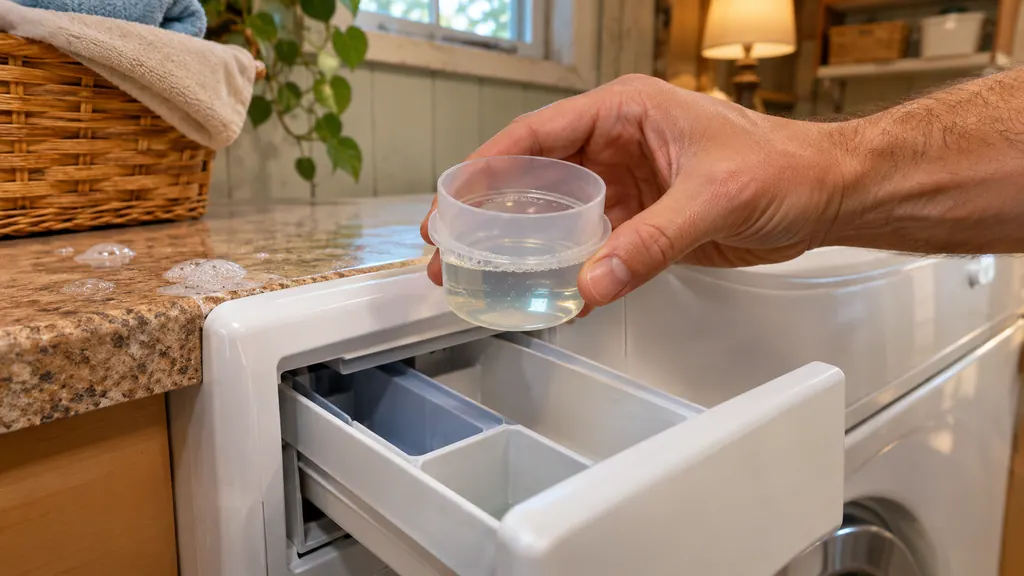
Use only HE detergent and measure it. The 796 guides call for less than half the maker's maximum for an average load, and a quarter to a half cap for most loads. Too much detergent is what triggers the suds messages on a Kenmore washer, so the cure is a smaller dose, not a different cycle.
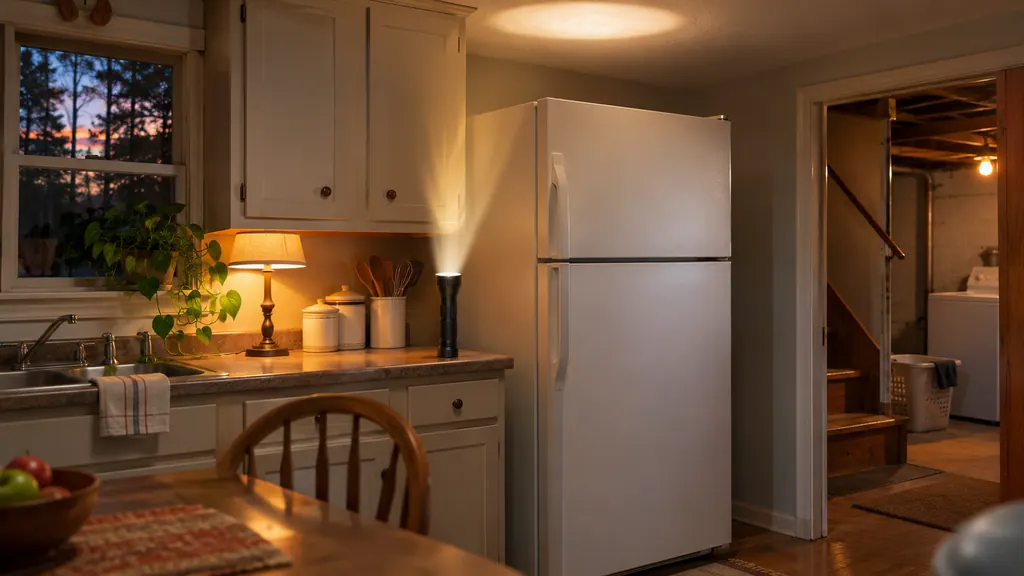
For an outage of 24 hours or less, keep every refrigerator door closed. After that, the Kenmore 795 guides say to move frozen food to a freezer locker. When power returns, allow up to 24 hours for full cooling and check the display for OFF or a door alarm.
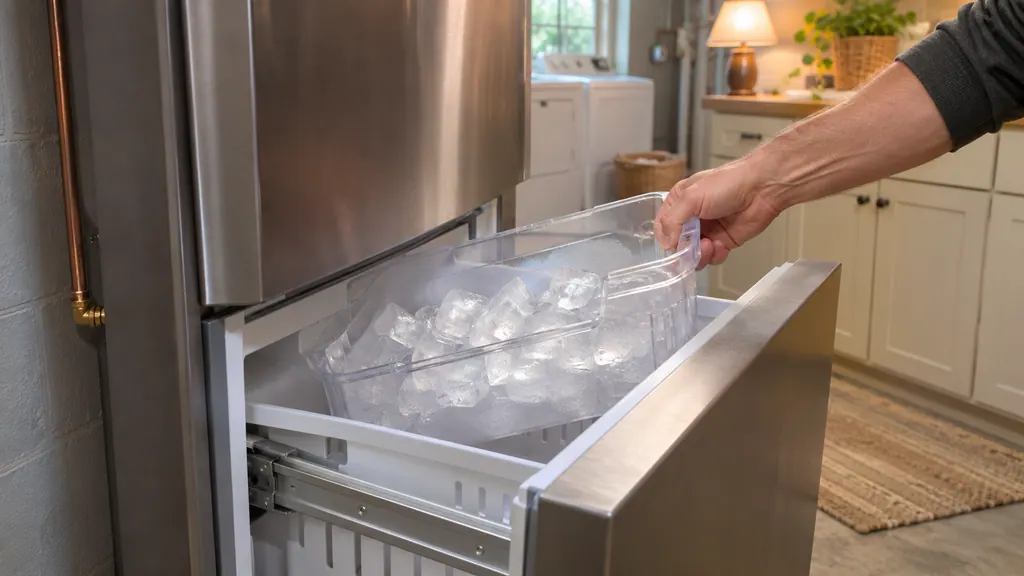
A new Kenmore 795 ice maker needs a cold water line, the power switch ON and a freezer at 15°F or colder. Expect ice after 12 to 24 hours and full production after 72 hours, and throw away the first few batches. If the water line is not connected yet, keep the switch OFF.
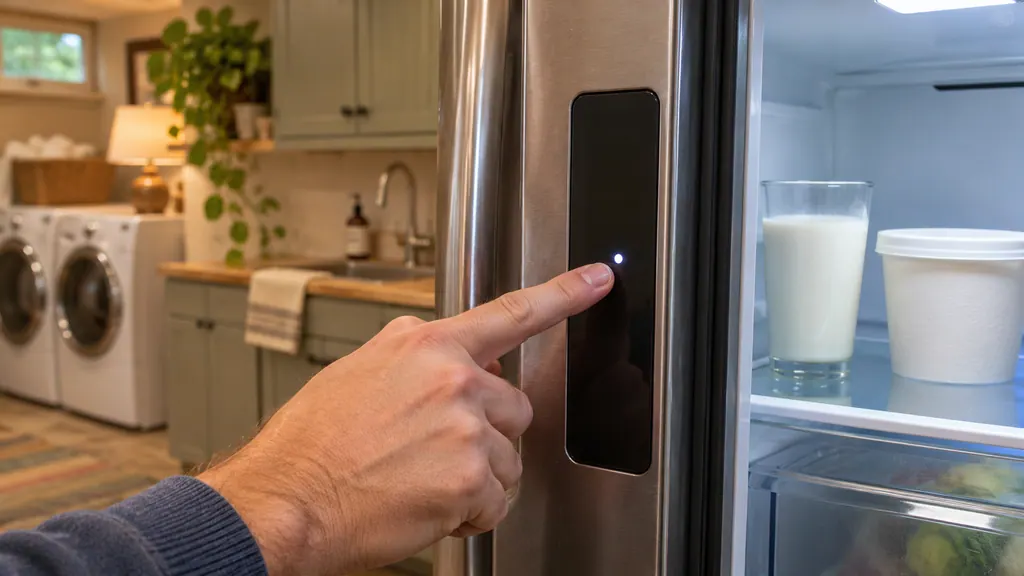
On a Kenmore Elite 795 bottom-freezer, press the Refrigerator Temp or Freezer Temp button to move one step, then wait 24 hours before changing it again. The refrigerator runs 33°F to 46°F and the freezer minus 6°F to 8°F. OFF on the display can mean Demo Mode.
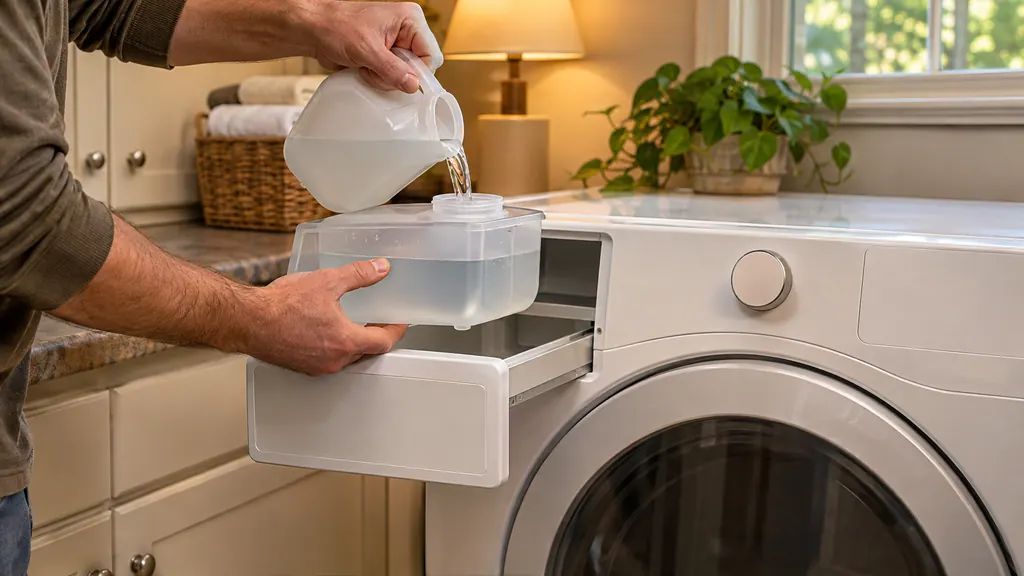
Pull out the drawer, lift out the steam feeder, fill it with cool tap water to the MAX line and seat it back until the drawer clicks shut. Never use hot or distilled water. If the ADD WATER light blinks, the cycle cancels: refill the feeder and restart.
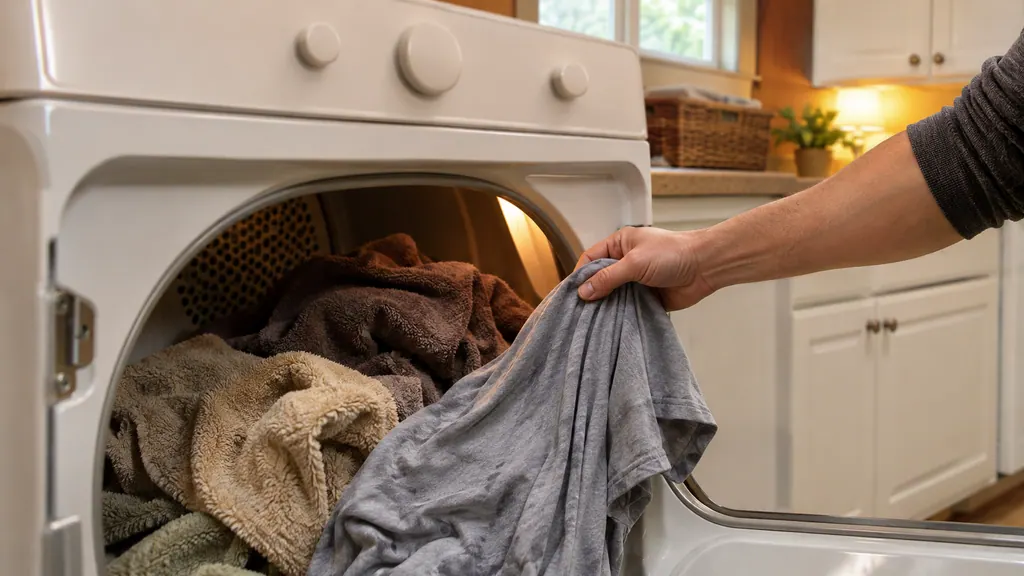
Auto Dry cycles use a moisture sensor to decide when to stop, and the time on the display is an estimate. Timed Dry runs the minutes you set. Use Auto for normal mixed loads, Timed Dry for very small loads, and Damp Dry or the Damp Dry signal to catch items before they overdry.
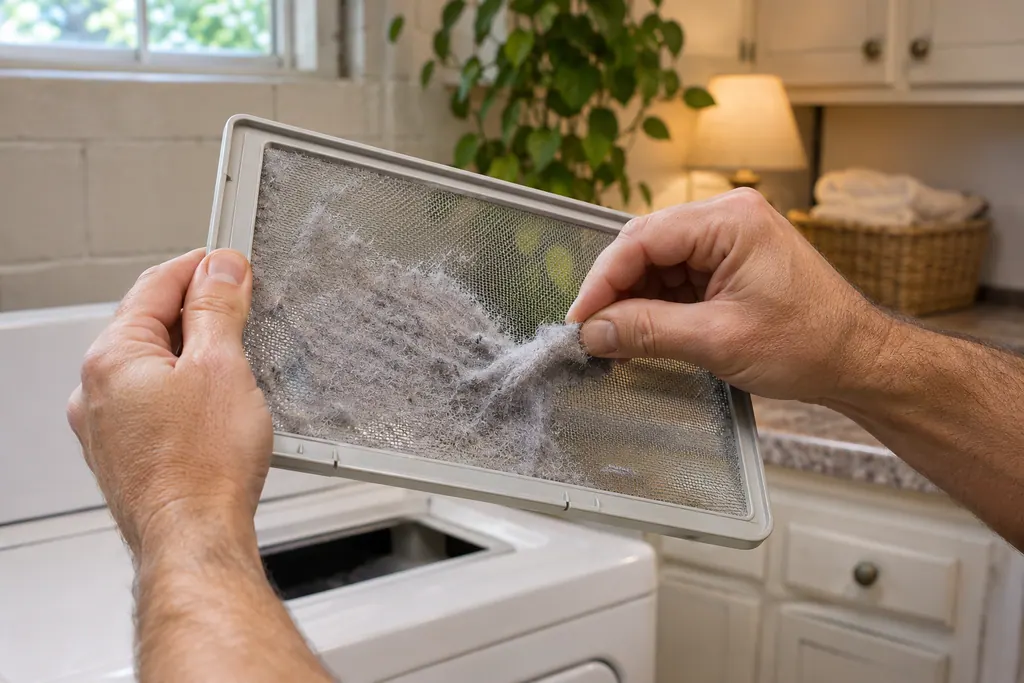
On a 796 front-loader, put large items in first, keep them under half the load, and leave the drum loose enough that the door closes easily.
Read the full sequence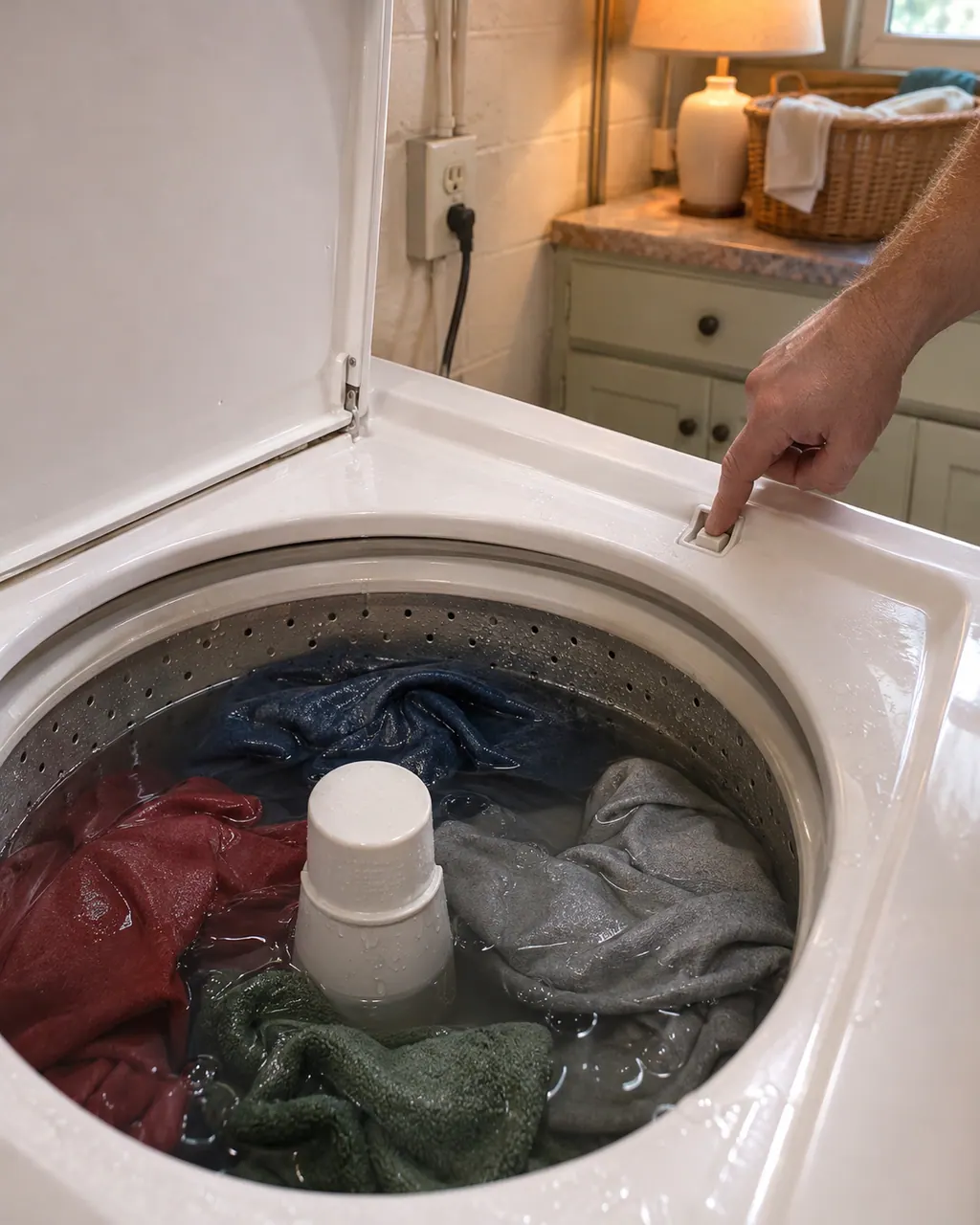
Start with what the display and the lid or door say. A Kenmore washer will not spin until the lid or door is latched, and an out-of-balance load, a slow drain or too many suds can each hold the spin back. Rebalance, check the drain, then book a visit.
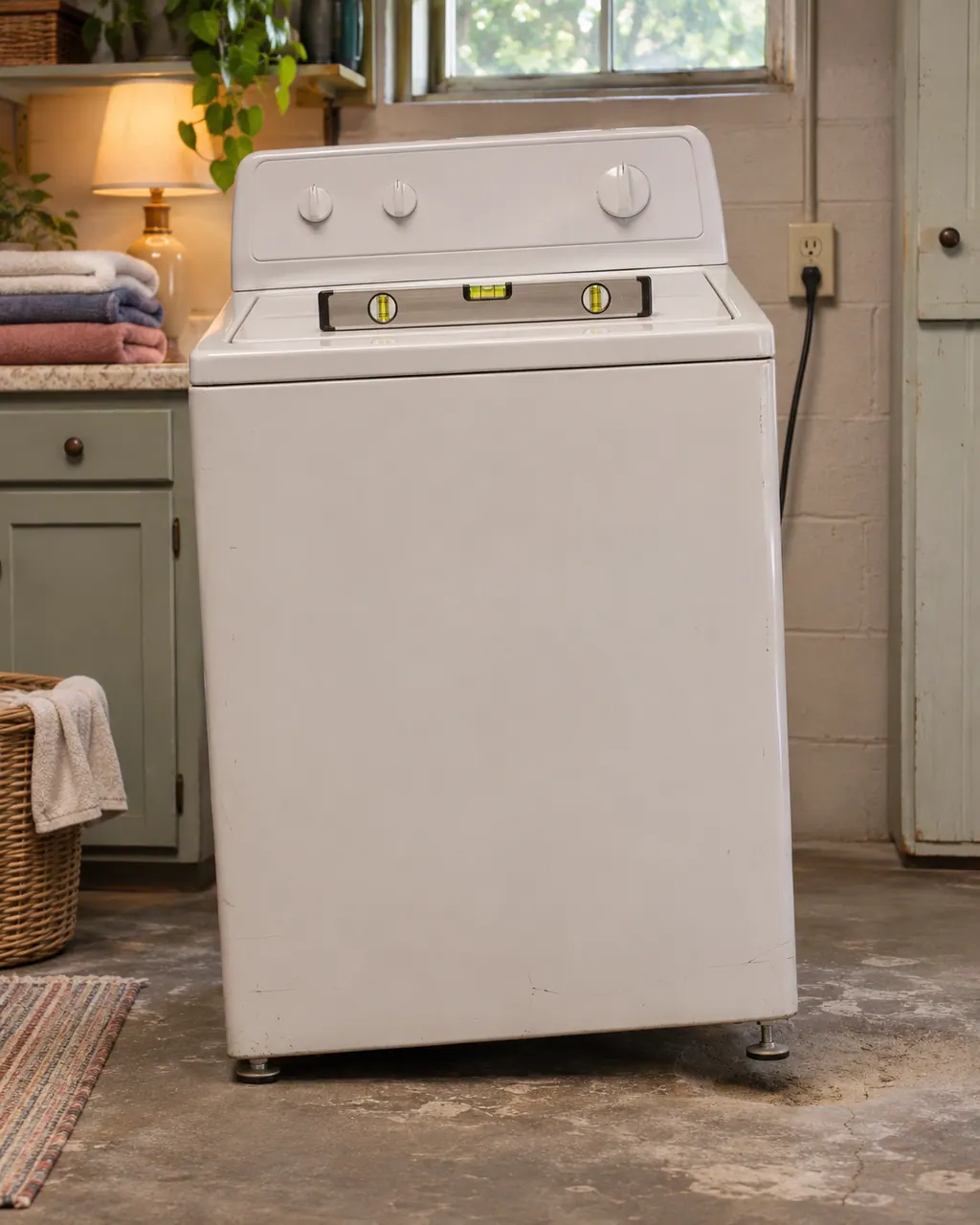
Violent shaking on a Kenmore washer comes down to a lopsided load, feet that are not all touching, shipping bolts left in, or a floor that flexes. Pause, spread the load, check the feet and the bolts, then book us if the shaking persists.
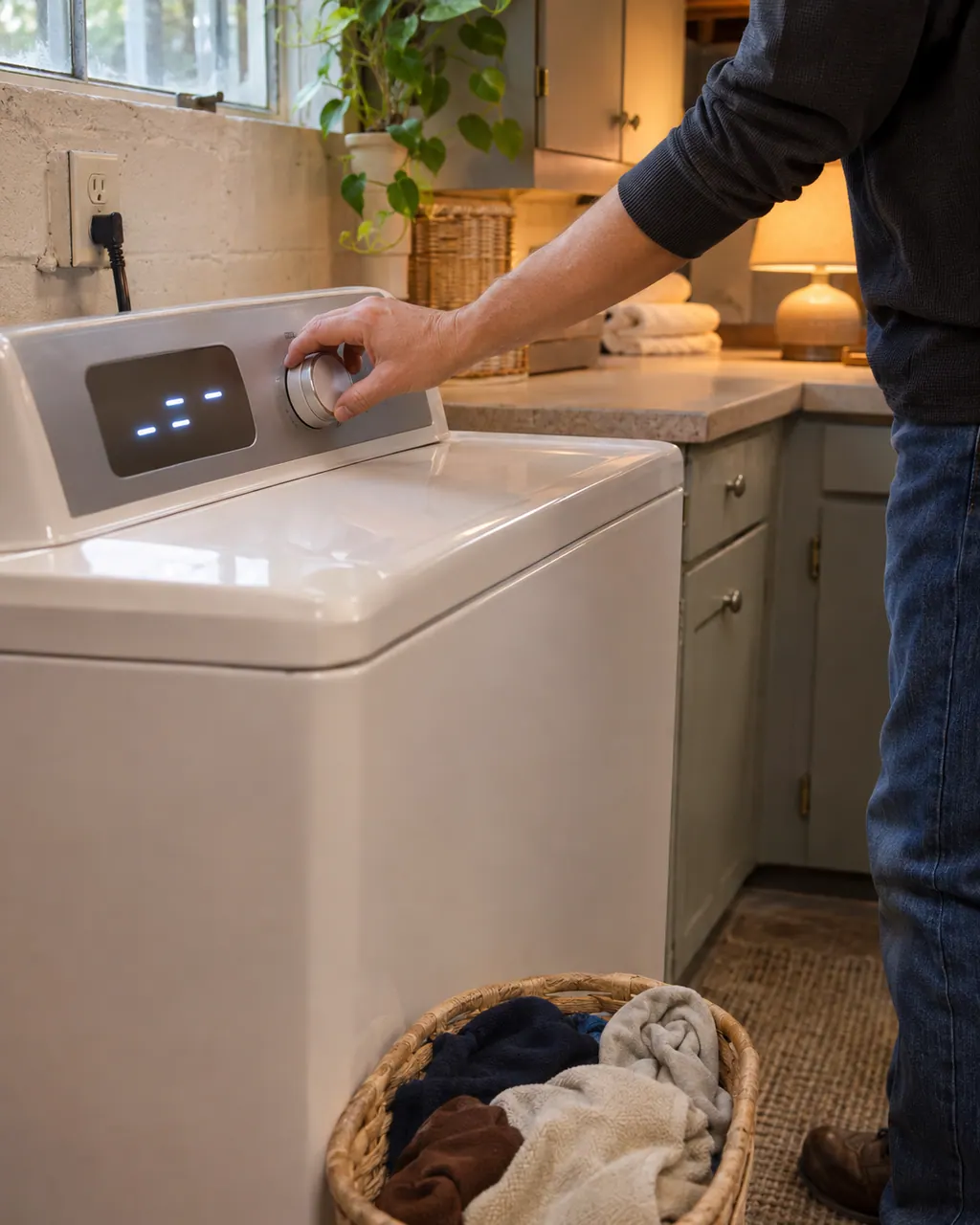
On a 796 front-load washer, buttons that do nothing often mean the Control Lock is on and CL is flashing in the display. Hold the CHIME button for three seconds to switch it off. If the washer is simply dead, check the plug, the breaker and the door or lid.
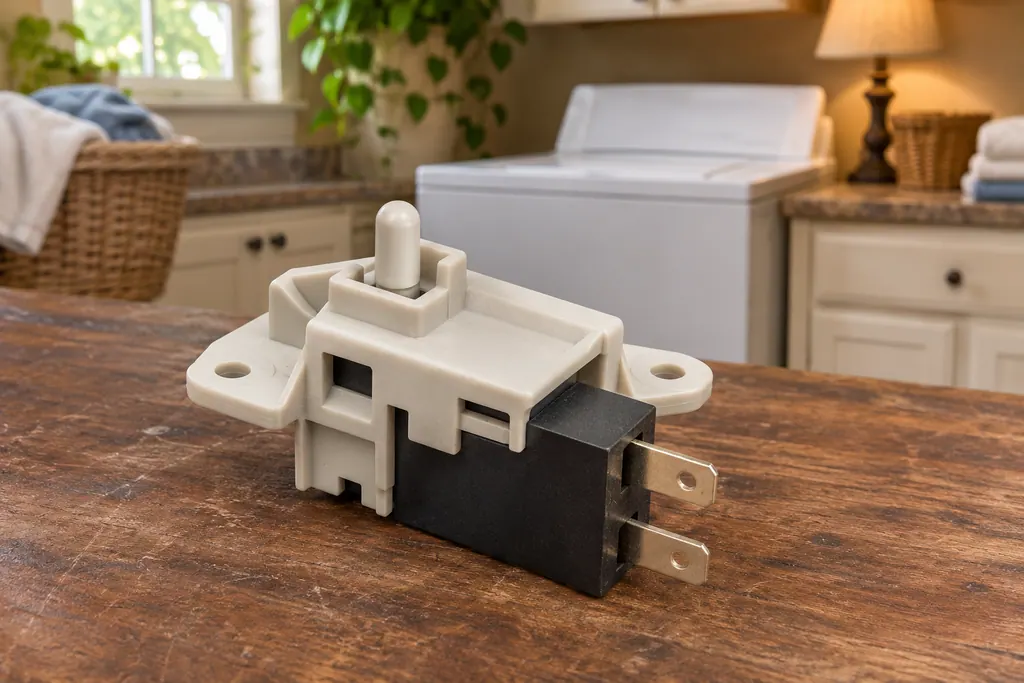
A Kenmore washer locks its door or lid while a cycle runs, and it will not spin unless the lock has engaged. The 796 guides print dE for a door or lid left open and dL for a lid lock switch error. Calypso washers print LS for the lid switch, and the 110 front-load guide lists F22 as “Front door lock.”
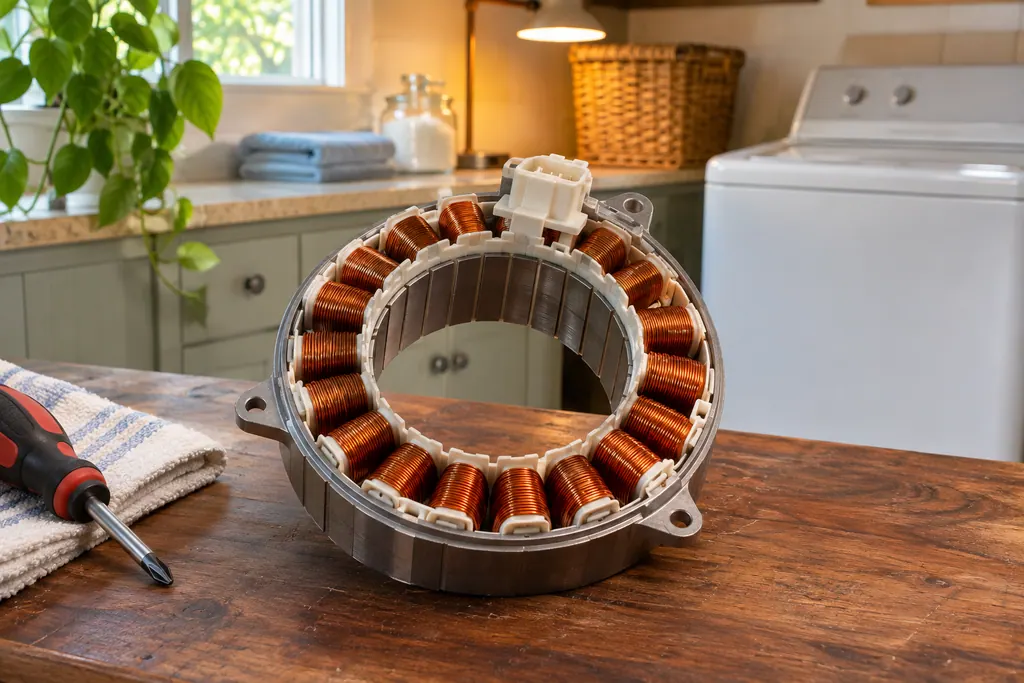
On 796 Kenmore washers the drive motor is the part behind the LE code. The front-load guide prints LE as “A motor error has occurred,” and the top-load guide says the motor’s thermal overload protection has tripped. Both say to let the washer stand for 30 minutes, then restart.
UE on a 796 Kenmore washer means the wash load is small or lopsided. Add one or two similar items; the washer makes several attempts to restart the spin and shows the code if it still detects an imbalance.
On a 796 front-load Kenmore washer, LE means a motor error; on the 796 top-load (2927) it means the motor's thermal overload protection has tripped. Both guides give the same first move: let the washer stand for 30 minutes, then restart the cycle.
CA is the Calypso washer's current limit message. The guide's question is whether the machine is overloaded, and its remedy is one key press that wipes the display. Take some items out before you start again. A 796 top-load uses CL for something else, so match the code to your model prefix.
dE means the lid or door is not closed properly. The 796 top-load displays it if you hit START while the lid is up. Front-loaders in the 796 line show dE1 or dE2 for the same condition, and 110 front-loaders print F22 instead. Close it fully and press START again.
Experienced technicians look the appliance over before they suggest any work. OEM parts can be ordered, and the correct part is matched to your model.
Covered repairs under a Kenmore manufacturer warranty are handled through Kenmore. We stand behind our own work with a workmanship warranty.
No. They explain common tasks in plain words and point back to your guide for detail. Your own guide stays the reference for your exact model.
Many Kenmore washers lock the door or lid during a cycle and release it after it ends. If it stays locked, or a code shows, see the matching code page or book a visit.
Only if the units are made for it and the guide allows it. Stacking depends on the model, so read the install section of your guide before moving anything.
A small vibration with a heavy load can be normal. Strong shaking means an unbalanced or unlevel machine. Rebalance the load and check the feet before calling.
Code, symptom, part or service
Start with what the display and the lid or door say. A Kenmore washer will not spin until the lid or door is latched, and an out-of-balance load, a slow drain or too many suds can each hold the spin back. Rebalance, check the drain, then book a visit.
Book a diagnostic for your model, carried out at the appliance.
Office details, and the access information to pass along.