Start from the symptom
Kenmore dryer takes too long.
Long drying on a Kenmore dryer usually traces back to airflow: a clogged lint screen, a crushed or lint-packed exhaust vent, or a vent run that is too long. The guides give a quick test with your hand under the outside hood.
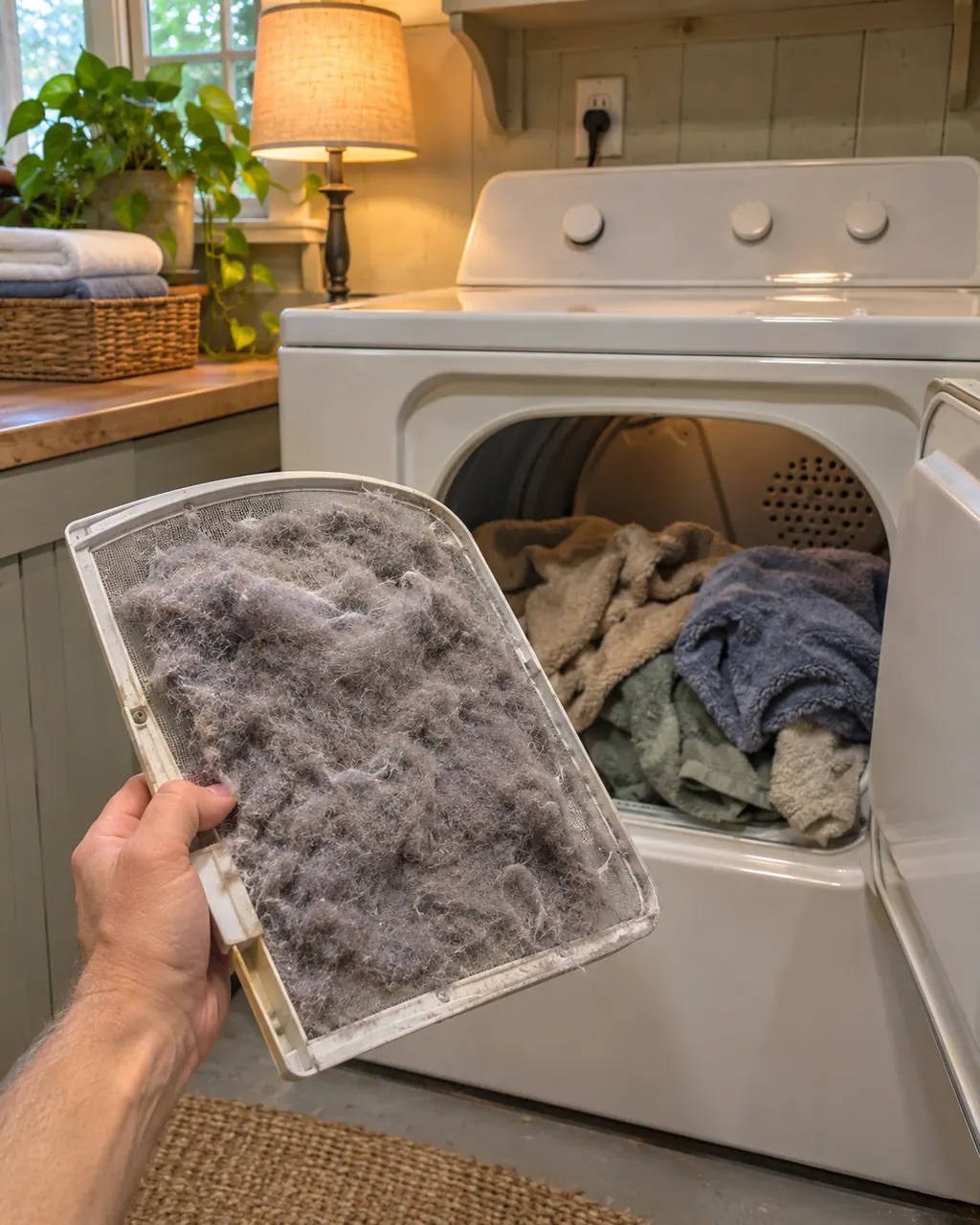
Start with safe observations.
Switch the appliance off and unplug it before any owner check. Be careful around standing water and sharp debris. Never touch a wet plug or electrical area, take off service panels, or go past what your model’s owner instructions allow.
- 1
Clean the lint screen
Both dryer guides say before every load. Hold it up to a light; if it looks dirty, wash it as the Care and Cleaning section describes. Fabric softener sheets can also block the screen grille, so use one and use it once.
- 2
Do the hood airflow test
Run the dryer 5 to 10 minutes and hold a hand under the outside exhaust hood. If you feel little air, clean the vent or replace it with heavy or flexible metal.
- 3
Watch for AF or CHECK VENT
On the Elite HE 110, AF means the vent may be crushed or blocked. On the 796 models, a blinking CHECK VENT light means the run is too long or partly blocked. That light is not a dryer failure, and the dryer can still be used.
- 4
Check the vent run
The guides want 4-inch (10.2 cm) vent material, a short run with few turns, and dampers outside that open freely. Long runs lengthen drying times.
- 5
Sort and size the load
Heavy and light items together can fool the sensor. Very large loads dry slowly; a tiny load on AUTO DRY may shut off early because the sensors cannot read it. Check pockets too.
- 6
Room conditions
The 110 guide asks for closet doors with vents top and bottom, 1 inch clear at the front and typically 5 inches at the back, and a room above 45 F (7 C).
Systems a technician may investigate.
These parts are linked to the symptom. Noticing the symptom does not show that any single part has failed.
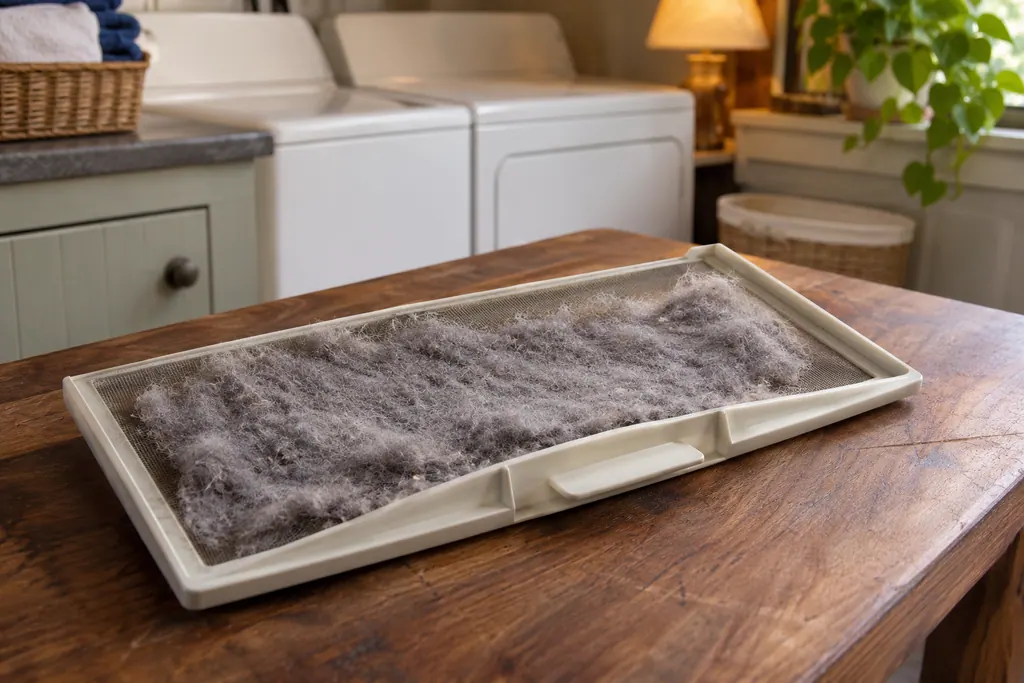
Dryer lint filter
The lint filter is the screen that catches lint before it reaches the exhaust. Kenmore’s dryer guides say to empty it before every load, and the Elite HE guide lists a clogged lint screen first when clothes dry slowly or the load comes out hot. The 796 guide adds a periodic wash.
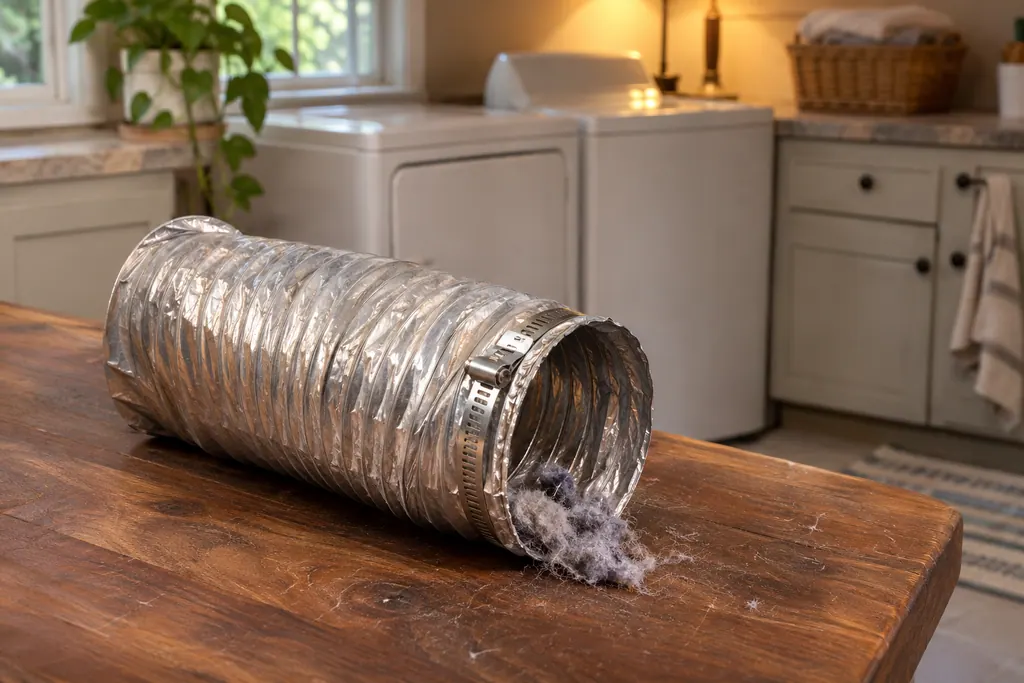
Dryer exhaust vent
The exhaust vent carries hot, moist air outside. The 796 guide calls poor venting the most common cause of dryer problems, and the Elite HE guide’s AF code means the vent may be crushed or blocked. Both guides say to check the vent run and the outside hood for lint.
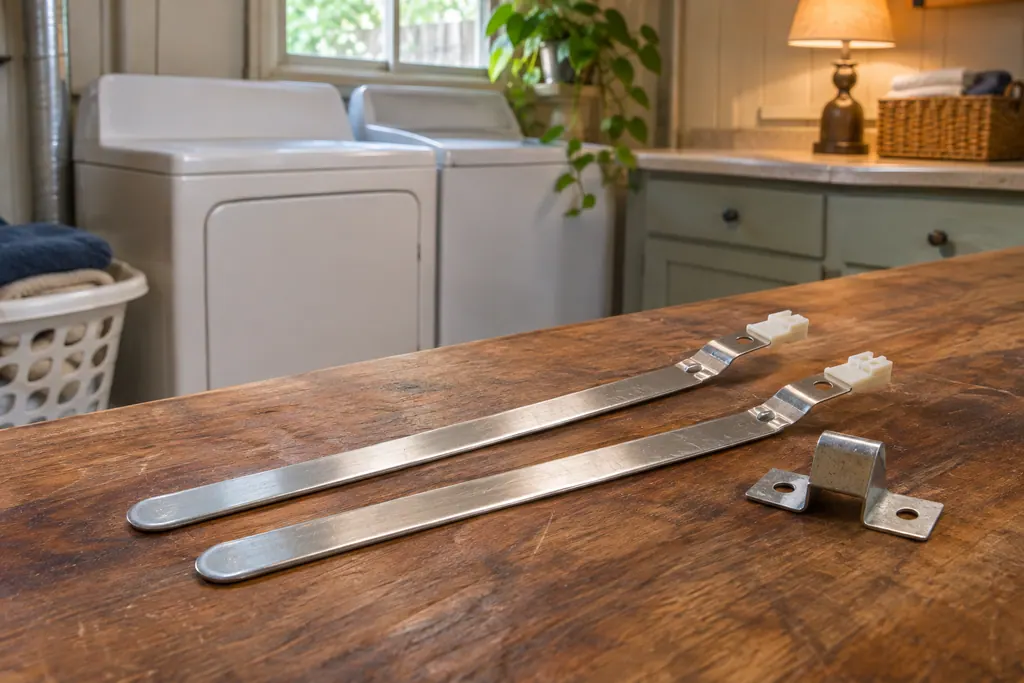
Dryer moisture sensor
Some Kenmore dryers have a sensor that reads how damp the clothes are. The 796 guide says Auto Dry cycles use it to adjust drying time, and that light items mixed with heavy ones can fool it because the light items dry first. Your own guide says whether your model has one.
Read the related care guide.
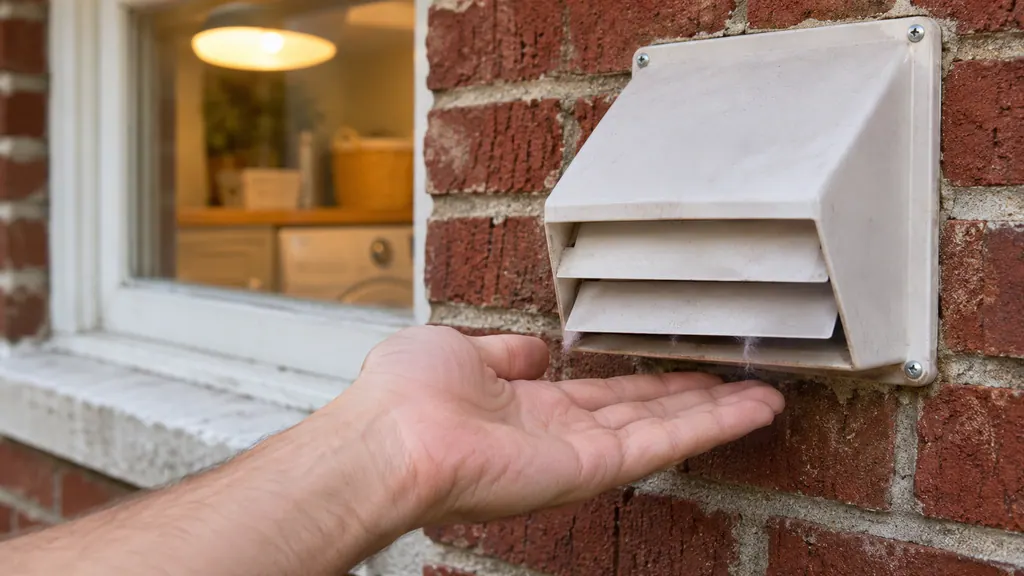
Clothes still damp? Feel the air at the outside hood.
Clean the lint screen before every load, run the dryer for 5 to 10 minutes and hold your hand under the outside exhaust hood. No air means the vent is blocked, so clean the run or replace plastic or foil vent with metal. Kenmore guides call poor venting the most common dryer problem.
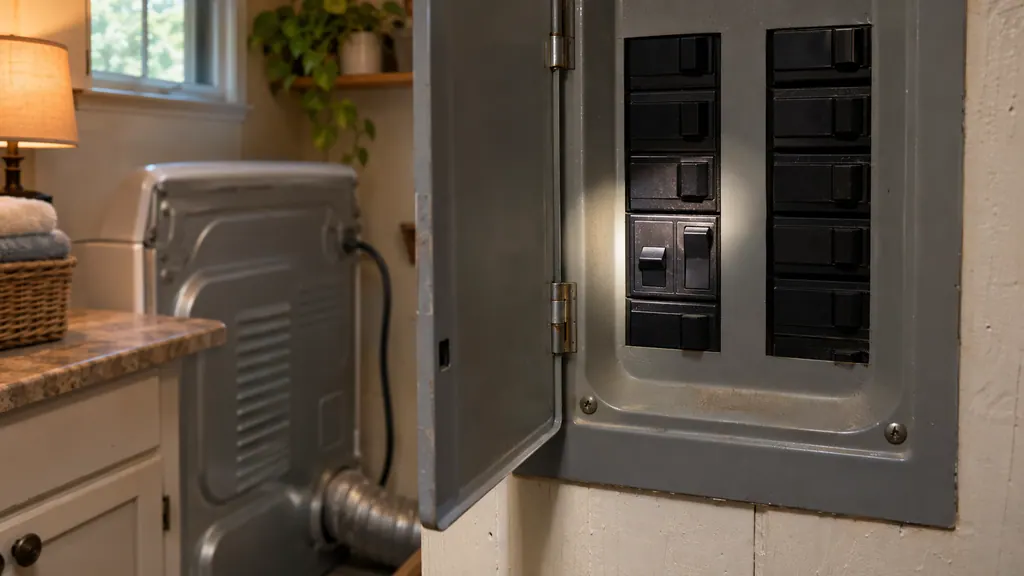
Dryer stopped at a power cut? Press and hold START, then check two breakers.
After a power cut, a Kenmore dryer may show PF: press and hold START to restart (press POWER first on some models). If the drum turns but there is no heat, check that both household breakers or fuses are on; an electric dryer uses two. L2 points to the home power supply.
When observation becomes a service request.
Leave internal testing to a technician.
Clothes are still damp after a cleaned screen and a clear vent. Book a visit. Cleaning the entire home venting run is a separate job from a dryer repair.
Arrange a diagnosticSources and model boundaries.
These sources back up the Kenmore dryer takes too long guidance. Read the manual that fits your model.
- Use & Care Guide, Kenmore Elite HE dryer 110.8772
- Use & Care Guide, Kenmore dryers 796.8128/9128/8118/9118
Go by the instructions for your exact model. Check how we research these pages.
Why do my clothes need two cycles?
Airflow is the likeliest reason. A clogged lint screen or a blocked vent keeps moist air in the drum. Both Kenmore dryer guides list those first.
How do I test my dryer vent?
Run the dryer 5 to 10 minutes and hold your hand under the outside hood. The 110 guide says to clean the system if you feel no air movement.
Does CHECK VENT mean my dryer is broken?
No. The 796 guide says the light does not indicate a dryer failure and is not covered by the warranty. It means airflow is restricted, so the ductwork needs cleaning.
Can a small load cause long dry times?
It can cause early shutoff on AUTO DRY because the sensor cannot read it. Use TIMED DRY or add a few similar items.
Code, symptom, part or service
Link the message to what comes next.
AF
AF on a Kenmore Elite HE 110.8772 dryer says the vent may be crushed or blocked. Run the dryer for 5 to 10 minutes and hold your hand under the outside hood. No air means clean the exhaust system or replace the vent with heavy or flexible metal vent.
Kenmore dryer takes too long
Long drying on a Kenmore dryer usually traces back to airflow: a clogged lint screen, a crushed or lint-packed exhaust vent, or a vent run that is too long. The guides give a quick test with your hand under the outside hood.
Dryer lint filter
The lint filter is the screen that catches lint before it reaches the exhaust. Kenmore’s dryer guides say to empty it before every load, and the Elite HE guide lists a clogged lint screen first when clothes dry slowly or the load comes out hot. The 796 guide adds a periodic wash.
Dryer repair
Book a diagnostic for your model, carried out at the appliance.
Find your metro
Office details, and the access information to pass along.