Inside the appliance
Dryer lint filter. In plain English.
The lint filter is the screen that catches lint before it reaches the exhaust. Kenmore’s dryer guides say to empty it before every load, and the Elite HE guide lists a clogged lint screen first when clothes dry slowly or the load comes out hot. The 796 guide adds a periodic wash.
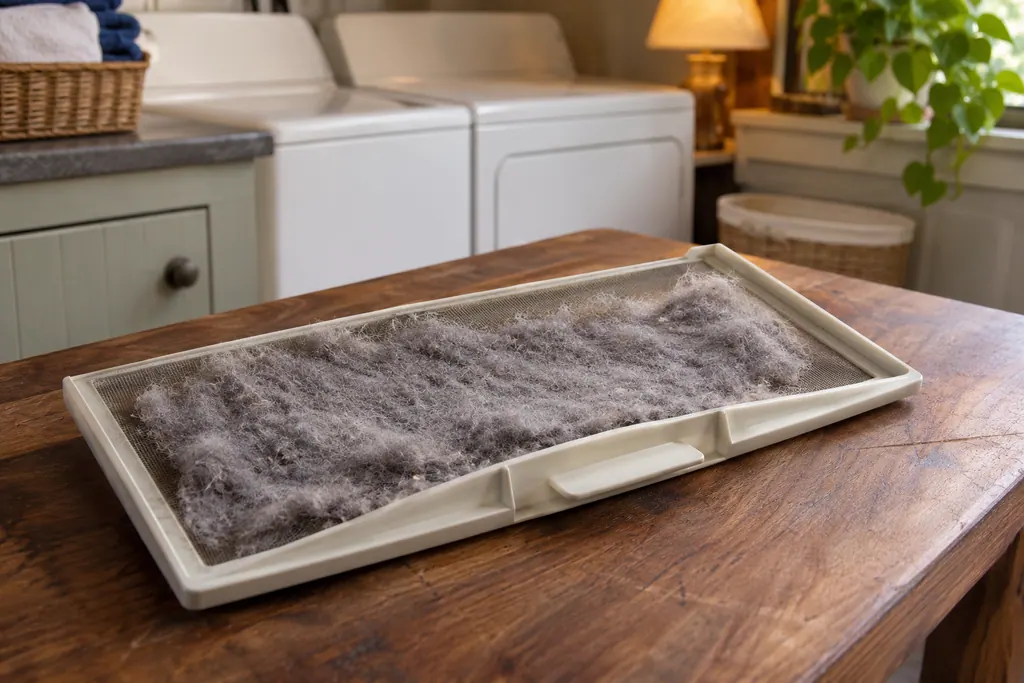
Where it fits.
Dryer lint filter in the appliance
On the 796 dryers it is the front-mount lint filter just inside the door opening. Other models place the lint screen according to their own diagram.
The picture shows the type of component. It does not pick out a replacement that fits your model.
What you notice when this system needs attention.
Dryer lint filter concerns can show up together with weaker performance or a code that keeps returning. Testing is required before deciding whether the component is to blame.
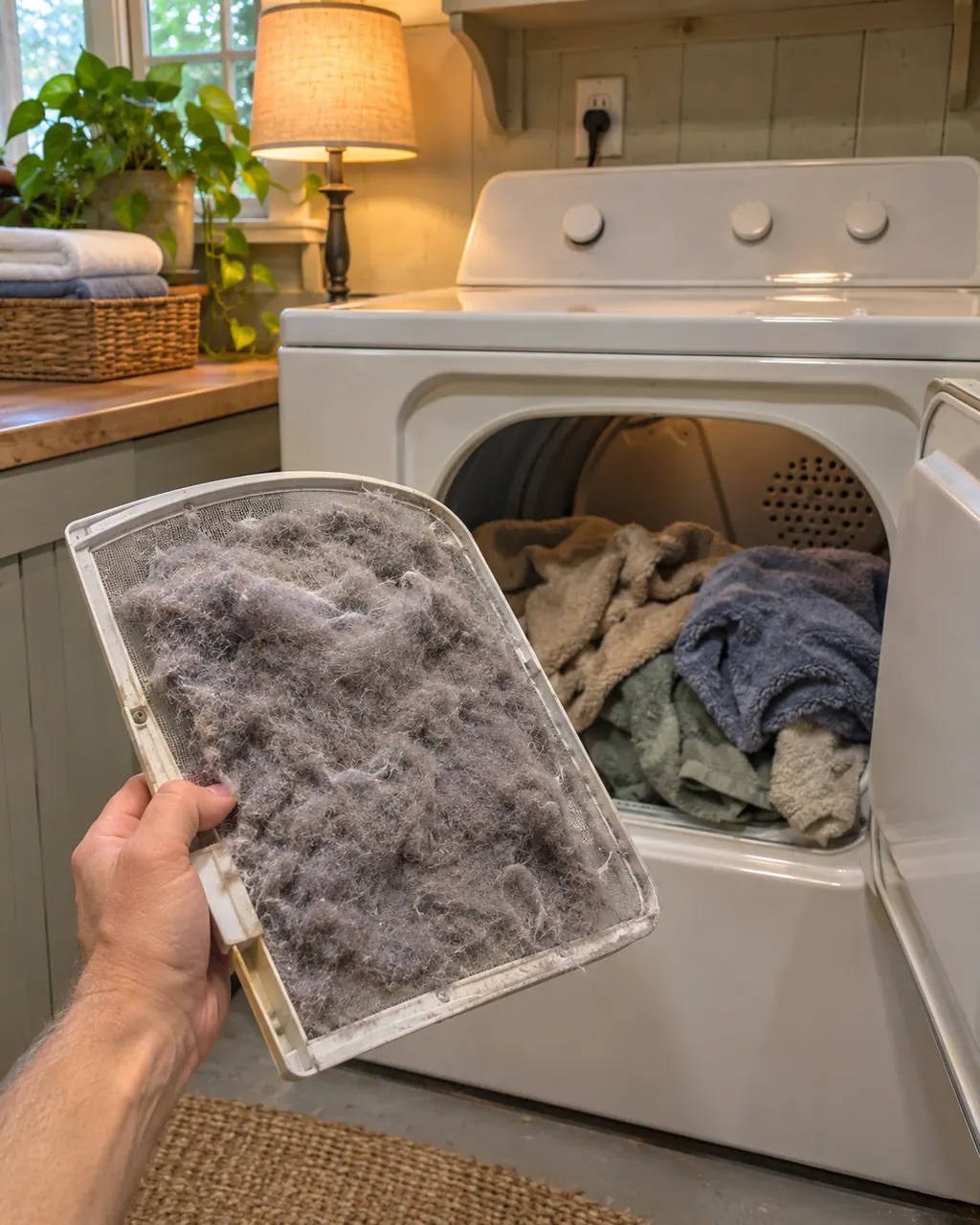
Kenmore dryer takes too long
Long drying on a Kenmore dryer usually traces back to airflow: a clogged lint screen, a crushed or lint-packed exhaust vent, or a vent run that is too long. The guides give a quick test with your hand under the outside hood.
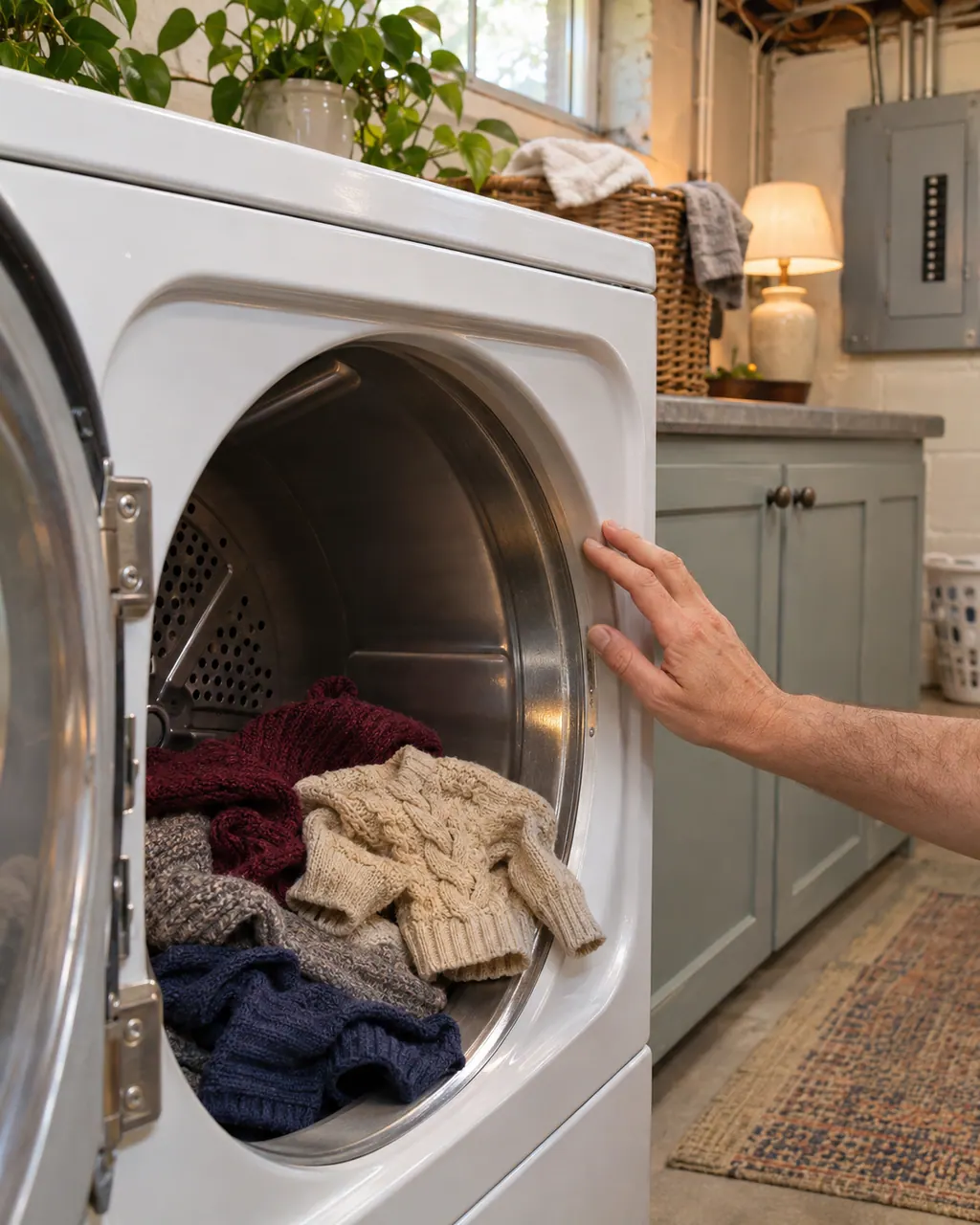
Kenmore dryer temperature problems
A Kenmore dryer that runs too hot, too cool or without heat is covered by three kinds of check in the guides: airflow, the household power supply, and a sensor message. Clear the lint and vent first, then check breakers and the gas valve on gas models.
Owner care, within the model instructions.
Switch the appliance off and unplug it before any owner check. Be careful around standing water and sharp debris. Never touch a wet plug or electrical area, take off service panels, or go past what your model’s owner instructions allow.
- 1
Clean it before every load
On the 796 dryers, pull the filter straight up, roll the lint off with your fingers and put it back. The Check Lint Filter light blinks before each cycle as a reminder.
- 2
Hold it to the light
If the filter looks dark or dirty after the lint is gone, the 796 guide says fabric softener may have built up. Scrub with hot soapy water and a stiff brush.
- 3
Dry it completely
Never run the dryer with a wet filter, or with no filter, the guide says.
- 4
Look past the filter
With a clean filter and slow drying, the guides turn to the exhaust vent. See the dryer exhaust vent entry.
Cleaning or replacement?
Leave internal testing to a technician.
Book a visit if drying times stay long with a clean filter and a clear vent.
Book a visit if the dryer overheats or the load comes out too hot with a clean filter.
Arrange a diagnosticSee the neighboring components.
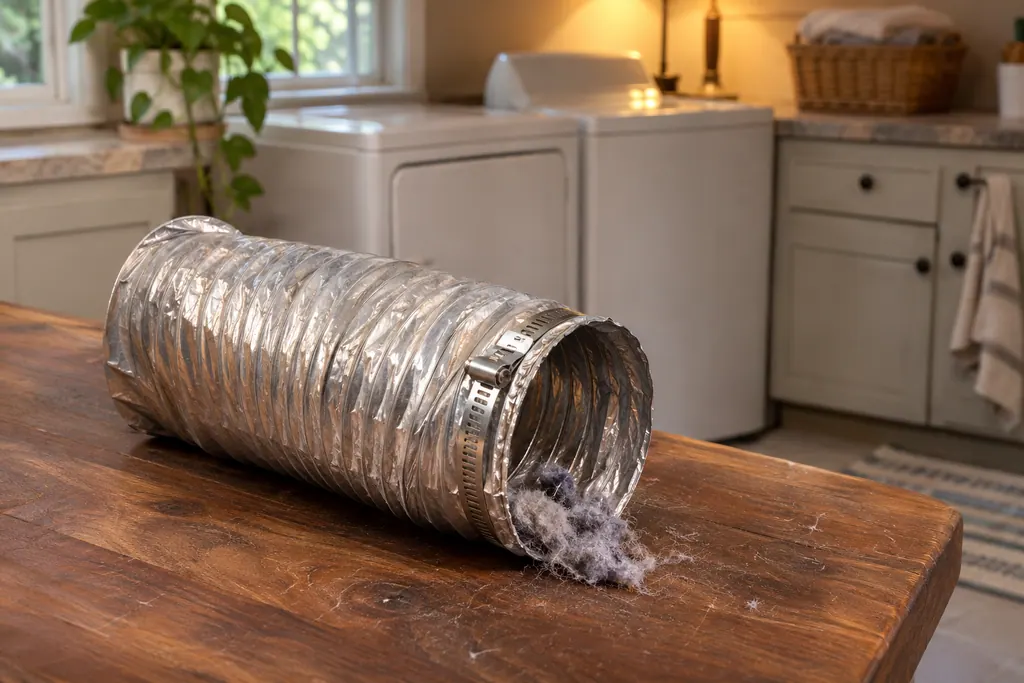
Dryer exhaust vent
The exhaust vent carries hot, moist air outside. The 796 guide calls poor venting the most common cause of dryer problems, and the Elite HE guide’s AF code means the vent may be crushed or blocked. Both guides say to check the vent run and the outside hood for lint.
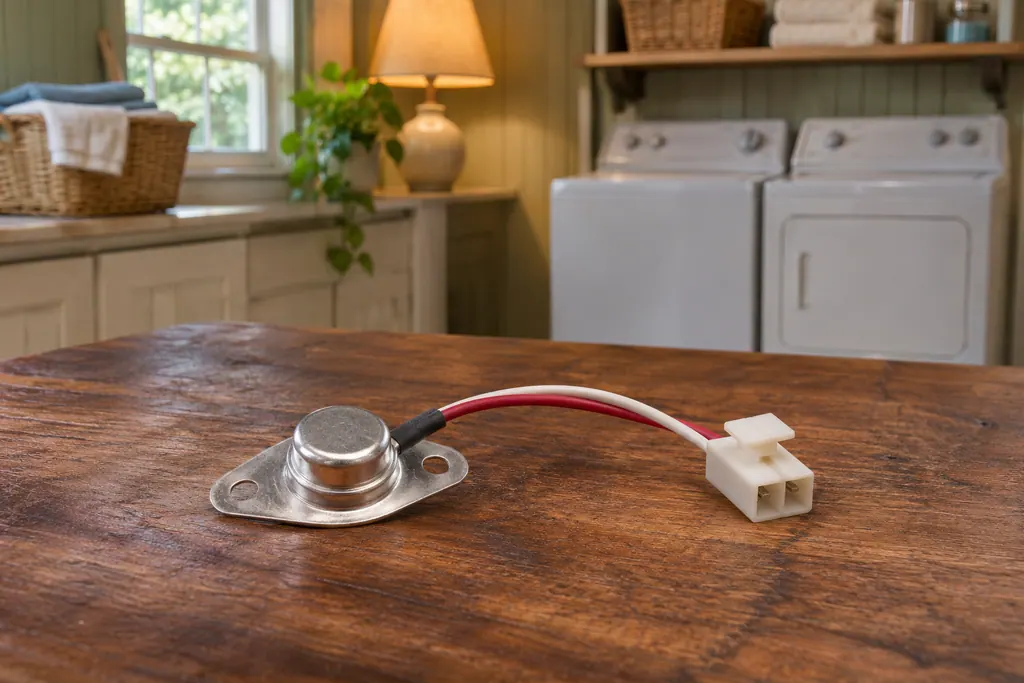
Dryer temperature sensor
Kenmore’s 796 dryer guides print one line about the temperature sensor: if the display shows tE1 or tE2, the cause is “Temperature sensor failure,” and the step is to turn off the dryer and get service. They give no owner repair and no reading of what failed.
Sources and model boundaries.
These sources back up the Dryer lint filter guidance. Read the manual that fits your model.
- Use & Care Guide, Kenmore dryers 796.8128/9128/8118/9118
- Use & Care Guide, Kenmore Elite HE dryer 110.8772
Go by the instructions for your exact model. Check how we research these pages.
How often should I clean the lint filter?
The Kenmore dryer guides say before every load. The 796 guide’s indicator blinks before each cycle, and the Elite HE guide says the lint screen should be cleaned before each load.
Why are my clothes taking longer to dry?
The Elite HE guide’s first check is a clogged lint screen. The 796 guide adds filter buildup from fabric softener and a restricted exhaust system.
Can I wash the filter?
Yes, on the 796 dryers: hot soapy water and a stiff brush, then dry it completely. Never run the dryer with a wet filter, the guide says.
Can I run the dryer without a filter?
No. The 796 guide is plain on this point: the filter must be in place whenever the dryer runs.
Code, symptom, part or service
Link the message to what comes next.
Kenmore dryer takes too long
Long drying on a Kenmore dryer usually traces back to airflow: a clogged lint screen, a crushed or lint-packed exhaust vent, or a vent run that is too long. The guides give a quick test with your hand under the outside hood.
Dryer exhaust vent
The exhaust vent carries hot, moist air outside. The 796 guide calls poor venting the most common cause of dryer problems, and the Elite HE guide’s AF code means the vent may be crushed or blocked. Both guides say to check the vent run and the outside hood for lint.
Dryer repair
Book a diagnostic for your model, carried out at the appliance.
Find your metro
Office details, and the access information to pass along.