Inside the appliance
Washer electronic control. In plain English.
The electronic control runs the cycles on a Kenmore washer and reads the keys and display. On 796 front-loaders it reports a control error with tE. Disconnect it for 60 seconds, reconnect and try again. If tE returns, book a technician, because the guide lists no other owner step.
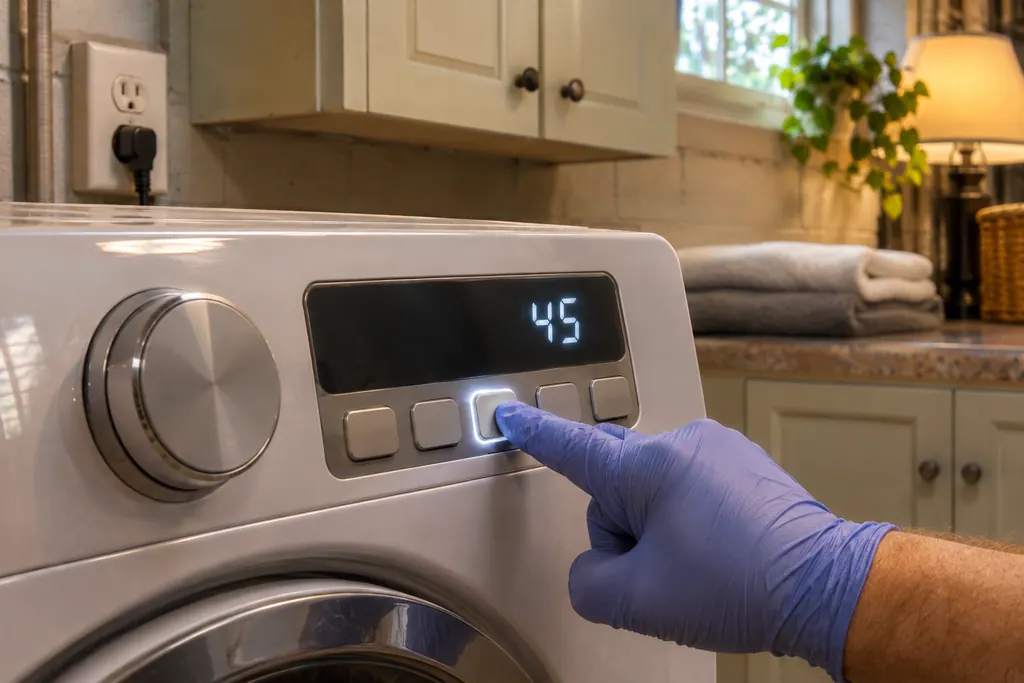
Where it fits.
Washer electronic control in the appliance
The guides give no board position, so none is stated. The keys and display are on the washer's control panel.
The picture shows the type of component. It does not pick out a replacement that fits your model.
What you notice when this system needs attention.
Washer electronic control concerns can show up together with weaker performance or a code that keeps returning. Testing is required before deciding whether the component is to blame.
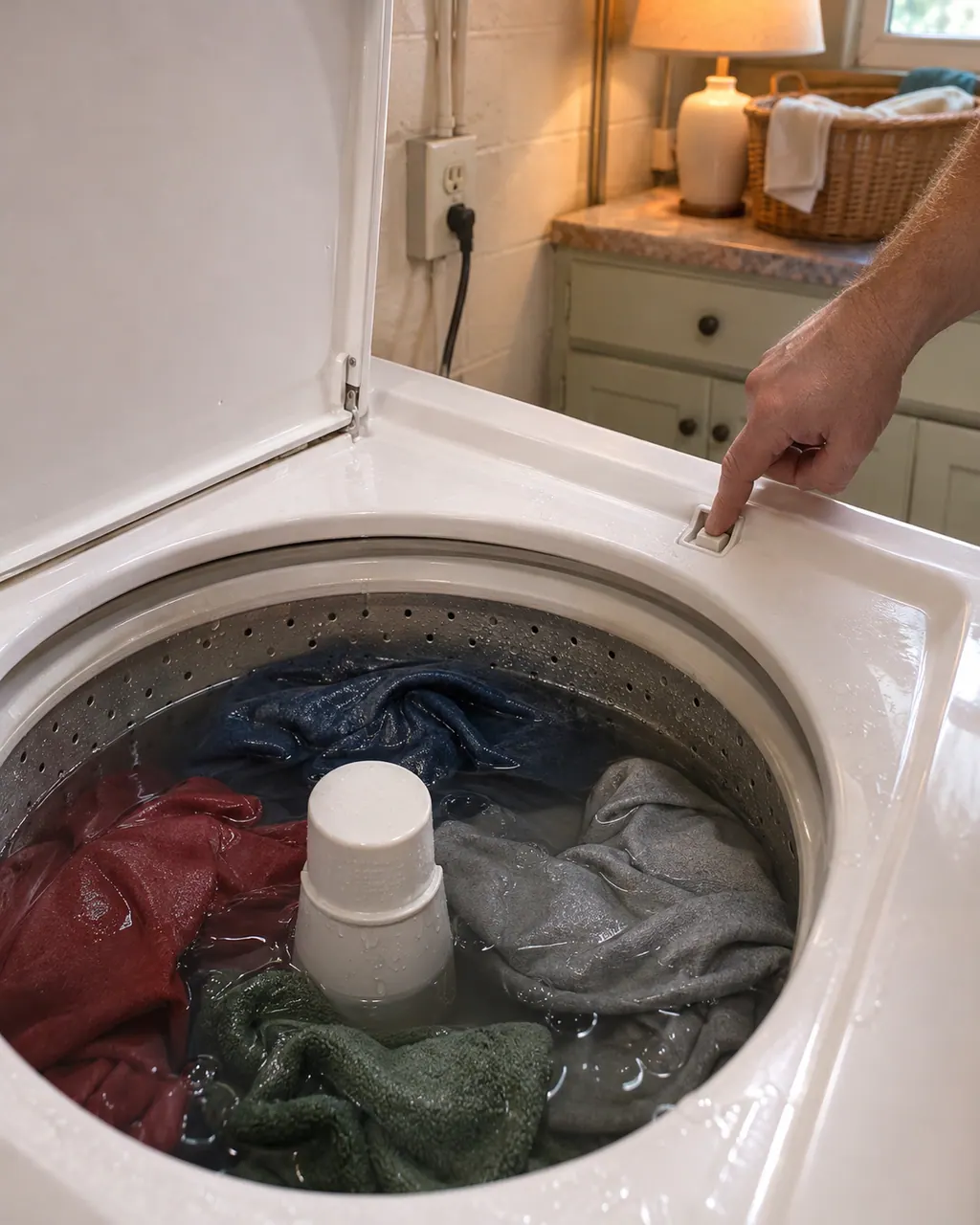
Kenmore washer not spinning
Start with what the display and the lid or door say. A Kenmore washer will not spin until the lid or door is latched, and an out-of-balance load, a slow drain or too many suds can each hold the spin back. Rebalance, check the drain, then book a visit.
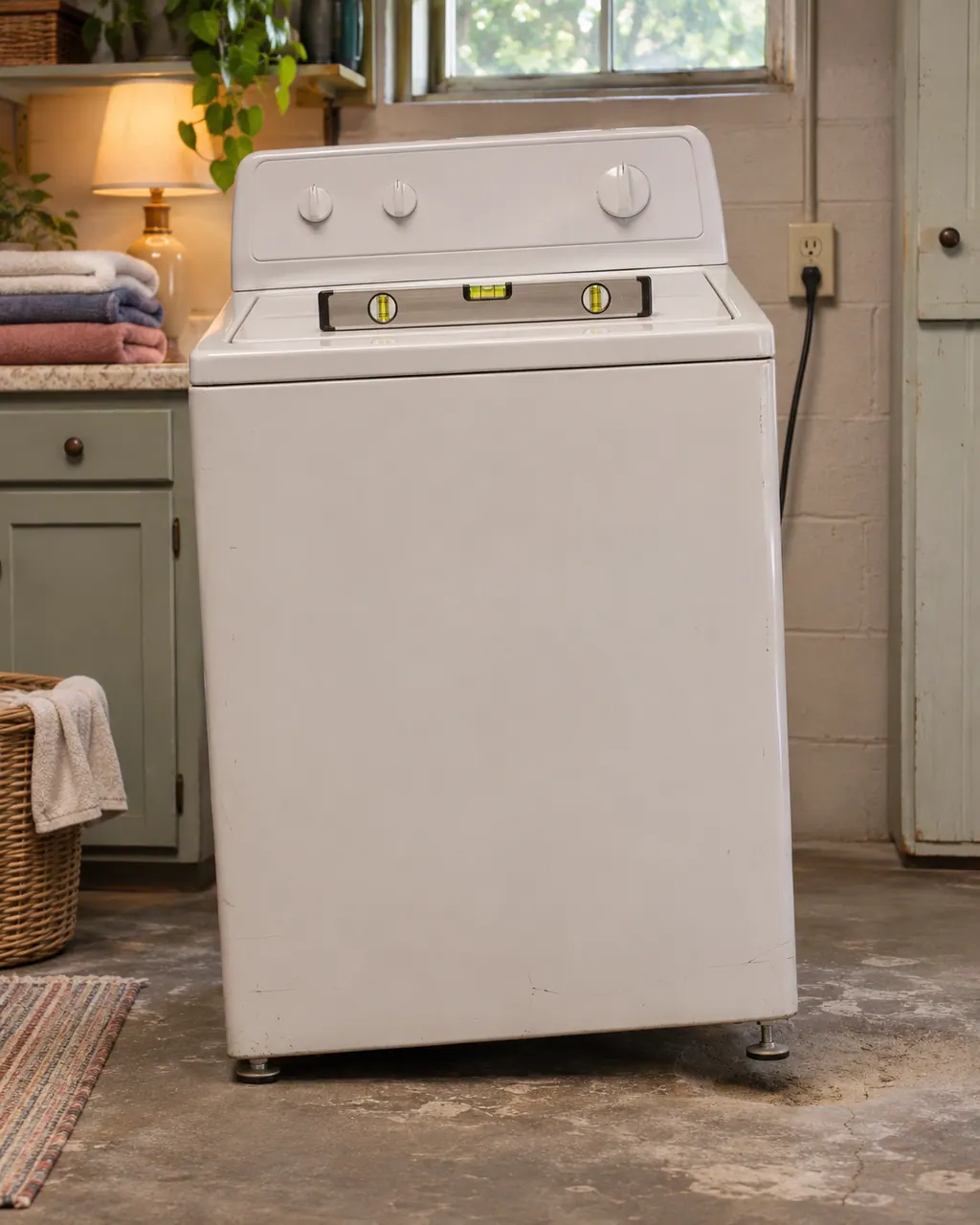
Kenmore washer shaking
Violent shaking on a Kenmore washer comes down to a lopsided load, feet that are not all touching, shipping bolts left in, or a floor that flexes. Pause, spread the load, check the feet and the bolts, then book us if the shaking persists.
Owner care, within the model instructions.
Switch the appliance off and unplug it before any owner check. Be careful around standing water and sharp debris. Never touch a wet plug or electrical area, take off service panels, or go past what your model’s owner instructions allow.
- 1
Unplug for 60 seconds
The 796 front-load guide has you disconnect the washer for 60 seconds before powering it up.
- 2
Try the cycle again
Once the minute is up, reconnect and run the cycle again to see if tE is gone.
- 3
Keep the cabinet closed
The 796 guide marks the pump, valve, motor and control board as parts not to touch while the washer is energized. Leave the panels closed.
- 4
Check which layout you have
tE is a control error on 796 front-loaders but a temperature sensor error on the 796 top-load, so read it against your model.
Cleaning or replacement?
Leave internal testing to a technician.
Book a visit when tE keeps returning after the 60-second disconnect.
Book a technician when the display or keys stay dead after the reset.
Arrange a diagnosticSee the neighboring components.
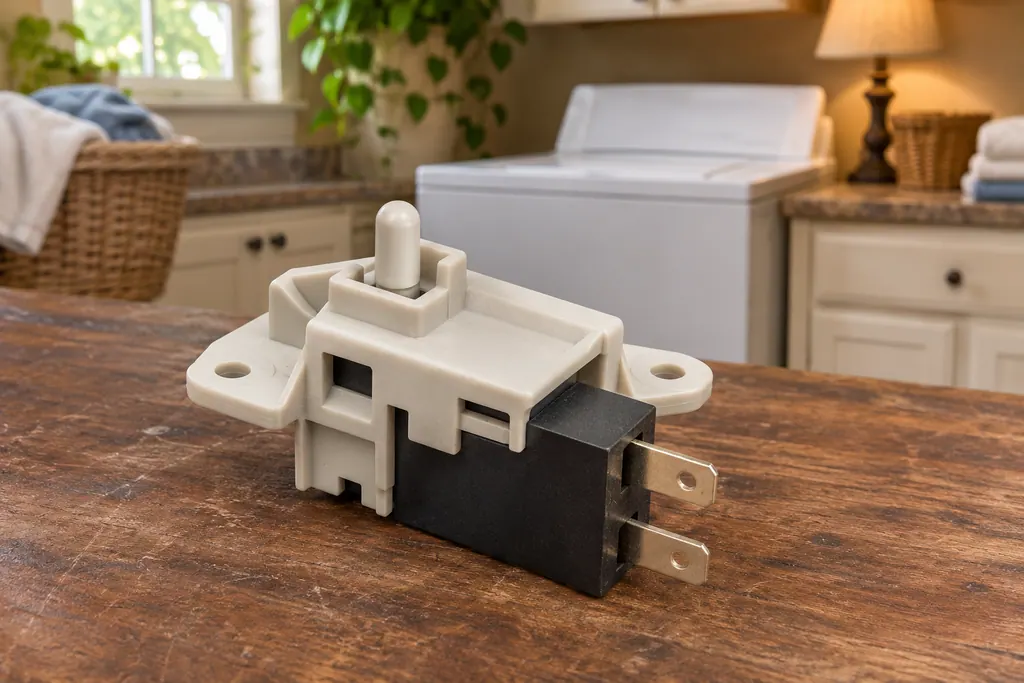
Washer door and lid lock
A Kenmore washer locks its door or lid while a cycle runs, and it will not spin unless the lock has engaged. The 796 guides print dE for a door or lid left open and dL for a lid lock switch error. Calypso washers print LS for the lid switch, and the 110 front-load guide lists F22 as “Front door lock.”
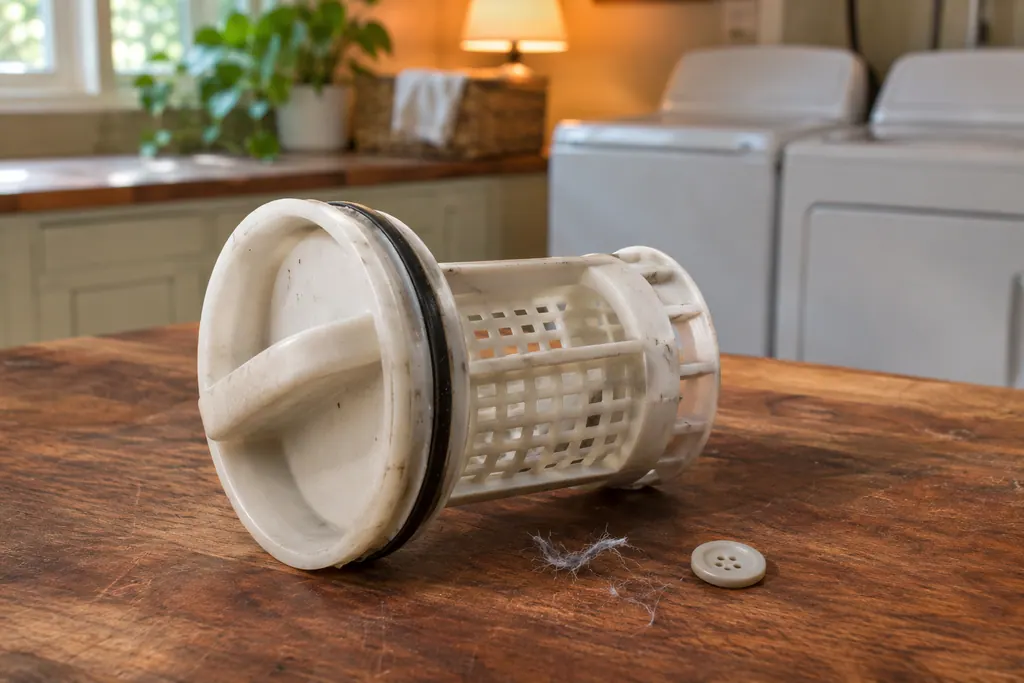
Washer drain pump filter
The 796 front-load washer has a drain pump filter behind a small access panel. It catches lint, buttons, keys and coins before they reach the pump. When the washer drains slowly or not at all, the guide’s list starts with the drain hose and then this filter.
Sources and model boundaries.
These sources back up the Washer electronic control guidance. Read the manual that fits your model.
- Use & Care Guide, Kenmore front-load washers 796.4136/4146/4156
- Use & Care Guide, Kenmore Calypso top-load washers 110.2206/2408/2506/2508
Go by the instructions for your exact model. Check how we research these pages.
What does tE mean on a Kenmore front-load washer?
The 796 front-load guide prints it as a control error: disconnect the washer for 60 seconds, power it up and retry, with a service call if tE repeats.
Is tE the same on a Kenmore top-load?
No. On the 796.2927 top-load it names the water temperature sensor, and that guide asks for a service call after disconnecting power.
What are SENSOR SMART controls?
The Calypso top-load guide uses that name for its electronic controls and calls them easy to use.
Should I open the cabinet to look at the board?
No. The guide lists the pump, valve, motor and control board as parts not to touch while the washer is energized. Book a visit instead.
Code, symptom, part or service
Link the message to what comes next.
tE
tE means a control error on 796 front-loaders and a thermistor error, the water temperature sensor, on the 796 top-load. On a front-load, unplug the washer, wait 60 seconds, reconnect and try again. On a top-load, unplug and book service.
Kenmore washer not spinning
Start with what the display and the lid or door say. A Kenmore washer will not spin until the lid or door is latched, and an out-of-balance load, a slow drain or too many suds can each hold the spin back. Rebalance, check the drain, then book a visit.
Washer repair
Book a diagnostic for your model, carried out at the appliance.
Find your metro
Office details, and the access information to pass along.