What it means
In the Kenmore 796 front-load guides, dE1 is a display graphic printed beside the door-not-closed text. The guides do not say how it differs from dE2. Close the door until it latches, then press START/PAUSE.
Kenmore washer dE1 / Door
In the Kenmore 796 front-load guides, dE1 is a display graphic printed beside the door-not-closed text. The guides do not say how it differs from dE2. Close the door until it latches, then press START/PAUSE.
Also shown as dE1
In the Kenmore 796 front-load guides, dE1 is a display graphic printed beside the door-not-closed text. The guides do not say how it differs from dE2. Close the door until it latches, then press START/PAUSE.
Close it firmly until it latches.
dE1 keeps showing even with the door shut and latched.
Your checklist / stored on this device
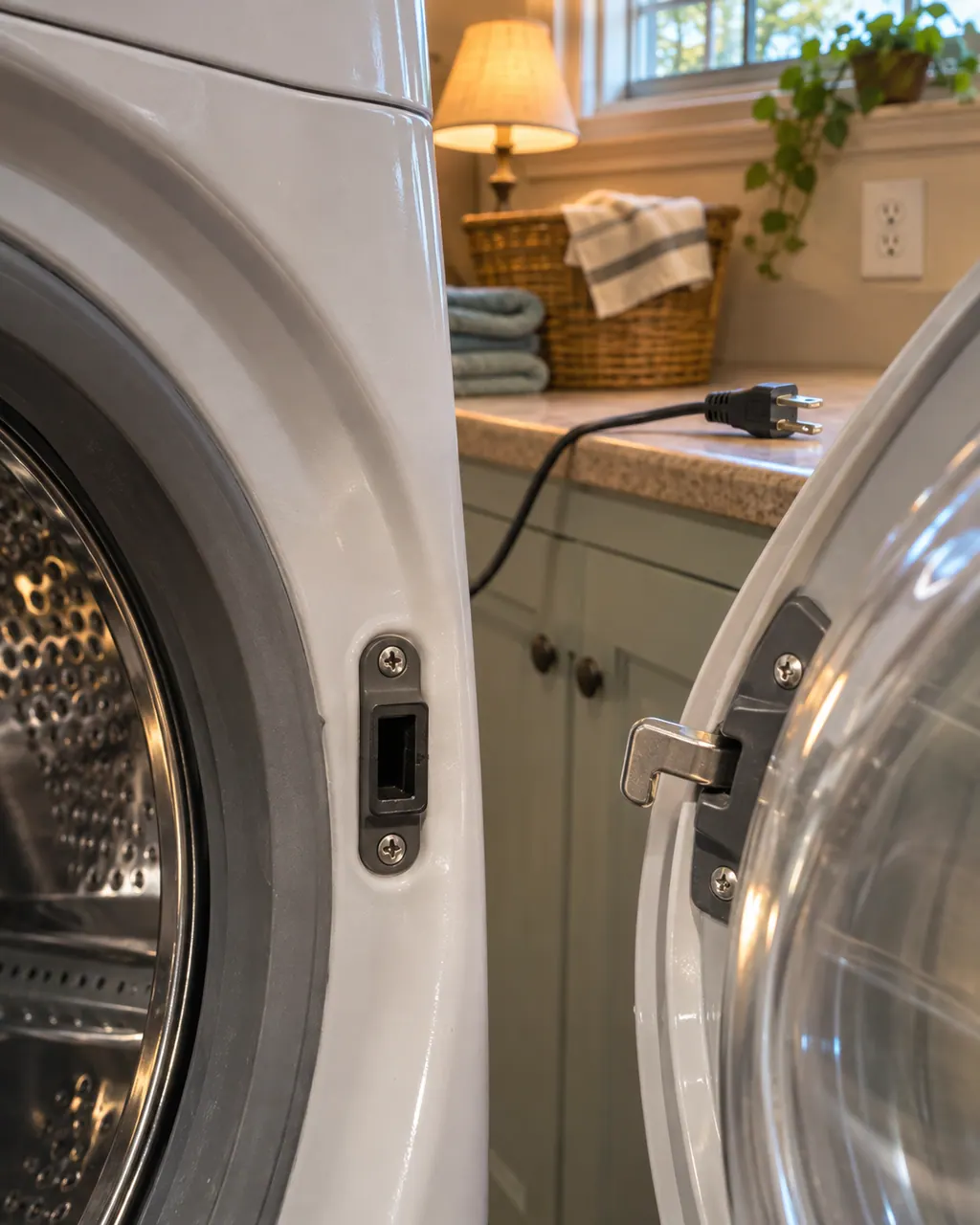
Close it firmly until it latches. The door may look closed and still not be locked.
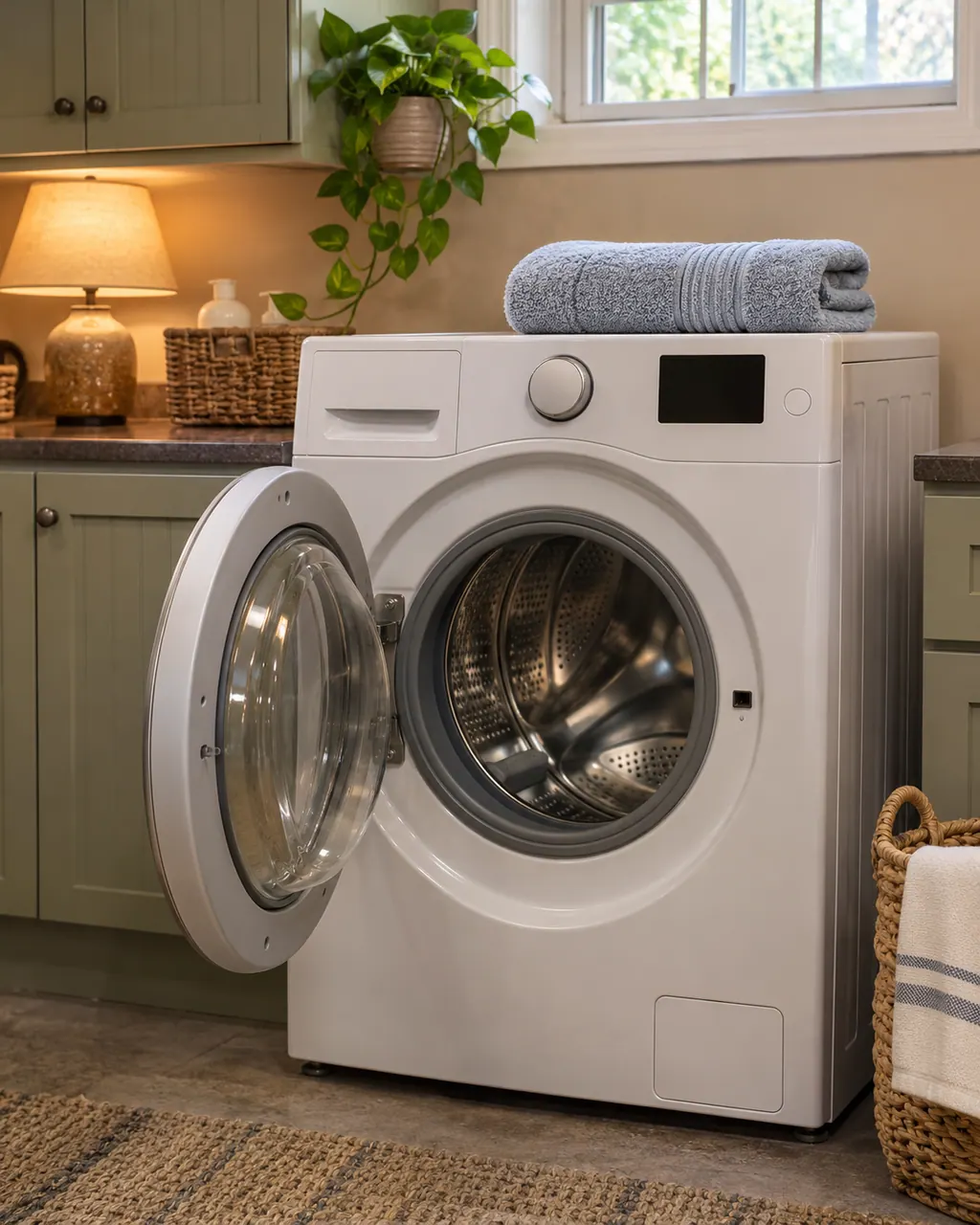
After starting a cycle there can be a short delay before the drum turns. Operation depends on the door being locked.
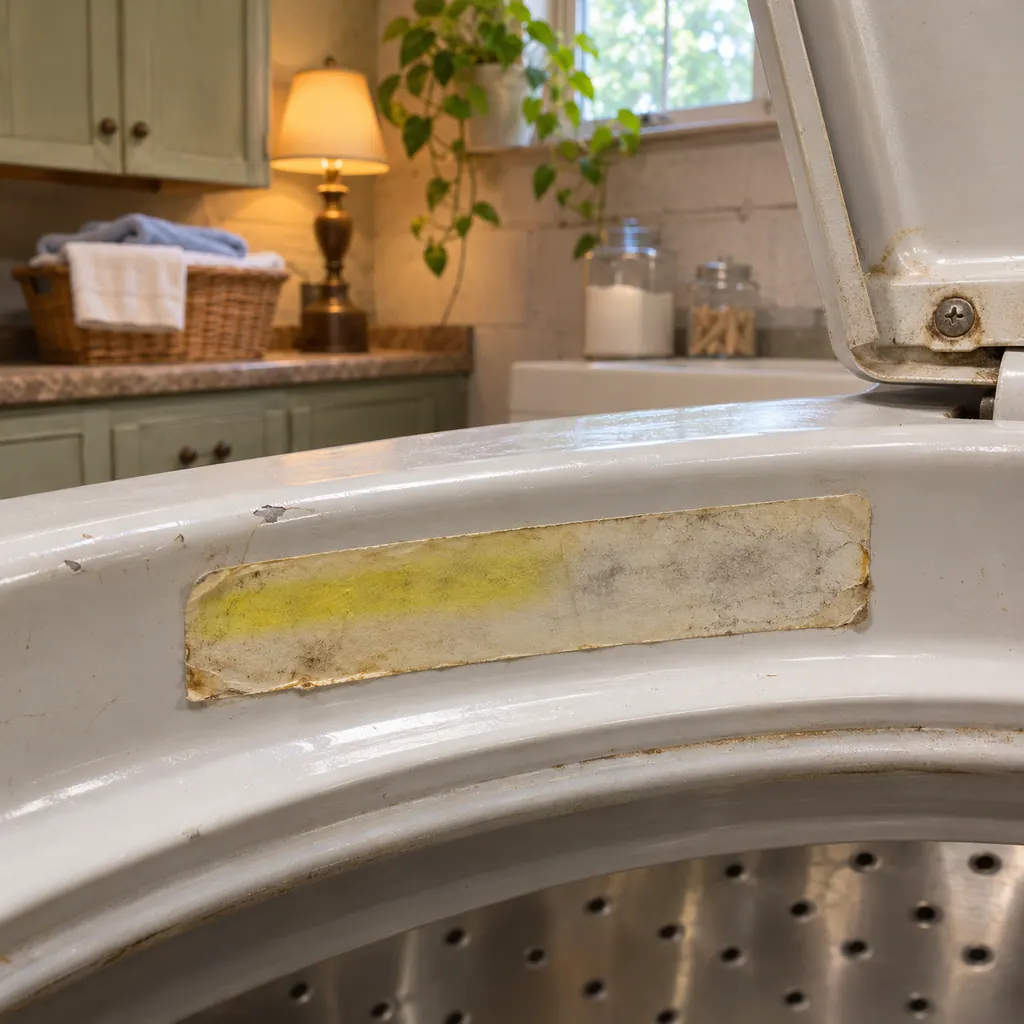
Check for laundry sticking out of the door opening.
Record whether the display read dE1 or dE2 for the visit, since the guides separate them.
A message that persists with the door shut and locked is the guide's cue to call.
Give us the model and the checks you have already done, and open your request from here.
Book a visit
Simplified drawing; the real layout depends on the model. Tap an outlined part to see its photo and the check that goes with it.
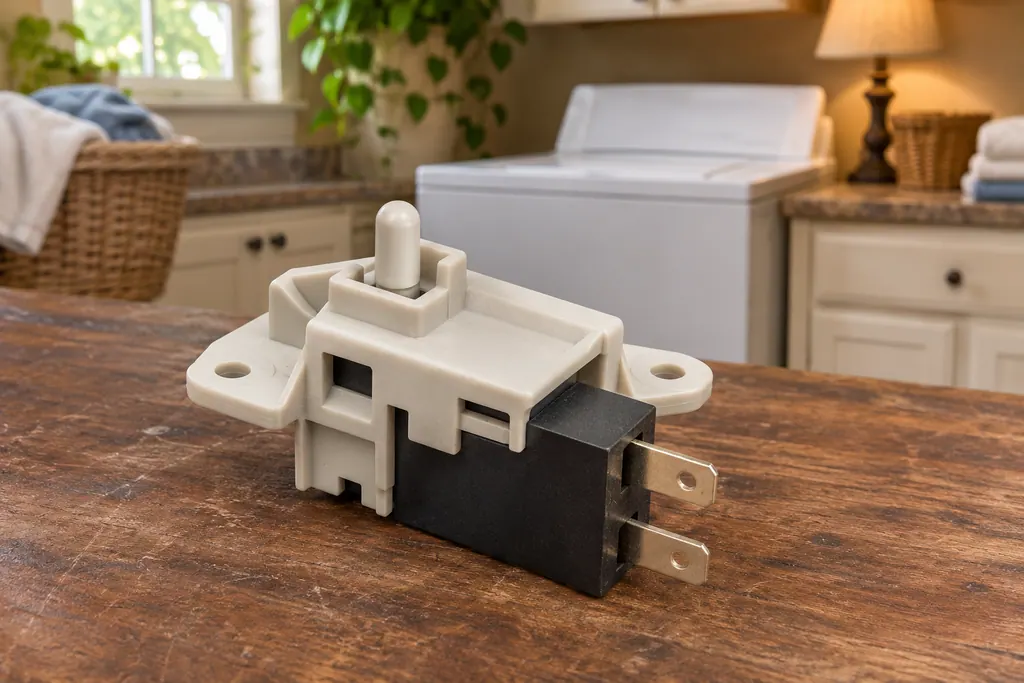
Component reference
A Kenmore washer locks its door or lid while a cycle runs, and it will not spin unless the lock has engaged.
Read the definitionIn the table it is drawn as an icon beside the door cause. The solution is to close it and press START/PAUSE.
Read the supporting manualThe guides do not say. Both sit next to a single door sentence, so we read them as door messages and claim no difference.
Read the supporting manualThe 796 front-loaders: 4136, 4146 and 4156 on p. 46 of one guide, and the 4198 on p. 31 of another.
Read the supporting manualManufacturer document
Kenmore (guide as published by Sears / Transform SR Brands)
Doc 1909134L / P/N MFL68005592 (Transform SR Brands) / PDF p.46 (front-load, dE1/dE2 graphics)
Manufacturer document
Kenmore (guide as published by Sears / Transform SR Brands)
Doc 1807405L / P/N MFL68005554 / PDF p.31
Guide 1909134L p. 46 (4136, 4146, 4156) and, for the 4198, guide 1807405L p. 31.
On 796 front-load washers (4136, 4146, 4156 and 4198). The guides draw it as a display graphic next to the door-not-closed text.
The guide does not say. It asks for a firm door close and START/PAUSE, and moves to service if the message persists on a locked door.
The guides do not explain a difference. They place both beside the same door text.
The 110 front-load guide mentions laundry sticking out of the opening, and the 796 text speaks of closing the door properly. A caught sleeve is worth checking.
Yes, when the door is locked and the message stays after a firm close.
Code, symptom, part or service
dE means the lid or door is not closed properly. The 796 top-load displays it if you hit START while the lid is up. Front-loaders in the 796 line show dE1 or dE2 for the same condition, and 110 front-loaders print F22 instead. Close it fully and press START again.
Start with what the display and the lid or door say. A Kenmore washer will not spin until the lid or door is latched, and an out-of-balance load, a slow drain or too many suds can each hold the spin back. Rebalance, check the drain, then book a visit.
A Kenmore washer locks its door or lid while a cycle runs, and it will not spin unless the lock has engaged. The 796 guides print dE for a door or lid left open and dL for a lid lock switch error. Calypso washers print LS for the lid switch, and the 110 front-load guide lists F22 as “Front door lock.”
Book a diagnostic for your model, carried out at the appliance.
Office details, and the access information to pass along.