Start from the symptom
Kenmore range temperature problems.
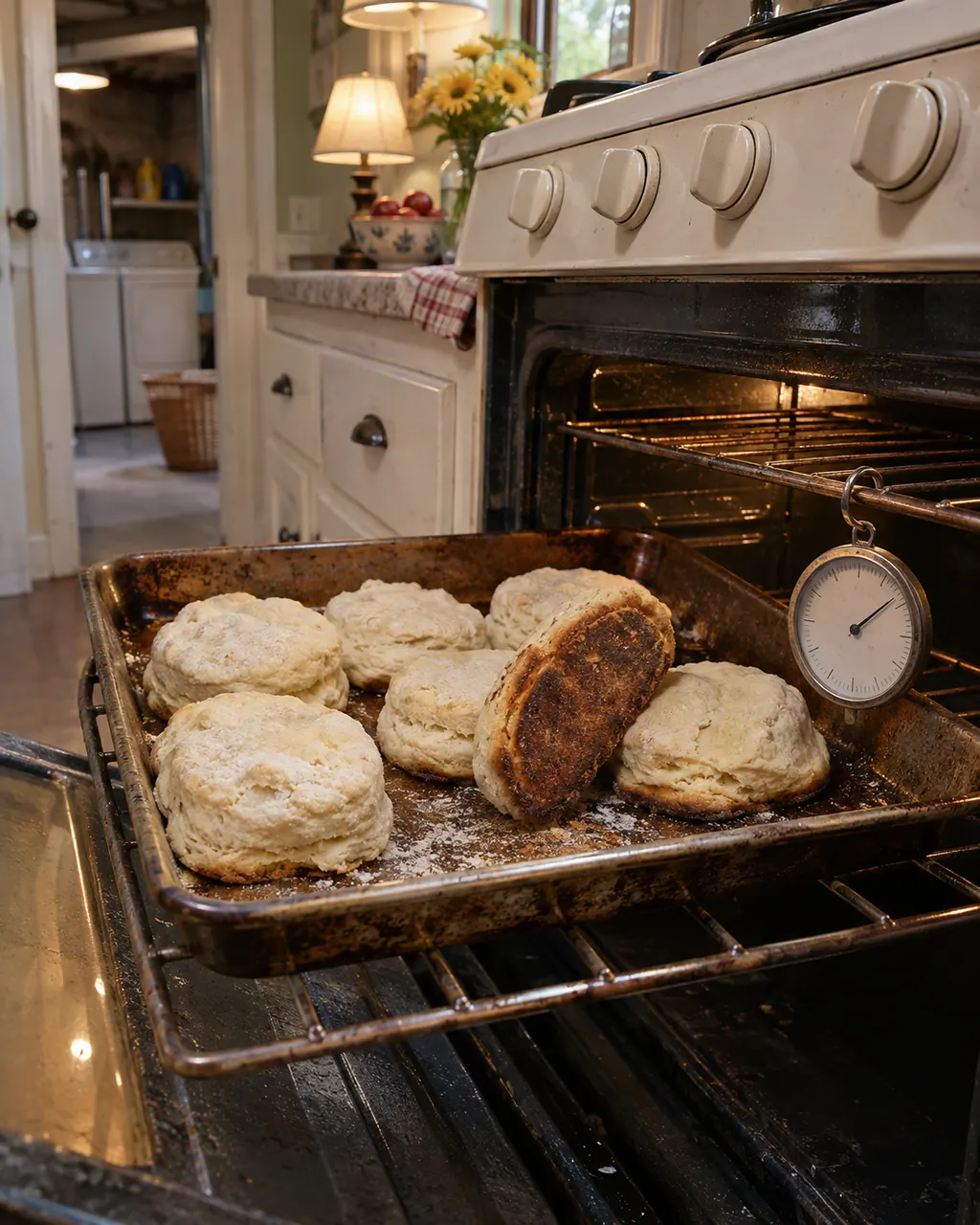
If a Kenmore 790 oven runs hot, runs cool or bakes unevenly, the guides first look at technique: preheat, rack position and pan spacing. If it still reads wrong, the control can be offset by as much as 35 F in either direction.
Start with safe observations.
Switch the appliance off and unplug it before any owner check. Be careful around standing water and sharp debris. Never touch a wet plug or electrical area, take off service panels, or go past what your model’s owner instructions allow.
- 1
Preheat and place food properly
Let the oven reach the set temperature, use the right rack, and keep 2 to 4 inches (5.1 to 10.2 cm) of space around pans. Dark pans absorb heat faster.
- 2
Check that the oven is level
Put a glass measuring cup of water on the rack; an uneven surface means the range needs leveling. Cakes that are not level are the typical sign.
- 3
Adjust the temperature
Hold Bake about 6 seconds until 0 shows, enter the change, press Self Clean to toggle plus or minus, then START. The offset runs from plus 35 F to minus 35 F and leaves Broil and Self Clean untouched.
- 4
Skip the store thermometer
Hardware-store thermometers, the guide warns, may disagree with the real temperature by 20 to 40 F.
- 5
Do the fan test
Press Broil and START, display shows 5 50, and feel for air near the door handle. No air points to the cooling fan.
Systems a technician may investigate.
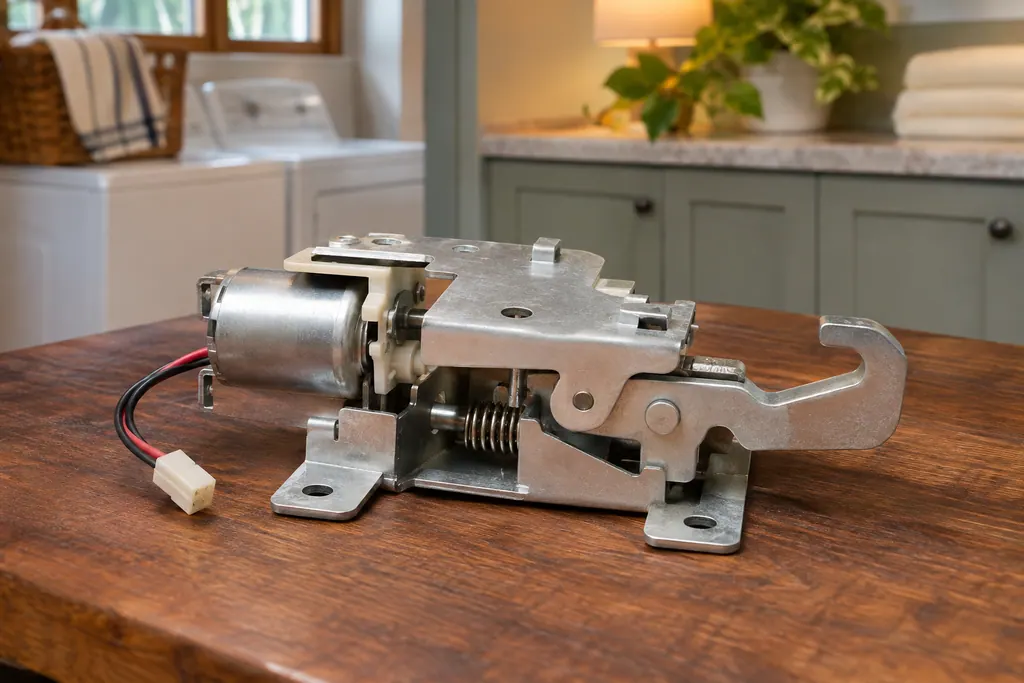
We don’t quote parts up front. The technician names any part after the diagnostic and matches it to your exact model number before anything is replaced.
Read the related care guide.
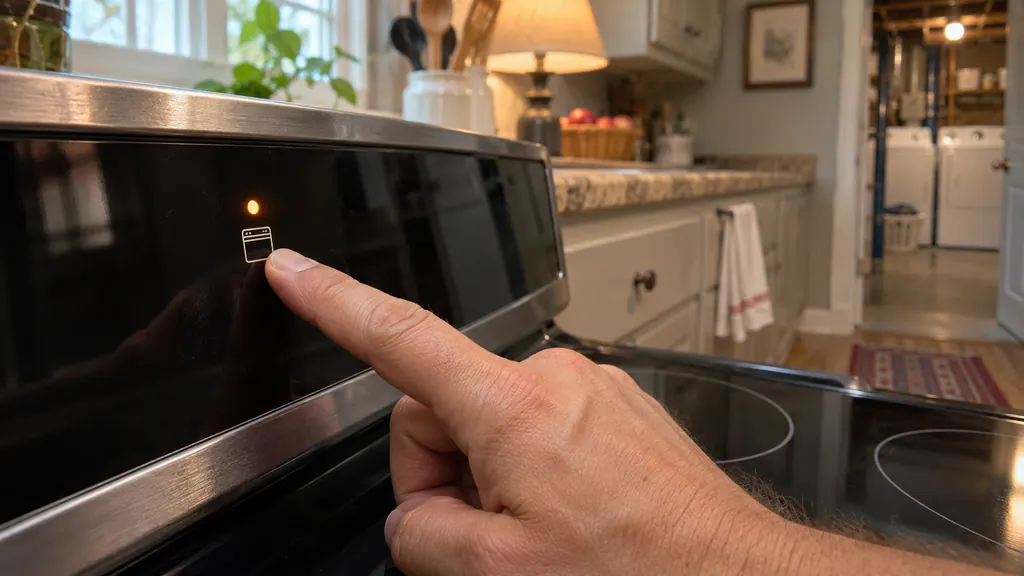
Range panel dead? The oven lockout may be on.
If the touch panel of a Kenmore 790 range seems dead, check the oven lockout first. A Loc message means the door is locked and the keys are off. Hold the lockout key (STOP/CLEAR on some models) for 3 seconds, then wait about 15 seconds. If an F code beeps instead, clear it, reprogram and note the number.
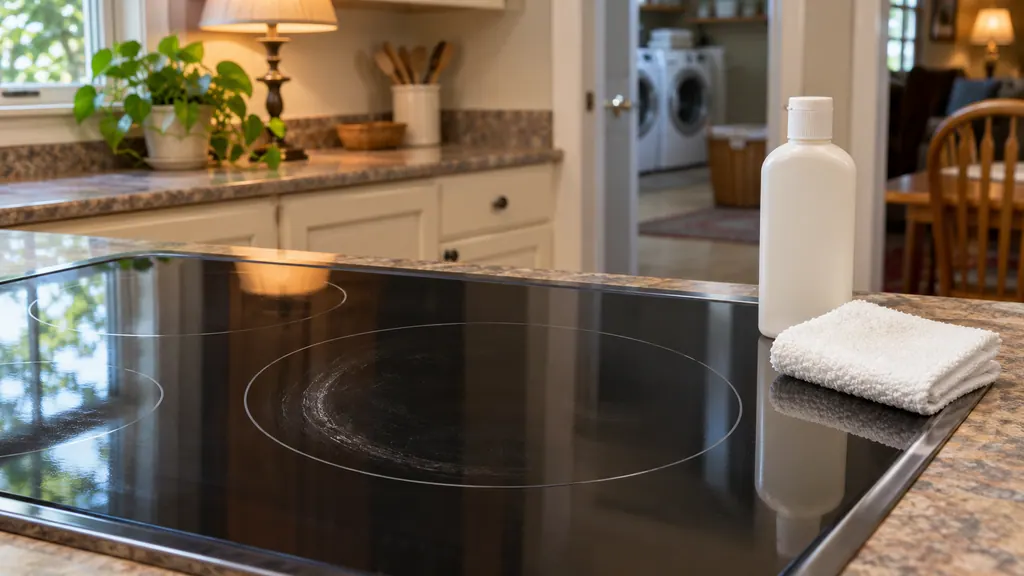
Streaks and burned spills on a glass cooktop? Here is what lifts them.
Clean a Kenmore glass cooktop only when it is cool, with the ceramic-glass cooktop cleaning cream and a non-scratch pad. Remove metal marks soon, scrape burned-on spills with a razor scraper at a shallow angle, and never use bleach, ammonia, oven cleaner or foil. Sugar and plastic are the exception: scrape those at once.
When observation becomes a service request.
Leave internal testing to a technician.
The oven runs off by more than the adjustment can fix, or the fan test shows no air. Book a visit.
Arrange a diagnosticSources and model boundaries.
These sources back up the Kenmore range temperature problems guidance. Read the manual that fits your model.
- Use & Care Guide, Kenmore Elite slide-in gas range 790.4260/4261
- Use & Care Guide, Kenmore range 790.93750/51/52/54
Go by the instructions for your exact model. Check how we research these pages.
How much can I adjust the oven temperature?
The 790.4260 control accepts an offset of 35 F hotter or 35 F cooler. Begin by holding Bake for about 6 seconds.
Does the adjustment change self-clean?
No. The guide says it does not change Broil or Self Clean temperatures.
Why are my cakes uneven?
The guide lists an unlevel oven, pans too close to the walls, warped pans and too much heat. Test level with a cup of water.
Can I trust an oven thermometer?
Common ones can read 20 to 40 F off, the guide warns. Use the offset setting in the control instead.
Code, symptom, part or service
Link the message to what comes next.
Kenmore range F16: what the documents print
We found no printed meaning for F16 in Kenmore's range guides, which lists one rule for any F code. Clear the display, reprogram, write the number down and arrange a visit if it reappears. Shut off gas if you smell it.
Kenmore range controls not responding
On the Kenmore 790 ranges, a dead-looking oven panel usually means one of four things: the oven lockout is on, the clock was never set, an F or E code stopped the control, or power is missing. Cancel the lockout first; a code needs a restart.
Range repair
Book a diagnostic for your model, carried out at the appliance.
Find your metro
Office details, and the access information to pass along.