What it means
tE2 on Kenmore 796 dryers is printed in the same row as tE1: temperature sensor failure. Kenmore answers with a power-down and a service request. No reset is given and no home repair is described, so book a technician.
Kenmore dryer tE2 / Temperature
tE2 on Kenmore 796 dryers is printed in the same row as tE1: temperature sensor failure. Kenmore answers with a power-down and a service request. No reset is given and no home repair is described, so book a technician.
Also shown as tE2
tE2 on Kenmore 796 dryers is printed in the same row as tE1: temperature sensor failure. Kenmore answers with a power-down and a service request. No reset is given and no home repair is described, so book a technician.
Stop the cycle and switch the dryer off.
tE2 is showing, whatever the load.
Your checklist / stored on this device
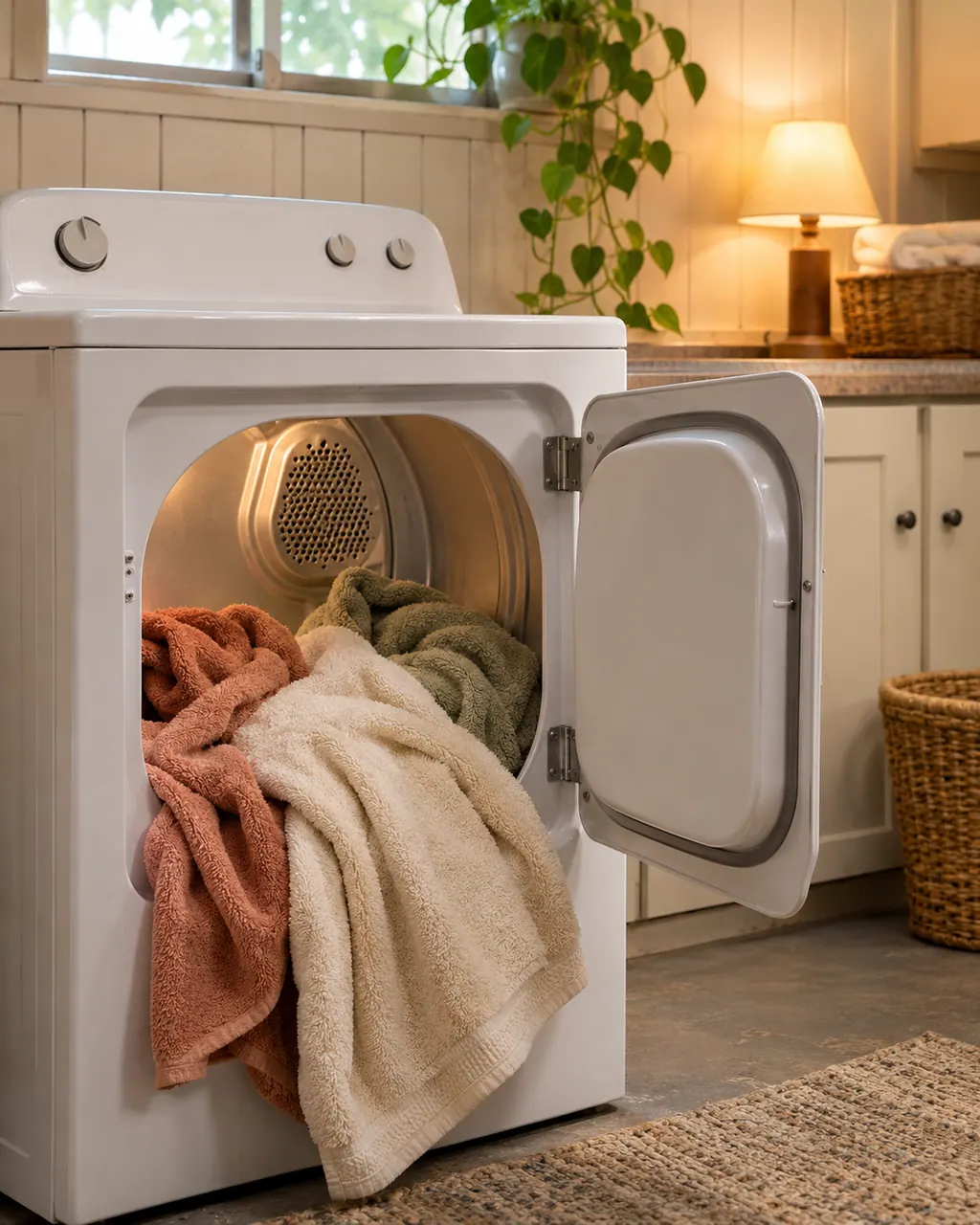
Stop the cycle and switch the dryer off. That is the single action the guide gives.
Once the drum is cool, unload the clothes. Warm, damp fabric left inside smells.
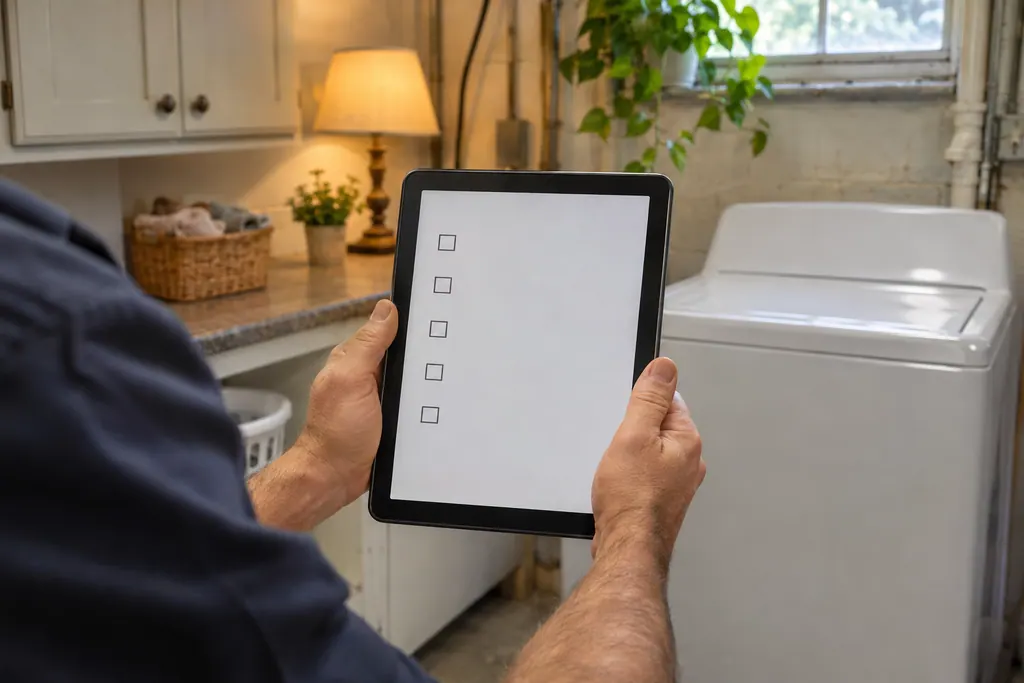
Read the display again. tE1 and tE2 share a row, but the digit tells the technician which one appeared.
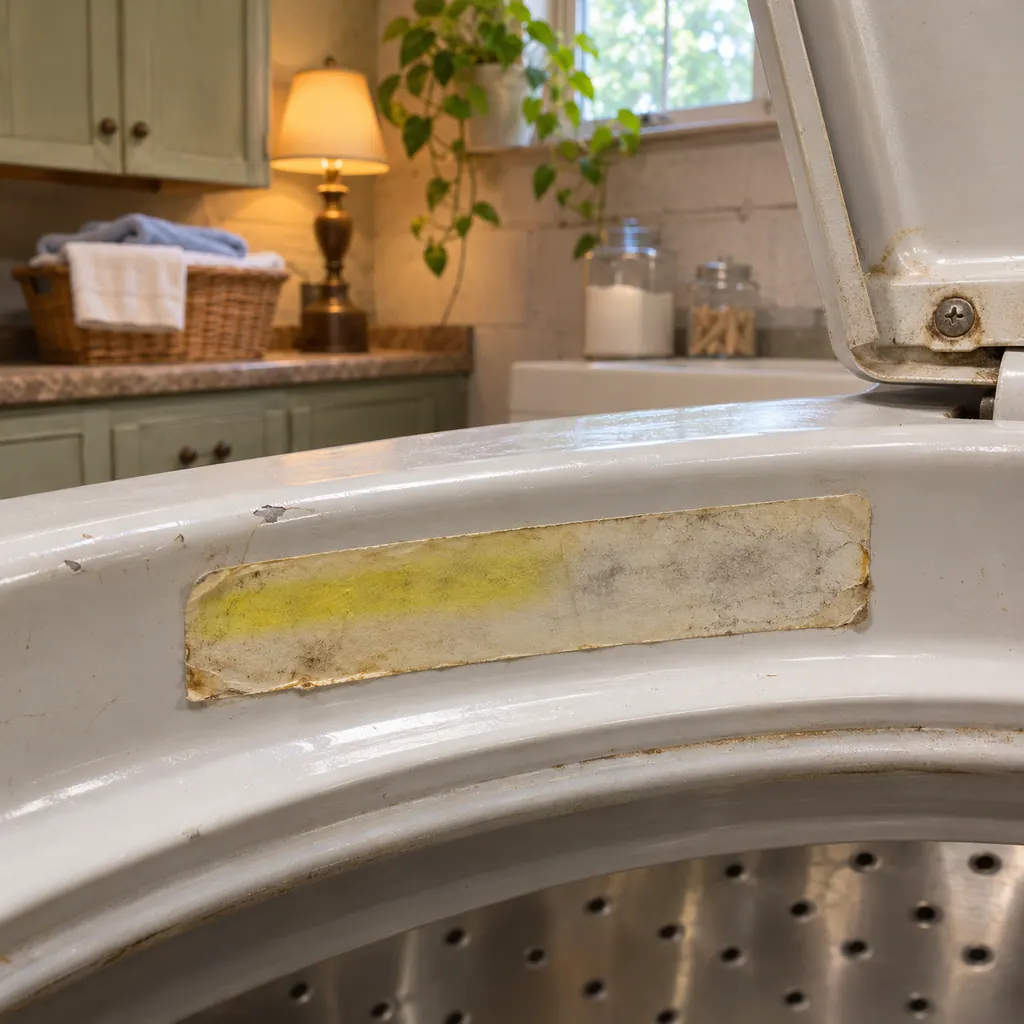
Locate the 796 model number on the rating label and keep it handy.
Say that tE2 appeared and that the dryer was turned off as the guide directs.
Give us the model and the checks you have already done, and open your request from here.
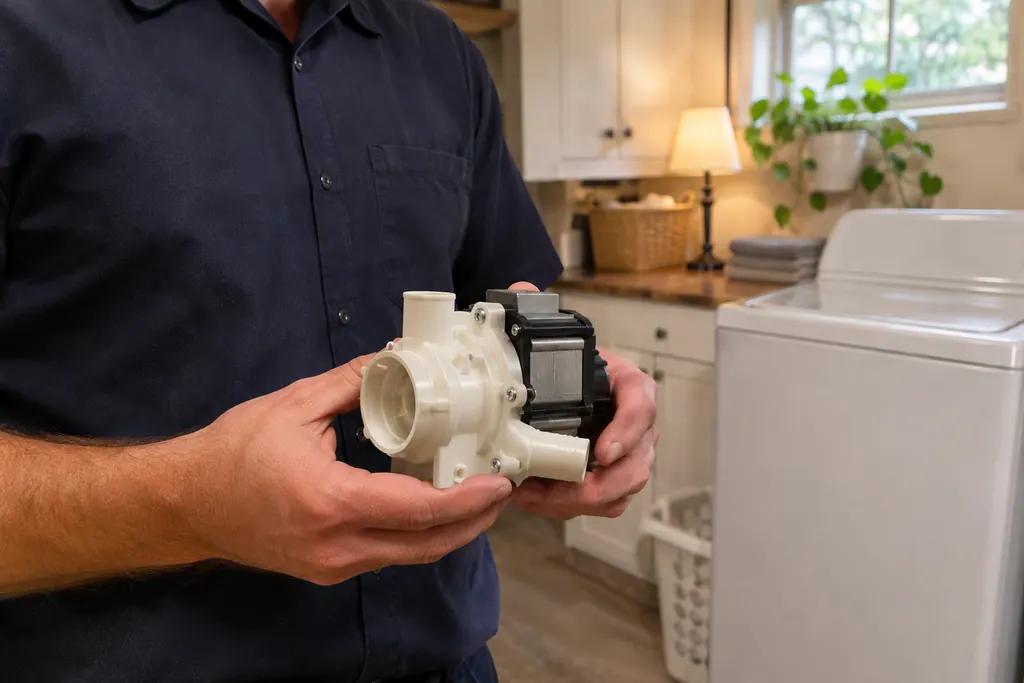
Book a visitSimplified drawing; the real layout depends on the model. Tap an outlined part to see its photo and the check that goes with it.
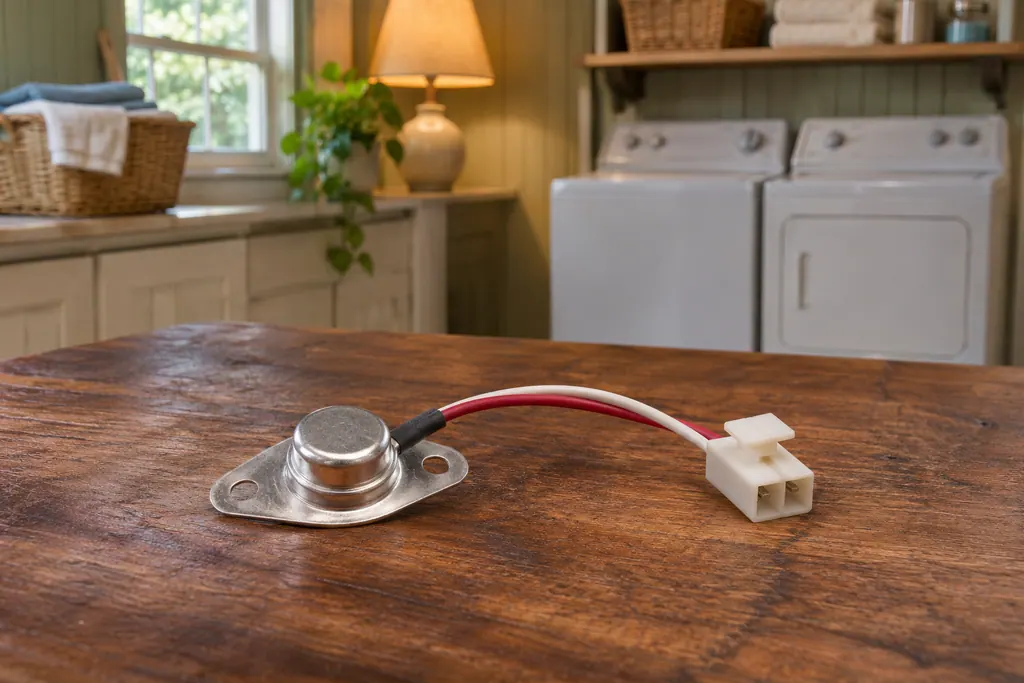
Component reference
Kenmore’s 796 dryer guides print one line about the temperature sensor: if the display shows tE1 or tE2, the cause is “Temperature sensor failure,” and the step is to turn off the dryer and get service.
Read the definitionThe same table row that covers tE1 covers tE2, with temperature sensor failure as the cause. Powering down and requesting service is the whole remedy.
Read the supporting manualThe guide does not say. Both codes get one cause and one action, so we do not claim tE2 is a different part.
Read the supporting manualThe guide does not link lint to the code. Lint on clothes is a different line of the same table.
Read the supporting manualManufacturer document
Kenmore (guide as published by Sears / Transform SR Brands)
Doc 1901122L / P/N MFL67731010 / PDF p.31
Manufacturer document
Kenmore (guide as published by Sears / Transform SR Brands)
Doc 1405214L / P/N MFL67731025 (Sears Brands) / PDF p.33
The 796 dryer guides again: 1901122L on p. 31 and the steam guide 1405214L on p. 33.
The guide gives them one row, one cause and one remedy, so it does not separate them. We do not claim tE2 is a different part.
The guide says to turn the dryer off, so we would not run it. Hang damp laundry or take it to another dryer until the visit.
The guide does not say. Switching the dryer off at the control follows the printed step, and unplugging adds a margin if you will be away.
On the rating label. Look for 796 followed by digits such as 8128 or 8138. Quote it when you book.
Yes. The 8138 and 9138 steam guide prints the same row as the 8128 family.
Code, symptom, part or service
tE1 on Kenmore 796 dryers (the 8128 family and the 8138 steam dryers) is listed as a temperature sensor failure. The guide's remedy is to switch the dryer off and request service, so stop drying and book a technician.
Long drying on a Kenmore dryer usually traces back to airflow: a clogged lint screen, a crushed or lint-packed exhaust vent, or a vent run that is too long. The guides give a quick test with your hand under the outside hood.
Kenmore’s 796 dryer guides print one line about the temperature sensor: if the display shows tE1 or tE2, the cause is “Temperature sensor failure,” and the step is to turn off the dryer and get service. They give no owner repair and no reading of what failed.
Book a diagnostic for your model, carried out at the appliance.
Office details, and the access information to pass along.