What it means
E1 on a Kenmore 110-series dryer is one of the E service codes (E1, E2, E3) the guide lists. It does not decode them: its only instruction is to call for service. Unplug the dryer, jot down the code and model, and book a technician.
Kenmore dryer E1 / Sensor circuit
E1 on a Kenmore 110-series dryer is one of the E service codes (E1, E2, E3) the guide lists. It does not decode them: its only instruction is to call for service. Unplug the dryer, jot down the code and model, and book a technician.
Also shown as E1
E1 on a Kenmore 110-series dryer is one of the E service codes (E1, E2, E3) the guide lists. It does not decode them: its only instruction is to call for service. Unplug the dryer, jot down the code and model, and book a technician.
Jot down E1 along with your dryer’s model number, which starts with 110.
E1 comes up again after a fresh start.
Your checklist / stored on this device
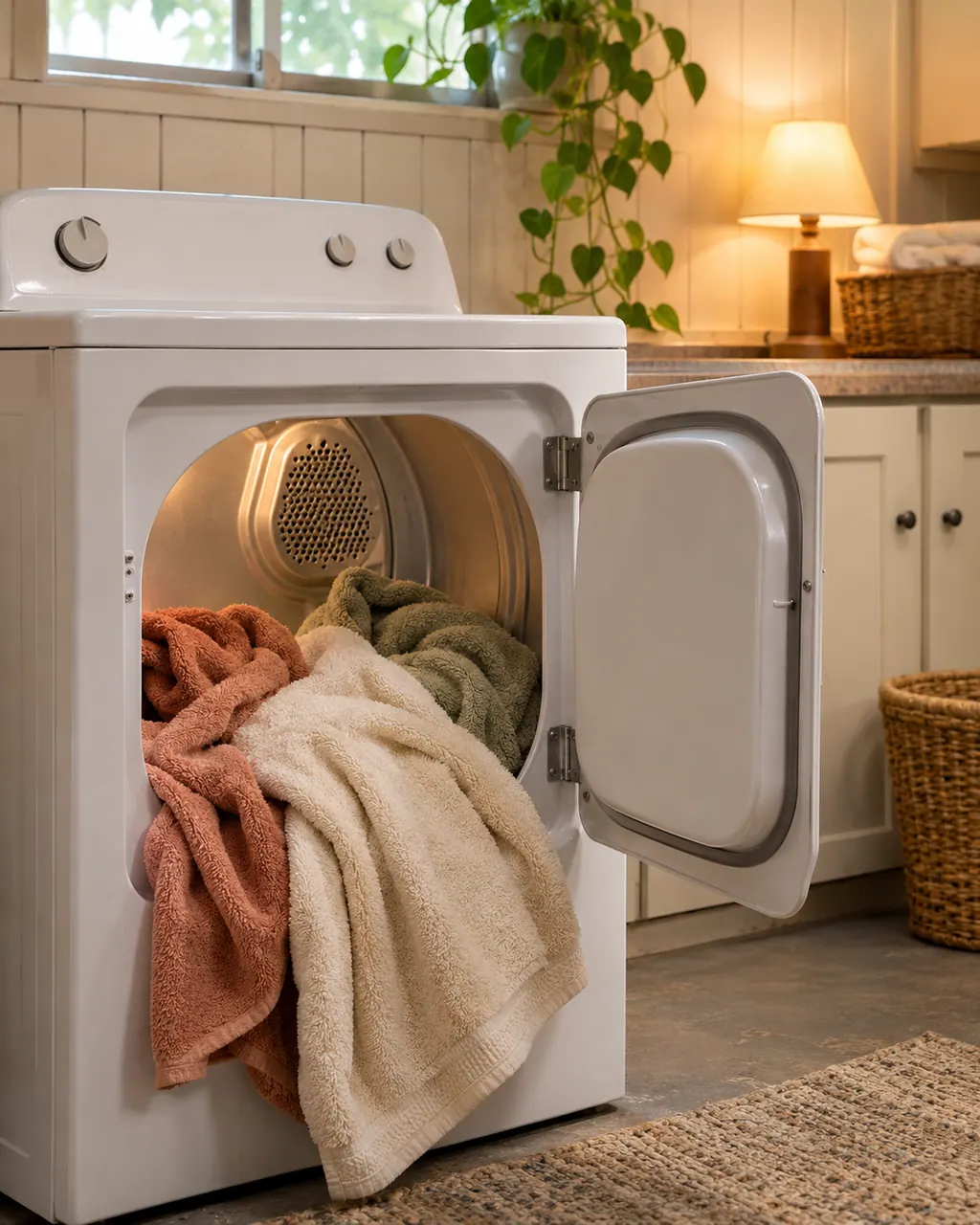
Jot down E1 along with your dryer’s model number, which starts with 110. Both go on the booking.
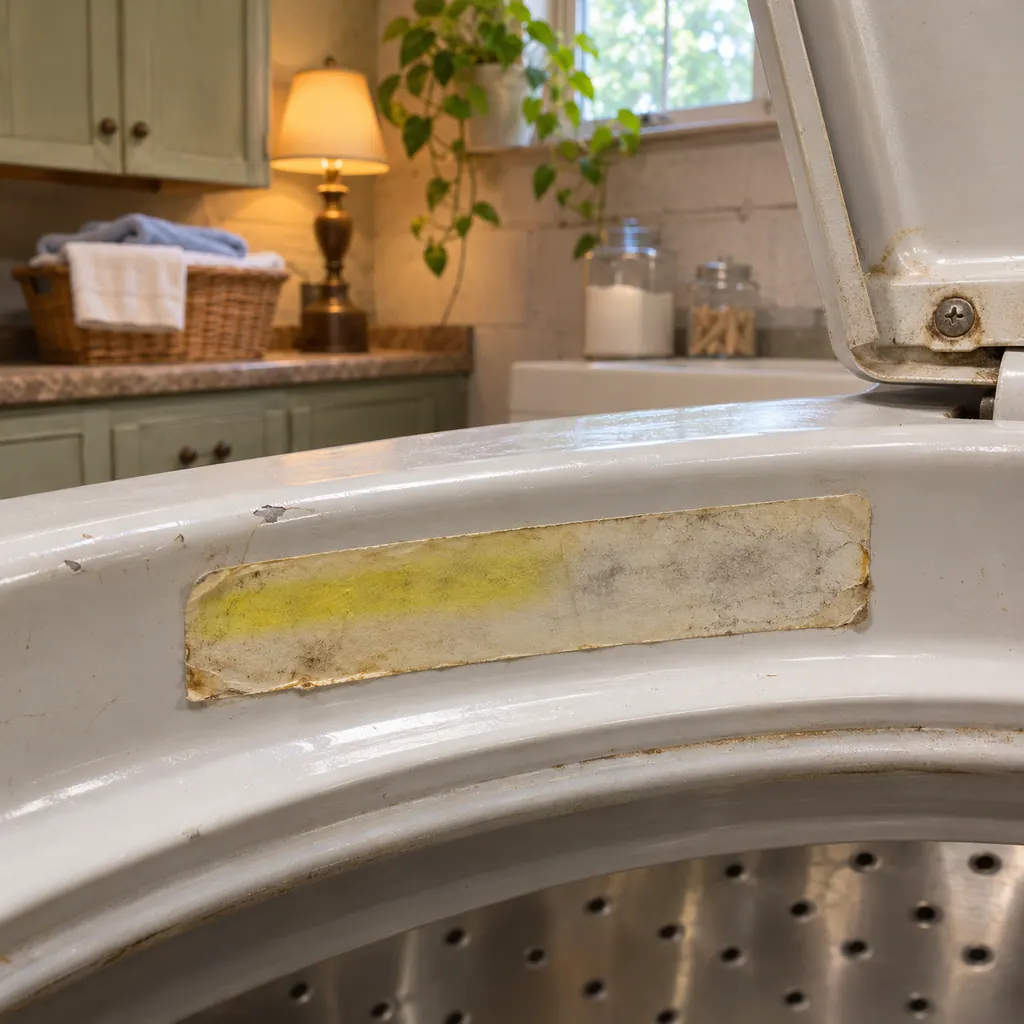
Switch off, wait a minute, press POWER and START. If E1 clears and the dryer runs, watch the next few loads.
A power failure shows PF, which the guide says to clear with POWER, then holding START. E1 is a different message.
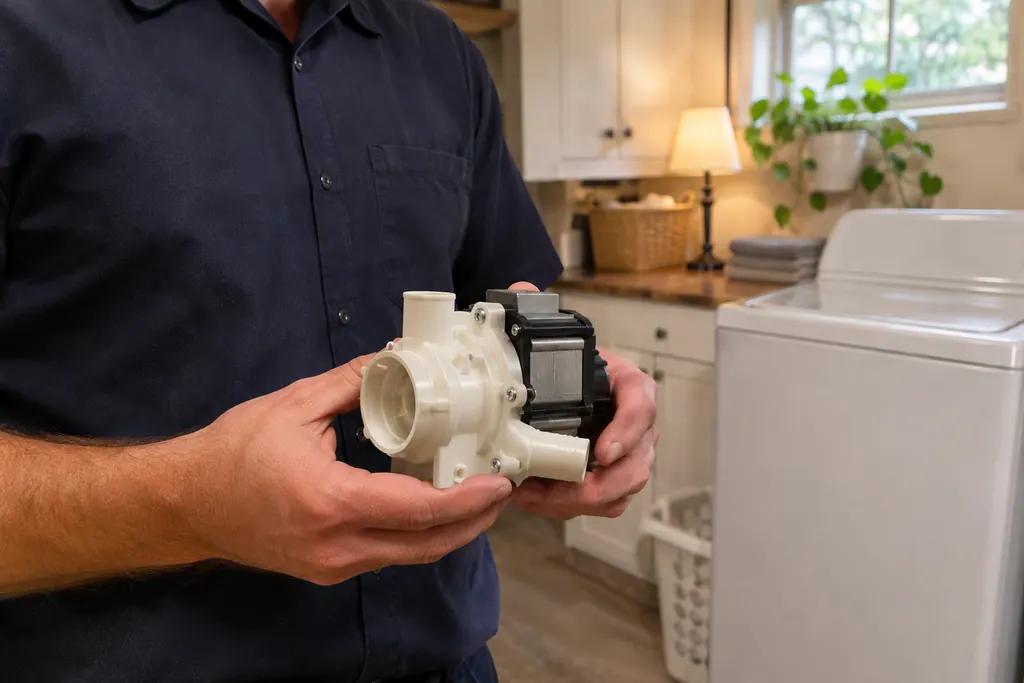
These are general drying checks, not E1 steps. A clean lint screen, a tight plug and a clear vent remove other causes before the visit.
Kenmore files E1 under service codes, so diagnosis and repair belong to a technician.
Give us the model and the checks you have already done, and open your request from here.
Book a visitSimplified drawing; the real layout depends on the model. Tap an outlined part to see its photo and the check that goes with it.
It lists “E” variable service codes, giving E1, E2 and E3 as the examples, and gives one instruction for all of them: call for service.
Read the supporting manualNo. Neither a part nor a cause is given for E1. Any meaning from outside the guide is not confirmed by Kenmore here.
Read the supporting manualPF is the power failure message, for a cycle cut short by an outage. The guide has you press POWER and then press and hold START.
Read the supporting manualOnly the plain checks listed here. The guide has no E1 reset, so if E1 returns, stop drying and arrange a technician.
Read the supporting manualManufacturer document
Kenmore (guide as published by Sears / Transform SR Brands)
Doc 1506245L / P/N W10035050C / PDF p.27 (Dryer displaying code message)
Found in the 110-series dryer guide (the 8756 family) in its “Dryer displaying code message” box. Kenmore’s 796 dryers show tE codes instead.
No. tE1 belongs to 796-series dryers. E1 is printed for the 110 series, so read your dryer’s prefix before trusting any chart.
The guide gives no reset for it. A restart may clear a one-off message, but a returning E1 needs service.
Kenmore lists them in the same E variable line with the same advice. Each is a service code rather than a user fix.
Kenmore does not say. A service code on screen is a reason to hold off drying and have it examined.
Code, symptom, part or service
PF means power failure: the dryer asks whether its drying cycle was interrupted when power dropped. On the 110 Kenmore dryers, press and hold START to restart. The 8756-series guide adds that you press POWER first.
Long drying on a Kenmore dryer usually traces back to airflow: a clogged lint screen, a crushed or lint-packed exhaust vent, or a vent run that is too long. The guides give a quick test with your hand under the outside hood.
Book a diagnostic for your model, carried out at the appliance.
Office details, and the access information to pass along.