Inside the appliance
Range surface burners and ignitors. In plain English.
On a Kenmore gas range, an electronic ignitor lights each surface burner once the knob is at LITE. The guides say every ignitor sparks together, yet only the burner you turned catches. Clogged burner ports, misplaced caps or a bumped electrode are the checks they give before service.
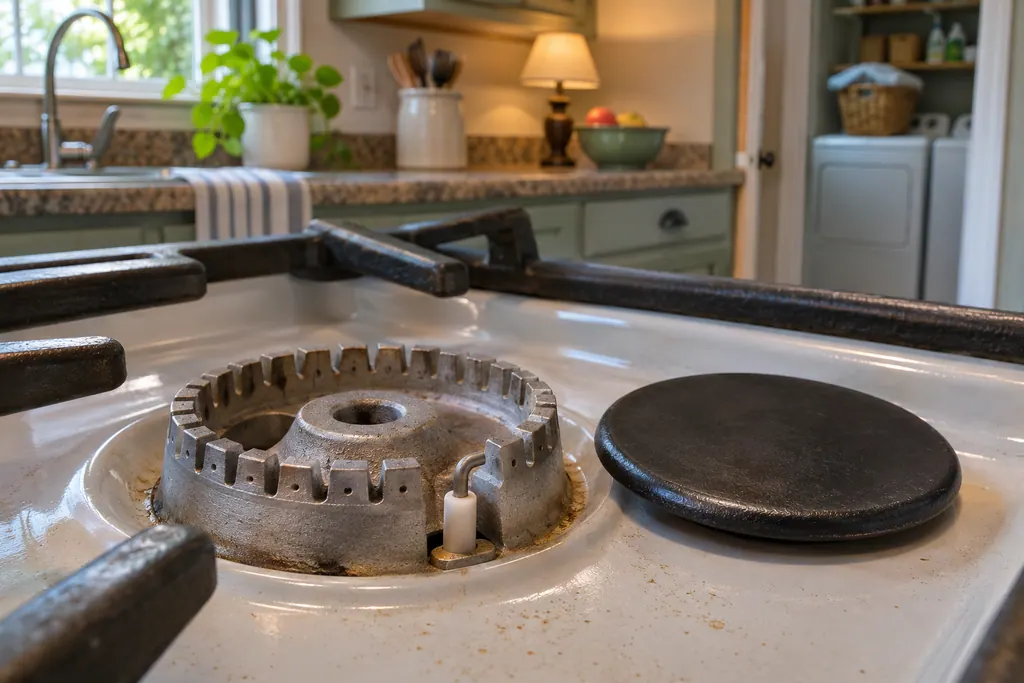
Where it fits.
Range surface burners and ignitors in the appliance
On top of the range at each burner. The 790.4103 cleaning drawing labels the grate, cap, head, electrode and orifice holder.
The picture shows the type of component. It does not pick out a replacement that fits your model.
What you notice when this system needs attention.
Range surface burners and ignitors concerns can show up together with weaker performance or a code that keeps returning. Testing is required before deciding whether the component is to blame.
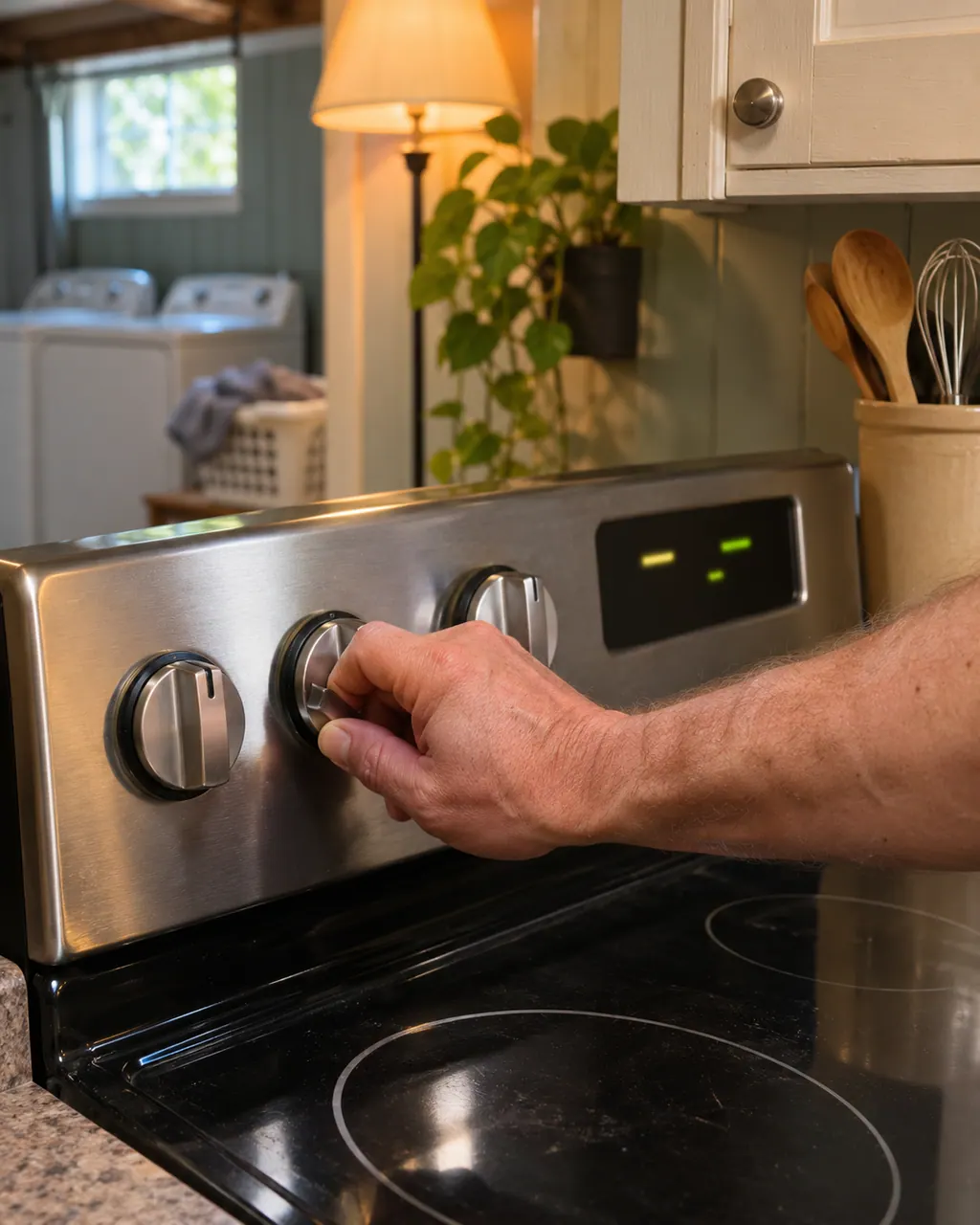
Kenmore range controls not responding
On the Kenmore 790 ranges, a dead-looking oven panel usually means one of four things: the oven lockout is on, the clock was never set, an F or E code stopped the control, or power is missing. Cancel the lockout first; a code needs a restart.
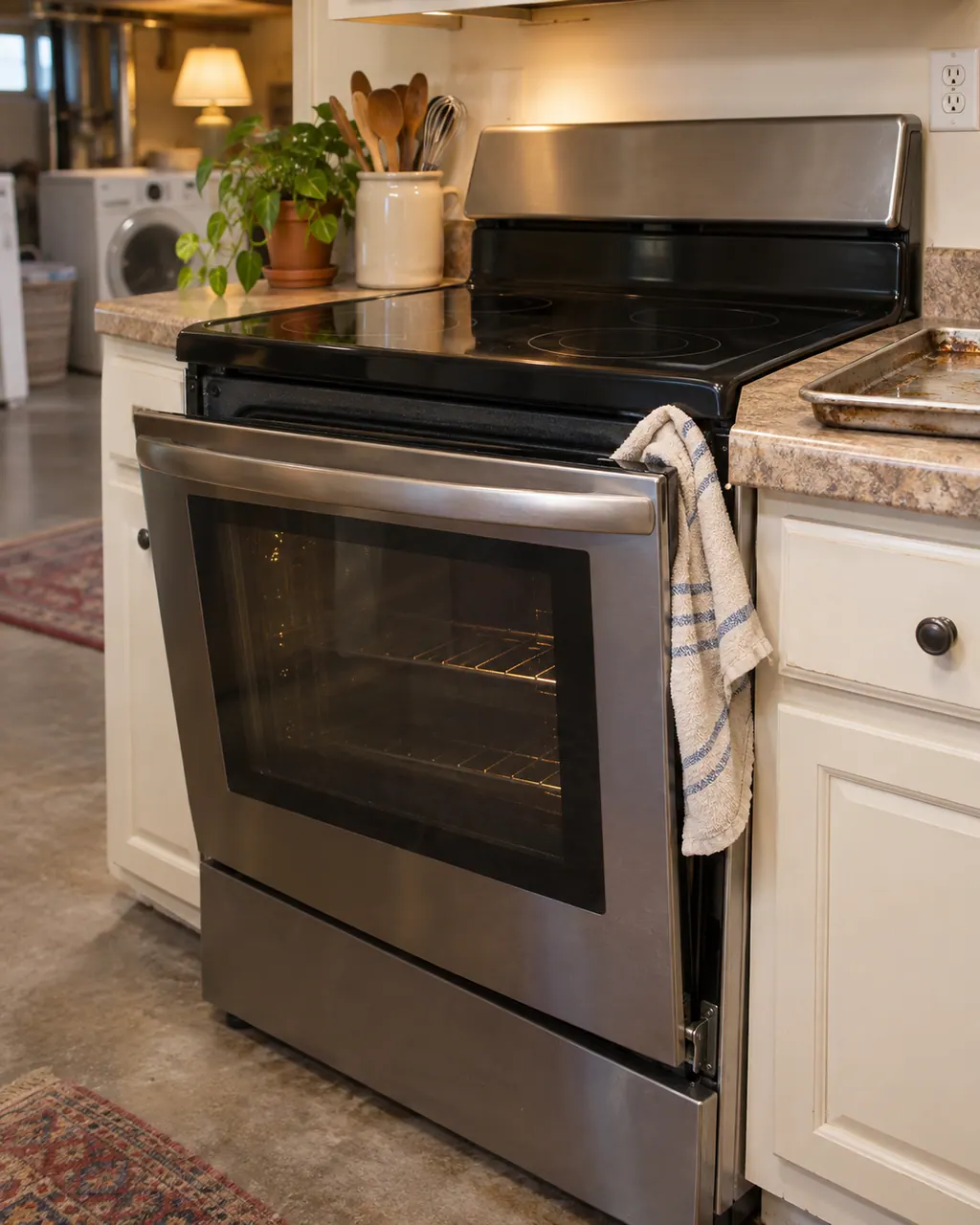
Kenmore range oven door problems
A Kenmore oven door that will not open is almost always the self-clean lock, which holds until the oven has cooled. Do not force it. For a door that is misaligned or has been removed, the guide gives hinge-lock steps, and the glass needs care.
Owner care, within the model instructions.
Switch the appliance off and unplug it before any owner check. Be careful around standing water and sharp debris. Never touch a wet plug or electrical area, take off service panels, or go past what your model’s owner instructions allow.
- 1
Seat the burner caps
Every cap has to sit flat and centered on its burner head, say the guides. A cap that slides off center can stop proper ignition and flame size.
- 2
Clean the ports
Once the burner has cooled and is off, clear clogged ports or slots with a small-gauge wire or needle. Keep spills and cleaners out of the gas orifice opening.
- 3
Mind the electrode
The 790.4103 guide warns that rough handling of caps can damage the electrodes, which may cause delayed ignition or prevent the burner from igniting.
- 4
Read the flame
A good flame is clear, blue and steady. A yellow-orange flame means the burner needs cleaning, the guide says.
Cleaning or replacement?
Leave internal testing to a technician.
If you smell gas, leave the room first, then book a visit.
Book a visit if a clean, dry, correctly seated burner still will not light or keeps sparking after the knob leaves LITE.
Book a visit if the flame stays uneven or orange after cleaning the ports.
Arrange a diagnosticSee the neighboring components.
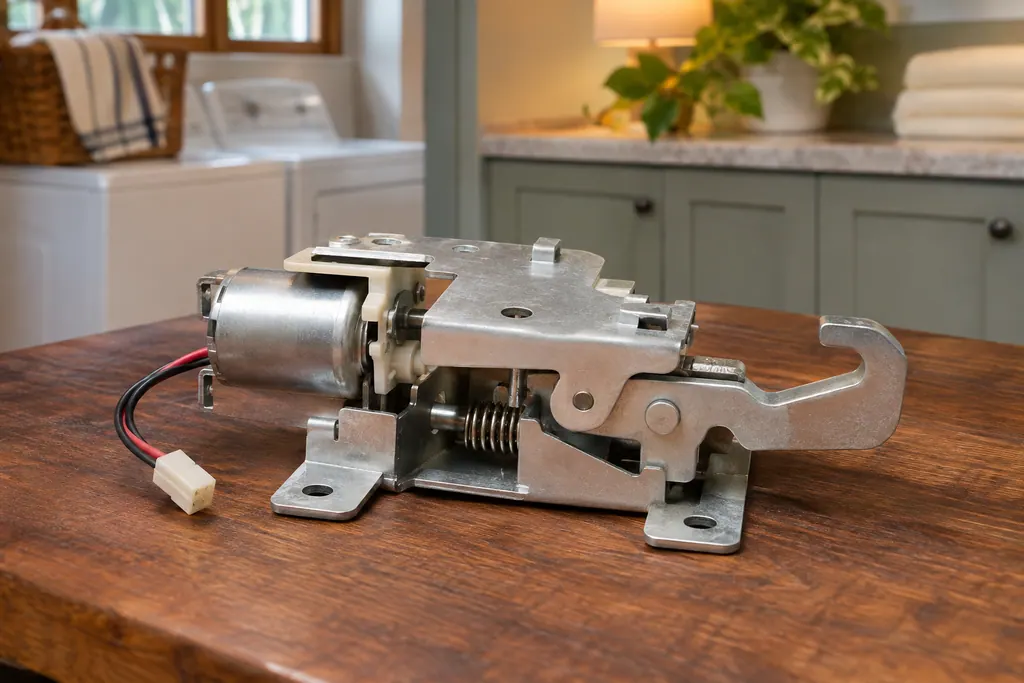
Range oven door lock
Kenmore’s Elite 790 ranges lock the oven door with a motor-driven latch. The guide says it locks automatically when you turn on oven lockout (“Loc” shows) and for Self Clean, and warns you not to open or close the door while the latch is moving.
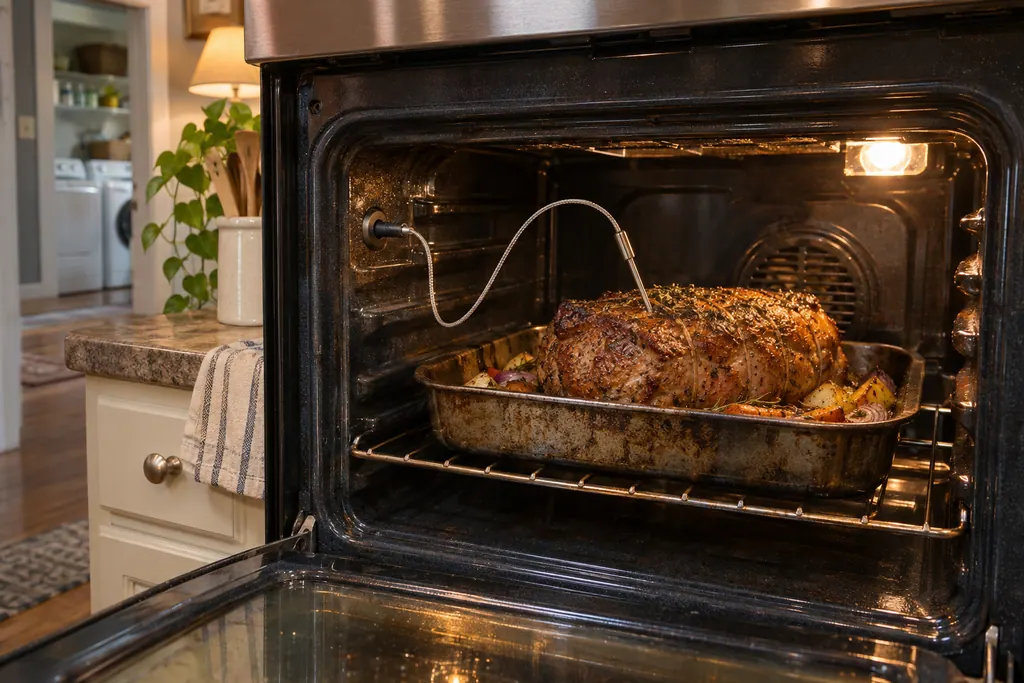
Range meat probe
The meat probe is a temperature sensor on a cable that plugs into a receptacle on the left front wall of the oven cavity. The Kenmore Elite range guides say to use only the probe supplied, insert it before preheating and never store it inside the oven. The display shows the probe temperature once it is correctly plugged in.
Sources and model boundaries.
These sources back up the Range surface burners and ignitors guidance. Read the manual that fits your model.
- Use & Care Guide, Kenmore Elite dual-fuel slide-in range 790.4103/4104
- Use & Care Guide, Kenmore Elite gas slide-in range 790.4260/4261
Go by the instructions for your exact model. Check how we research these pages.
Why do all burners click when I turn one on?
Per the guides, any knob at LITE makes all four ignitors spark together, while only the burner you are turning on lights.
How do I light a burner in an outage?
Yes. The guides say to hold a lit match to the burner head, then slowly turn the knob to LITE, and use caution.
Why does it keep clicking while I cook?
The guide says not to cook with the knob left in LITE, because the ignitor keeps sparking while it stays there. Turn it to a flame setting once the burner lights.
What if the flame burns on only half the burner?
Clogged ports or moisture after cleaning. The cooktop guide says to clear the ports and let the burner run until the flame is full.
Code, symptom, part or service
Link the message to what comes next.
Kenmore range controls not responding
On the Kenmore 790 ranges, a dead-looking oven panel usually means one of four things: the oven lockout is on, the clock was never set, an F or E code stopped the control, or power is missing. Cancel the lockout first; a code needs a restart.
Range repair
Book a diagnostic for your model, carried out at the appliance.
Find your metro
Office details, and the access information to pass along.