Inside the appliance
Refrigerator condenser coils. In plain English.
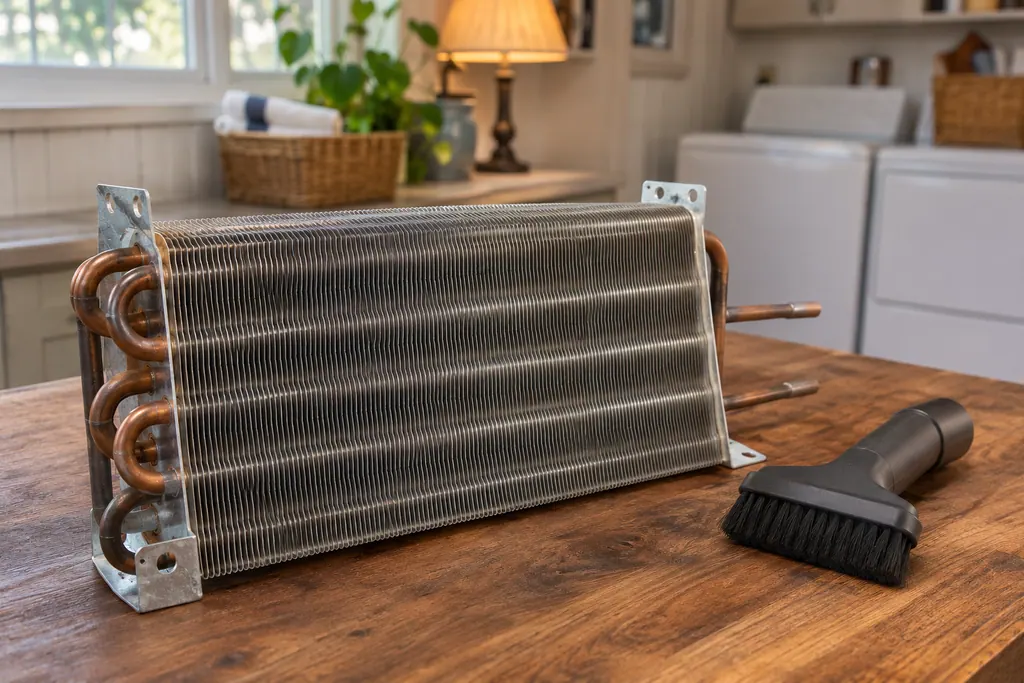
The condenser coils release heat from the sealed system. The Kenmore 795 guide’s care section tells you to vacuum the condenser cover and vents with a brush attachment and says not to remove the panel over the coil area. It gives no cleaning schedule.
Where it fits.
Refrigerator condenser coils in the appliance
The guide places them behind a panel on the refrigerator and tells you not to remove it. It names the condenser cover and vents as what you clean.
The picture shows the type of component. It does not pick out a replacement that fits your model.
What you notice when this system needs attention.
Refrigerator condenser coils concerns can show up together with weaker performance or a code that keeps returning. Testing is required before deciding whether the component is to blame.
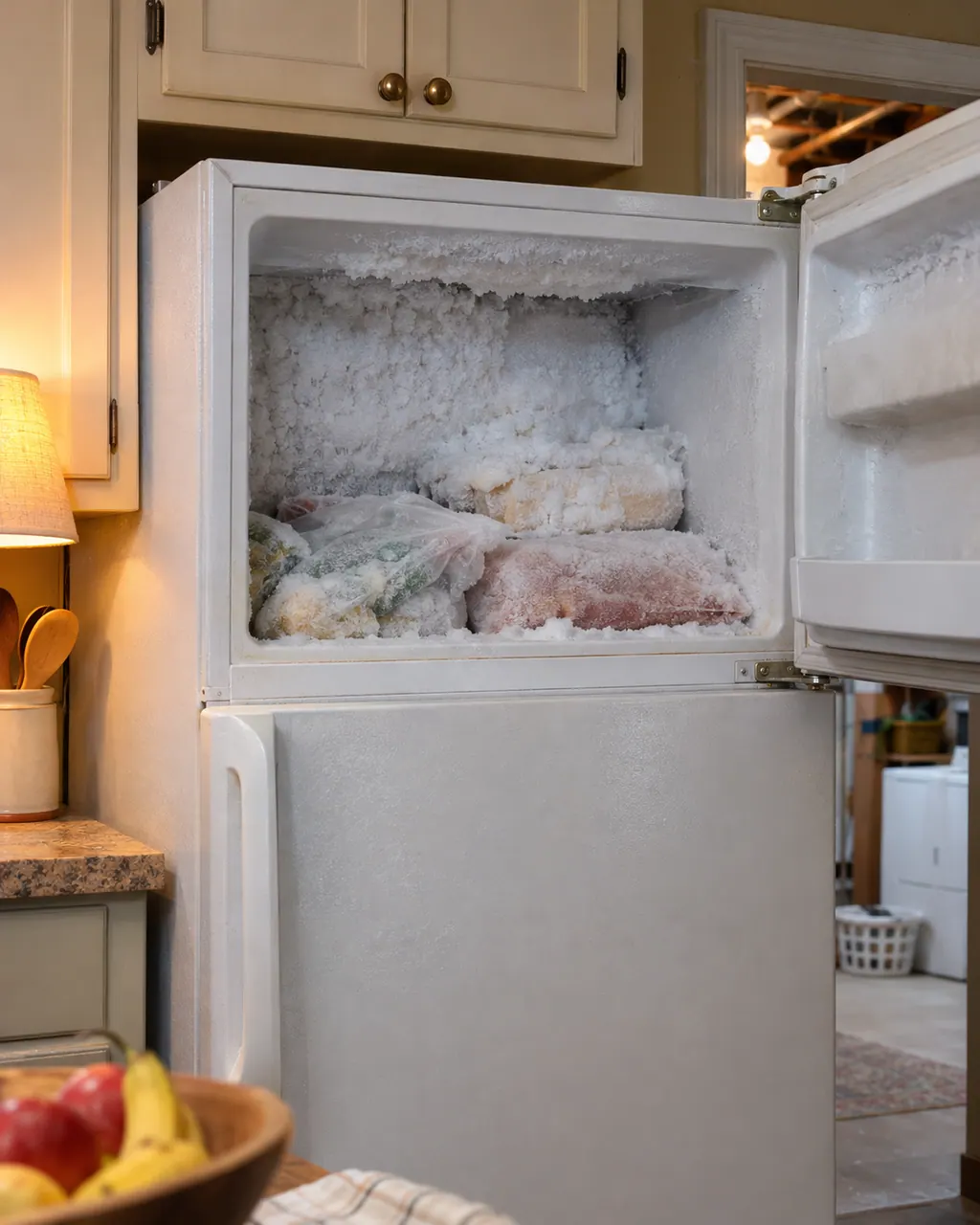
Kenmore refrigerator frost buildup
Frost in a Kenmore 795 refrigerator mostly comes from moist air getting in: doors opened often, doors that do not close fully, humid weather or unwrapped food. The guide treats frost inside sealed packages as normal for wet foods stored too long.
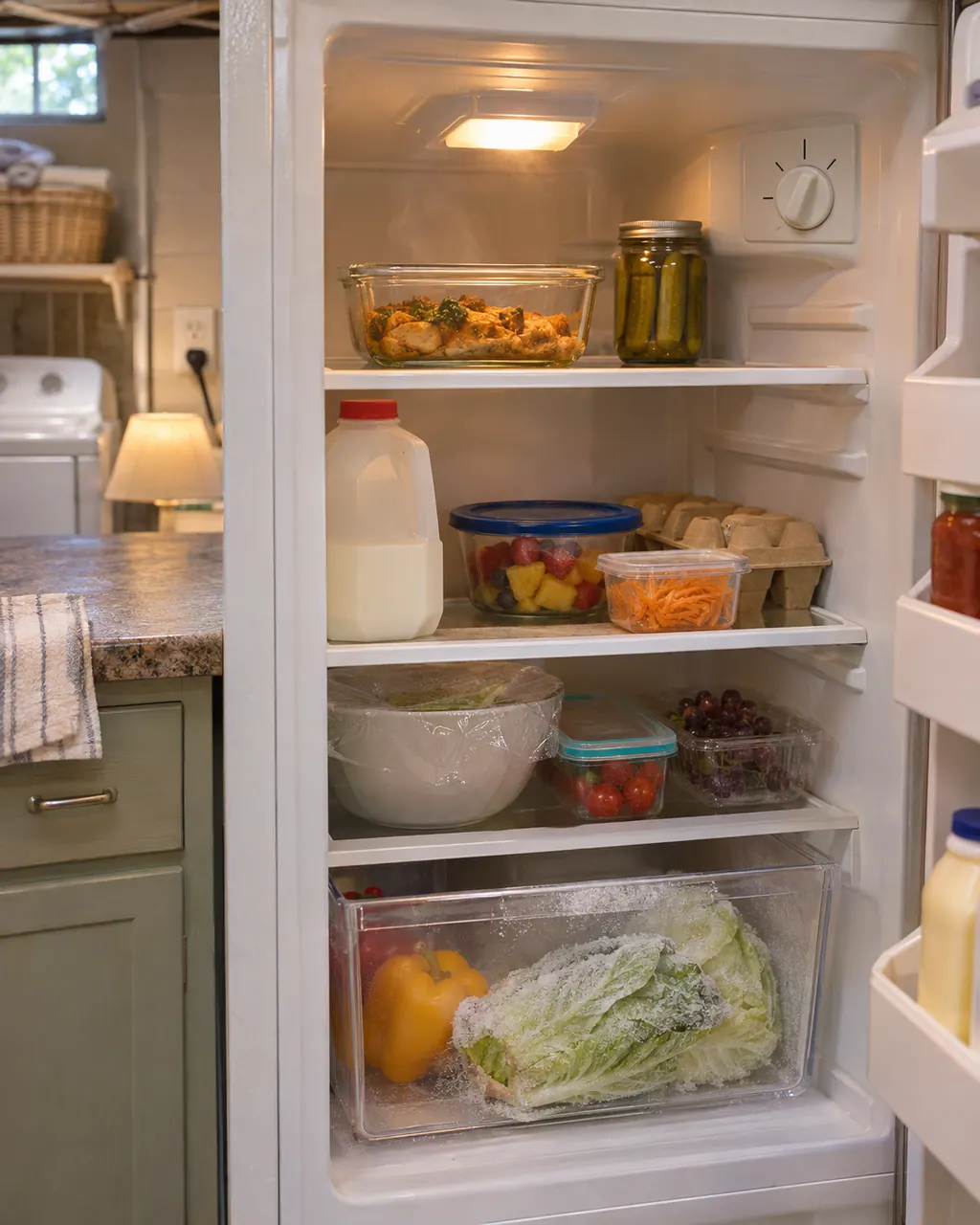
Kenmore refrigerator temperature problems
For a Kenmore 795 refrigerator that is too warm, too cold or uneven, the guide lists install time, blocked vents, door openings, hot food, room temperature and the control setting. Adjust one increment at a time and let the temperature settle.
Owner care, within the model instructions.
Switch the appliance off and unplug it before any owner check. Be careful around standing water and sharp debris. Never touch a wet plug or electrical area, take off service panels, or go past what your model’s owner instructions allow.
- 1
Unplug first
The guide’s general cleaning tips start with unplugging the refrigerator or disconnecting power.
- 2
Vacuum the cover and vents
Use a vacuum cleaner with an attachment on the condenser cover and the vents. Leave the panel in place.
- 3
Give it airflow
The guide’s cooling table lists blocked air vents and a hot location. It says not to run the refrigerator above 110°F.
- 4
Wait after power returns
After a reset or a power cut, give it up to 24 hours to settle before you judge the temperature.
Cleaning or replacement?
Leave internal testing to a technician.
Book a visit if the refrigerator stays warm 24 hours after the vents are clear and the doors close.
Book a visit for a burning smell; unplug the unit first.
Leave panel removal and sealed-system work to the technician.
Arrange a diagnosticSee the neighboring components.
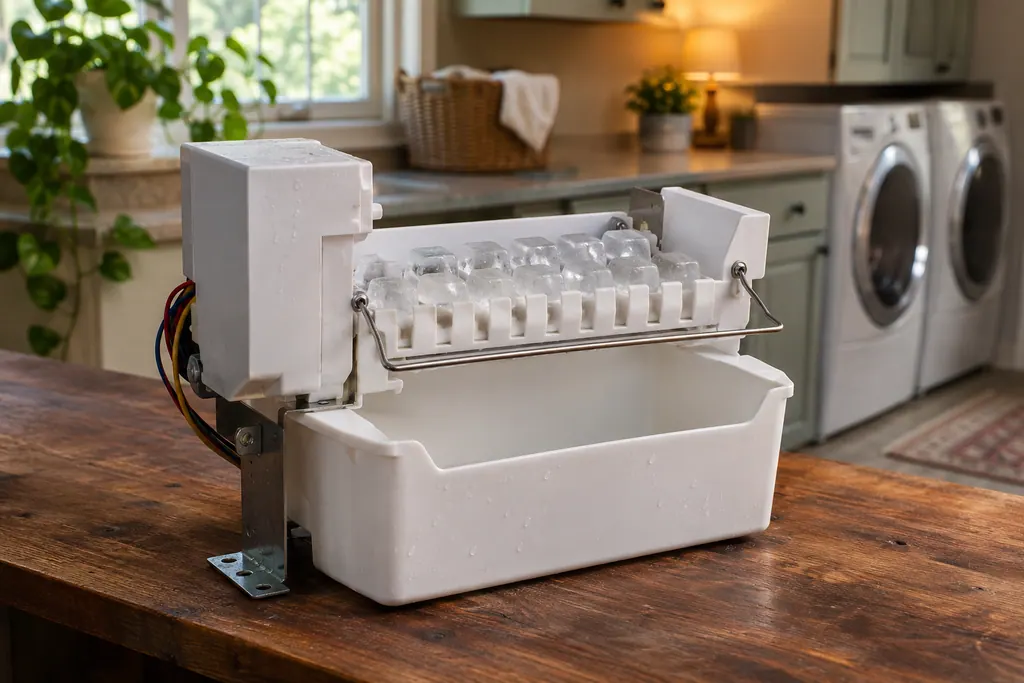
Refrigerator ice maker
The automatic ice maker takes in water, freezes it into cubes and sends them to the bin. The Kenmore 795 guide says a new refrigerator takes 12 to 24 hours to start making ice and 72 hours to reach full output, and lists the switch, the ice sensor, the shut-off arm and the water supply as the usual checks.
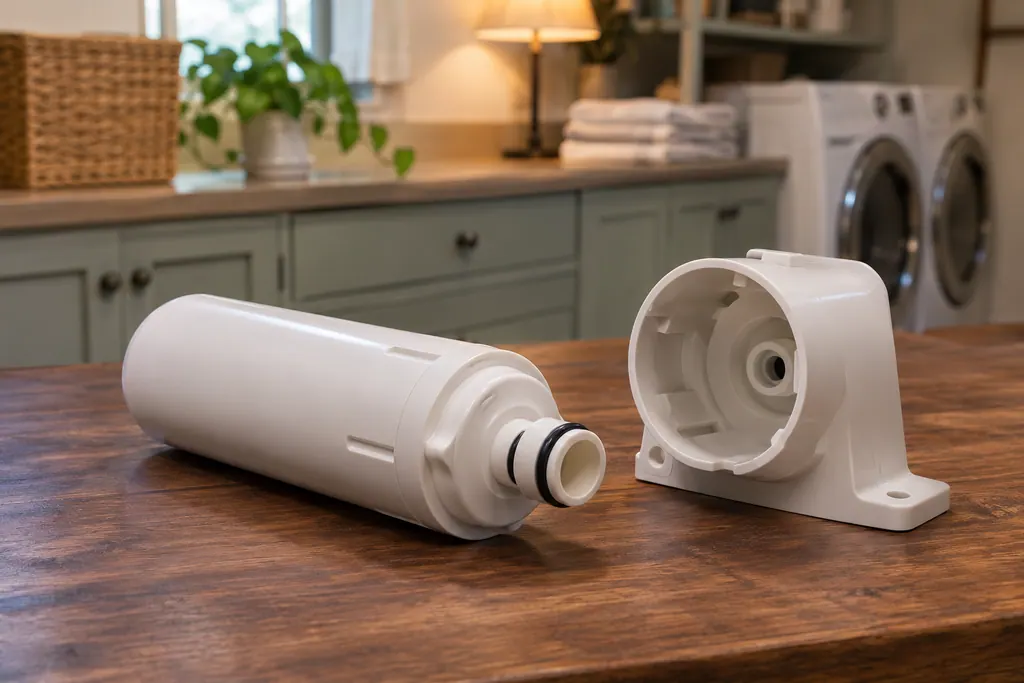
Refrigerator water filter
This cartridge treats the water on its way to the dispenser and the ice maker. Kenmore’s refrigerator guides say to replace it about every six months, when the indicator comes on, when dispenser output drops or when the ice cubes get smaller than normal.
Sources and model boundaries.
These sources back up the Refrigerator condenser coils guidance. Read the manual that fits your model.
- Use & Care Guide, Kenmore Elite refrigerators 795.7802/7804/7902/7904
Go by the instructions for your exact model. Check how we research these pages.
How do I clean the condenser coils?
The 795 guide says to use a vacuum cleaner with an attachment on the condenser cover and vents, and not to remove the panel covering the coil area.
How often should I clean them?
The guide we read gives no interval. Clean them when the covers and vents look dusty, or if the refrigerator runs warm.
Why is my refrigerator warm?
The guide lists a new install (up to 24 hours), blocked vents, frequent door openings, a hot location, a big load of warm food and a door not closing fully.
Where are the coils?
The guide doesn’t draw them. The phrase it uses is the panel covering the condenser coil area, so check your own model’s diagram.
Code, symptom, part or service
Link the message to what comes next.
Kenmore refrigerator frost buildup
Frost in a Kenmore 795 refrigerator mostly comes from moist air getting in: doors opened often, doors that do not close fully, humid weather or unwrapped food. The guide treats frost inside sealed packages as normal for wet foods stored too long.
Refrigerator repair
Book a diagnostic for your model, carried out at the appliance.
Find your metro
Office details, and the access information to pass along.